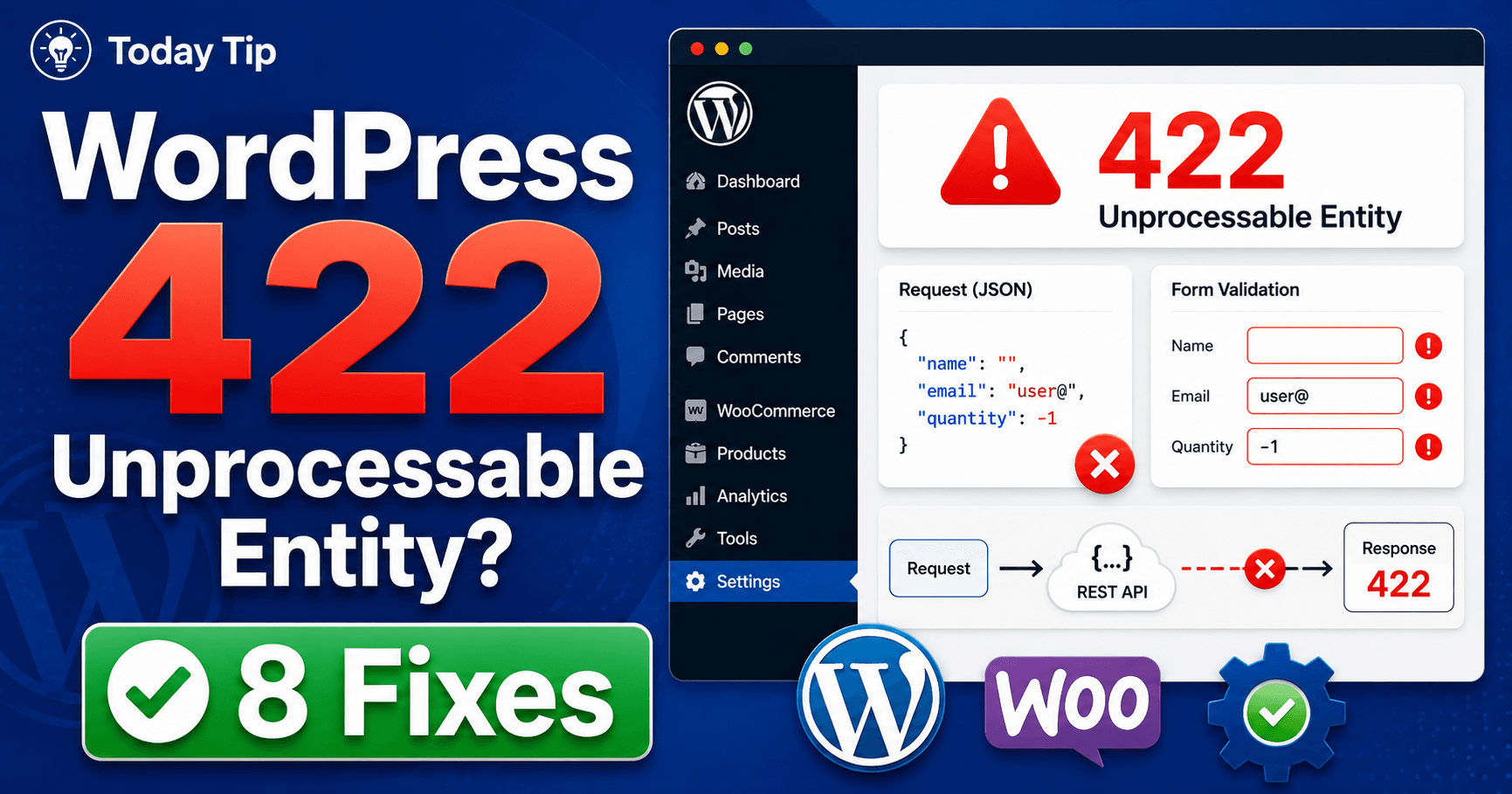
If a form or integration returns 422, read its response message before submitting again. The service understood the request’s content type and syntax but could not process its instructions. The useful next step is to identify the receiving service and compare the rejected value with its documented requirement.
Guide reviewed: October 8, 2026. Interface labels may vary by version, account and device.
Read the validation response before changing the request
| Response pattern | Next check | Evidence |
|---|---|---|
| Specific field or value named | Required format or rule | Small redacted rejected example |
| Minimal documented input works | Difference from the original values | Add values gradually |
| Documented valid example also fails | Configuration or receiving-service contract | Endpoint, version and response |
| Error disappeared | Actual output or record | Complete result rather than message alone |
Read the response before repeating the action
MDN explains that 422 means the server understood the content type and the request had correct syntax, but its instructions could not be processed. Repeating the same request unchanged is expected to fail again. That makes the response body more valuable than another click on Submit.
Look for a message in the form or application. It might name a missing required value or explain a rule that the submitted data did not meet. If you only see a generic error, note the action and time so the site owner can find the corresponding response in its logs.
For example, imagine an integration that expects a documented date format but receives a locally formatted date instead. The text may look understandable to a person while the application rejects it. Correcting the agreed input format is a more relevant test than clearing every cache on the site.
Compare a simple valid example
Use one controlled comparison: smallest documented valid input, then the relevant original value. A date such as a local display format may differ from the service’s required format. Describe the exact field and expected structure using harmless data instead of reproducing with customer information.
For a non-sensitive test, use the smallest set of values that the form or API documentation says should be accepted. This helps distinguish an issue with particular input from a feature that fails for every request. Do not use real customer information merely to reproduce the fault.
If the simple example works, add the original values gradually until the rejection appears. A developer can then review that field and its validation rule. Keep the example small enough to describe clearly rather than sending a large collection of unrelated data.
If even the documented example fails, include that fact when contacting the plugin or integration provider. It may point to a configuration mismatch or a change in the receiving service. The status alone is not enough to decide which one.
Know which service rejected the request
A WordPress button can send data to another service. The error shown in the browser may therefore originate outside WordPress. Ask the developer to identify the destination of the failed request and the response message it returned.
This distinction is useful after an integration update. If the receiving service now expects a different field or value, editing an unrelated WordPress theme will not reconcile the request. The integration should follow the current contract for the service it contacts.
Share the endpoint name, plugin version, failure time, and a redacted example when support needs them. Remove credentials, tokens, and personal information from screenshots or copied requests. The structure of an example is often enough to discuss a validation problem.
Keep validation meaningful
Ask which requirement is intentional, whether ordinary users can satisfy it, and how the form explains it. A correct international address or phone input may need an appropriate format rule and clearer guidance. Review the specific rejection rather than disabling every validation requirement.
If an ordinary, appropriate value is rejected, review the specific rule with the form’s maintainer. A rule might be too strict for the users the form serves, or the interface might explain it poorly. The better outcome is a correct rule with a clear message.
Disabling all validation can let incomplete or unsuitable data move further into the system. Instead, ask which requirement is intentional and how users should satisfy it. For an address or international phone number, for example, the accepted format should be explained where people enter it.
If the error follows a recent change, test that change in a staging copy or another suitable test environment. Keep the previous configuration available so a correction can be compared without experimenting on real submissions.
Verify the complete result
Once the input or configuration is corrected, submit a harmless test and confirm that the expected record, email, or other output exists. A disappearing error message does not prove that the application completed every part of its work.
Check for any earlier result before repeating actions that create important records. Then document the rejected value, the intended requirement, and the correction. That turns a vague “422 problem” into a useful explanation for the next person who encounters it.
Reference: MDN’s explanation of HTTP 422 Unprocessable Content.
Record the accepted input and resulting state
Run a harmless corrected test and inspect the intended record, message or generated output. Check whether an earlier attempt created anything before repeating important actions. Keep the rejected input pattern, receiving service and confirmed requirement in the support notes.