WordPress Content Not Showing? Find the Missing Element

Diagnose missing WordPress output by layer: embeds, shortcodes, widgets, mobile menus, comments, search queries, and RSS feeds.
Practical WordPress and website diagnostics covering hosting, DNS, SSL, errors, performance, publishing, media, email, security, and site management. Guides focus on identifying the failing layer before changing settings.
Diagnose missing WordPress output by layer: embeds, shortcodes, widgets, mobile menus, comments, search queries, and RSS feeds.
Diagnose WordPress admin failures by tracing REST API requests, Site Health tests, Block Editor JavaScript, security rules, caching, and server responses.

Diagnose WordPress image problems by separating featured-image assignment, broken media files, generated sizes, responsive markup, and Media Library failures.
Diagnose WordPress DNS failures by checking NXDOMAIN, DNS_PROBE errors, missing apex or subdomain records, nameservers, DNSSEC, and resolver cache.
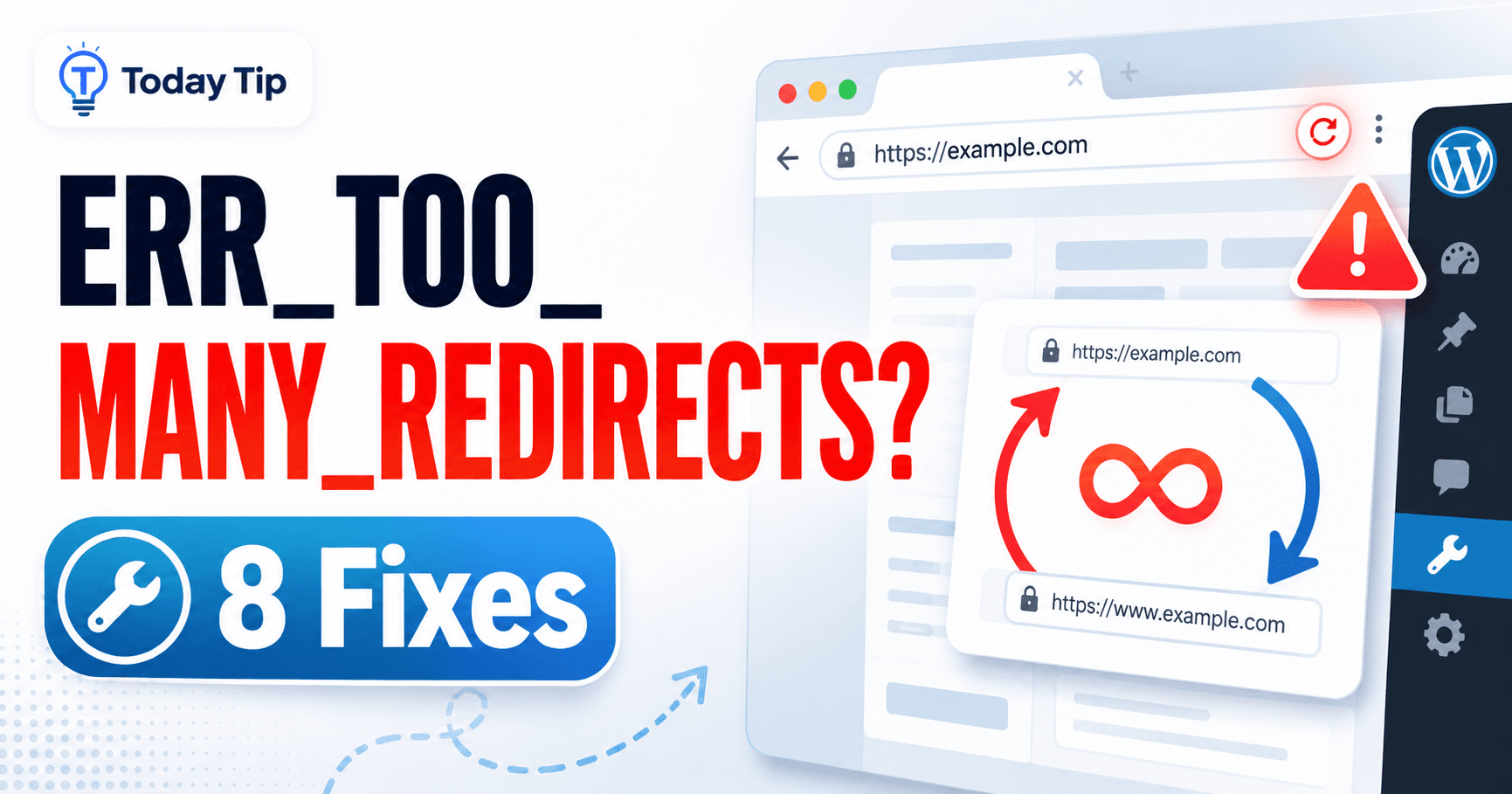
Diagnose WordPress redirect loops by tracing site URLs, HTTPS, cookies, cache, Cloudflare, server rules, and login redirects.

Diagnose WordPress HTTPS problems by layer: TLS handshake failures, WordPress URL mismatches, mixed content, redirects, and proxy/CDN configuration.

Diagnose WordPress upload failures by layer: temporary folders, MIME validation, disk writes, permissions, image processing, and Media Library display.
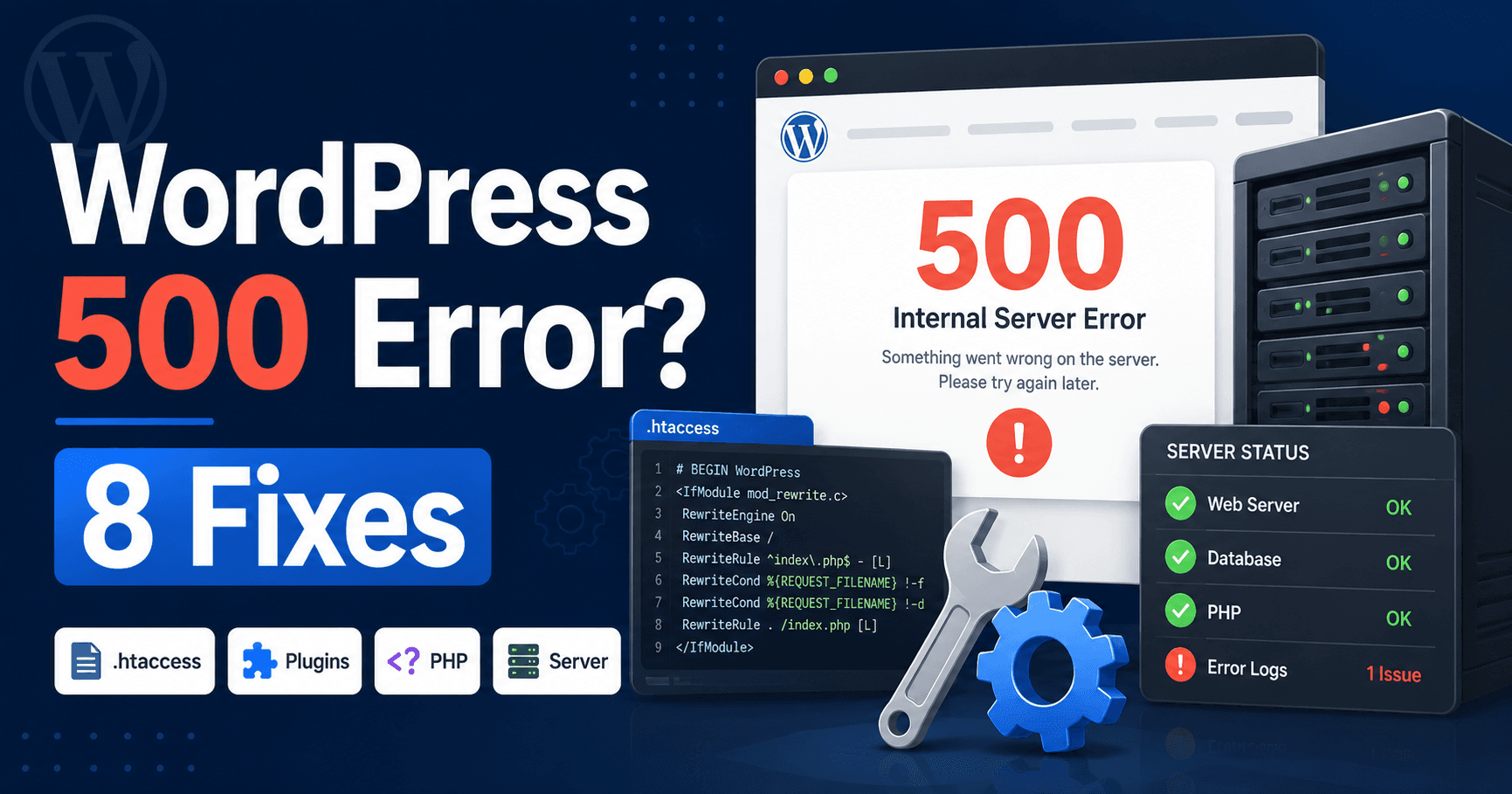
A practical guide to diagnosing WordPress HTTP 4xx and 5xx errors by identifying the failing layer before changing plugins, PHP, server, CDN or request settings.
Diagnose Cloudflare error codes on WordPress, including Worker 1101–1103, DNS and access errors, 52x origin failures, TLS, Snippets and rate limits.
When an XML-RPC client returns 403, 405, timeout, or “disabled” errors, use these checks to identify the provider, authentication, firewall, and endpoint problem.