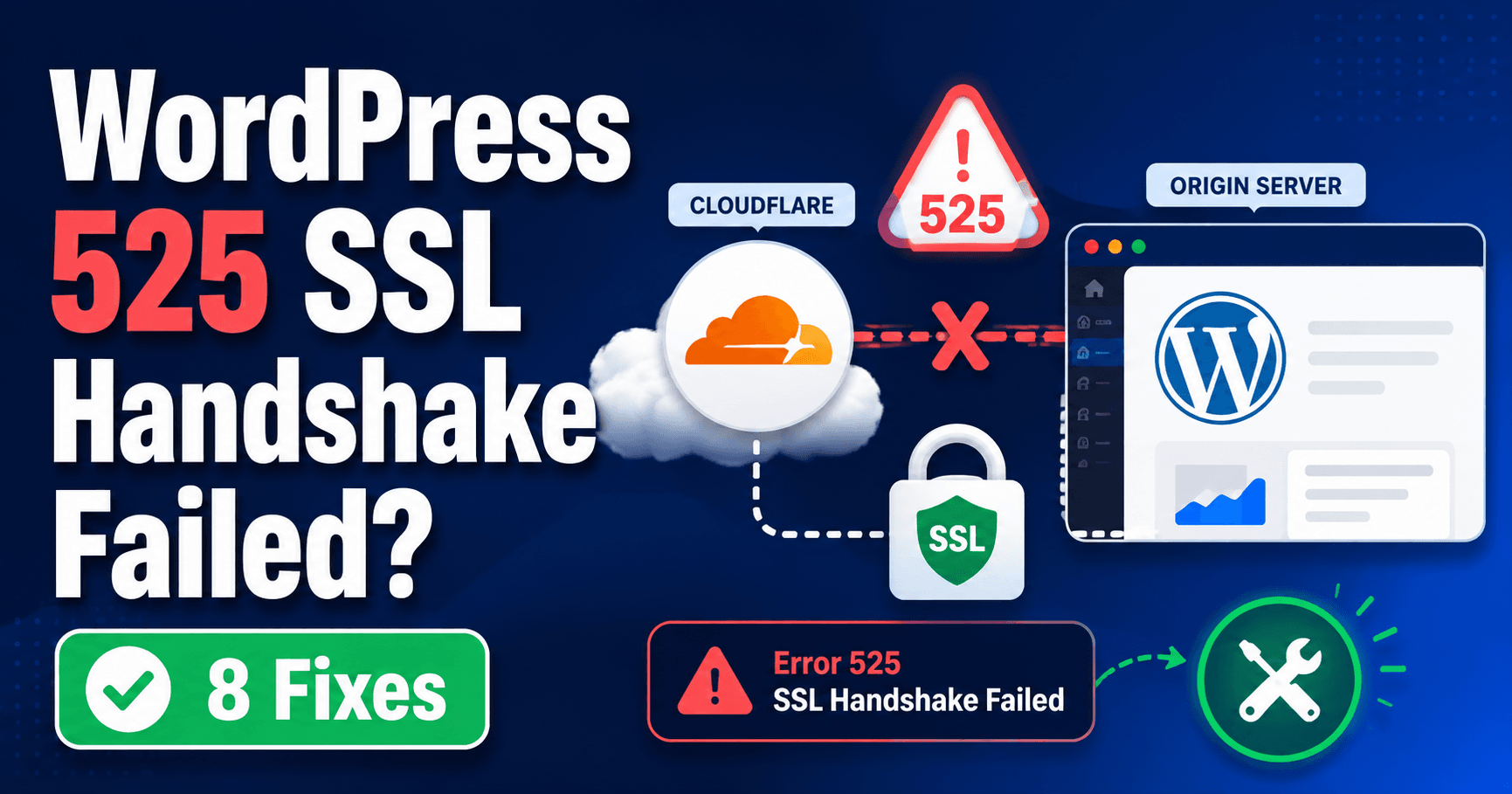
Cloudflare error 525 means the secure handshake between Cloudflare and the origin failed. Keep the affected hostname, destination and failure times, then ask the host to inspect its TLS configuration and SSL error logs. The visitor’s HTTPS connection to Cloudflare can work while the separate origin handshake fails.
Guide reviewed: October 8, 2026. Interface labels may vary by version, account and device.
Locate the failing origin TLS handshake
| Investigation | Evidence | Why it helps |
|---|---|---|
| Correct origin reached | Provider-confirmed destination | Rules out a stale server after migration |
| Secure listener and certificate | Served configuration for the hostname | Panel installation alone is not proof |
| SNI and cipher compatibility | Host’s supported TLS configuration | Explains negotiation failures |
| Intermittent pattern | Multiple times and matching SSL logs | A single successful request can miss recurring failure |
Give the host the time and destination
Keep the affected hostname, error time, Ray ID if shown, and any recent server or certificate change. Ask the hosting provider to confirm which origin destination Cloudflare is using for this site.
For example, after a move, a record might still lead to a server that no longer has the intended secure configuration. Or the correct server might have changed its TLS settings. The migration timeline is useful, but the actual destination and server logs are needed to distinguish those possibilities.
If the error is intermittent, record several separate failure times rather than continually refreshing. A successful request between failures is evidence about the pattern, not proof that the underlying issue has ended.
Review the server’s secure connection configuration
Cloudflare documents origin certificate installation, the secure listening port, SNI support, and compatible cipher suites as areas for the host to inspect. These are server connection settings, not WordPress article settings.
The host should verify that the service is listening on the intended secure port and presenting the certificate expected for that hostname. A certificate installed in a panel may not be the one served by the destination handling this request.
SNI lets the server select the appropriate hostname configuration during TLS negotiation. On a server hosting several sites, the administrator needs to inspect the configuration for this domain rather than rely on a successful test of a neighboring site.
Cipher compatibility should be reviewed against the supported connection requirements. Enabling obsolete encryption options simply to make an error disappear can create another problem. The responsible administrator should establish a supported secure configuration.
Use server logs for intermittent failures
Record failure times with explicit time zones and any successful requests between them. Have the host compare the relevant SSL logs and, where applicable, each origin destination. This can distinguish a recurring negotiation issue from a one-time observation without rapid refreshing.
Cloudflare recommends checking origin SSL error logs at the times 525 occurs. Those logs can reveal a reset or negotiation failure that a public page screenshot cannot explain.
Ask the host to compare the failed request time with the server’s secure-connection messages. Keep the time zone explicit. A log search using the wrong time window can lead to a report that no errors exist even when the relevant event was recorded elsewhere.
If multiple origin destinations are involved, mention that architecture. The administrator can review whether the failures correlate with a particular destination or configuration. Avoid assuming that one successful server test covers every possible path.
Keep diagnosis separate from a security downgrade
Changing the connection mode can alter how Cloudflare reaches the host, but it does not explain why the existing secure handshake failed. The durable repair is to correct the intended secure connection.
Do not bypass browser certificate warnings during an origin test. Give the host the observed warning and use its supported diagnostic arrangement. A forced connection is not evidence that ordinary secure negotiation is healthy.
Likewise, changing WordPress URLs or disabling plugins should require evidence that they are involved. The 525 message points to a stage before the application can deliver the expected HTTP response.
Verify the public page and watch the original pattern
After the host makes a supported correction, open the original hostname and an ordinary page beneath it. Confirm the intended WordPress content and any relevant harmless workflow.
For an intermittent problem, compare subsequent request evidence with the earlier failure pattern. A single successful page load is useful, but it does not establish that a recurring negotiation failure has been resolved.
If 525 continues, provide the host or Cloudflare support with the origin destination, failure times, recent configuration changes, and sanitized SSL log excerpts. Never include a private certificate key. This evidence focuses the investigation on the handshake that failed instead of a general list of WordPress fixes.
Reference: Cloudflare error 525 documentation.
Record the TLS evidence and monitoring window
Check the original page and a relevant workflow after the host’s correction. For recurring failures, compare subsequent evidence with the earlier pattern rather than relying on one successful load. Keep the corrected TLS configuration and sanitized log findings with the incident record.