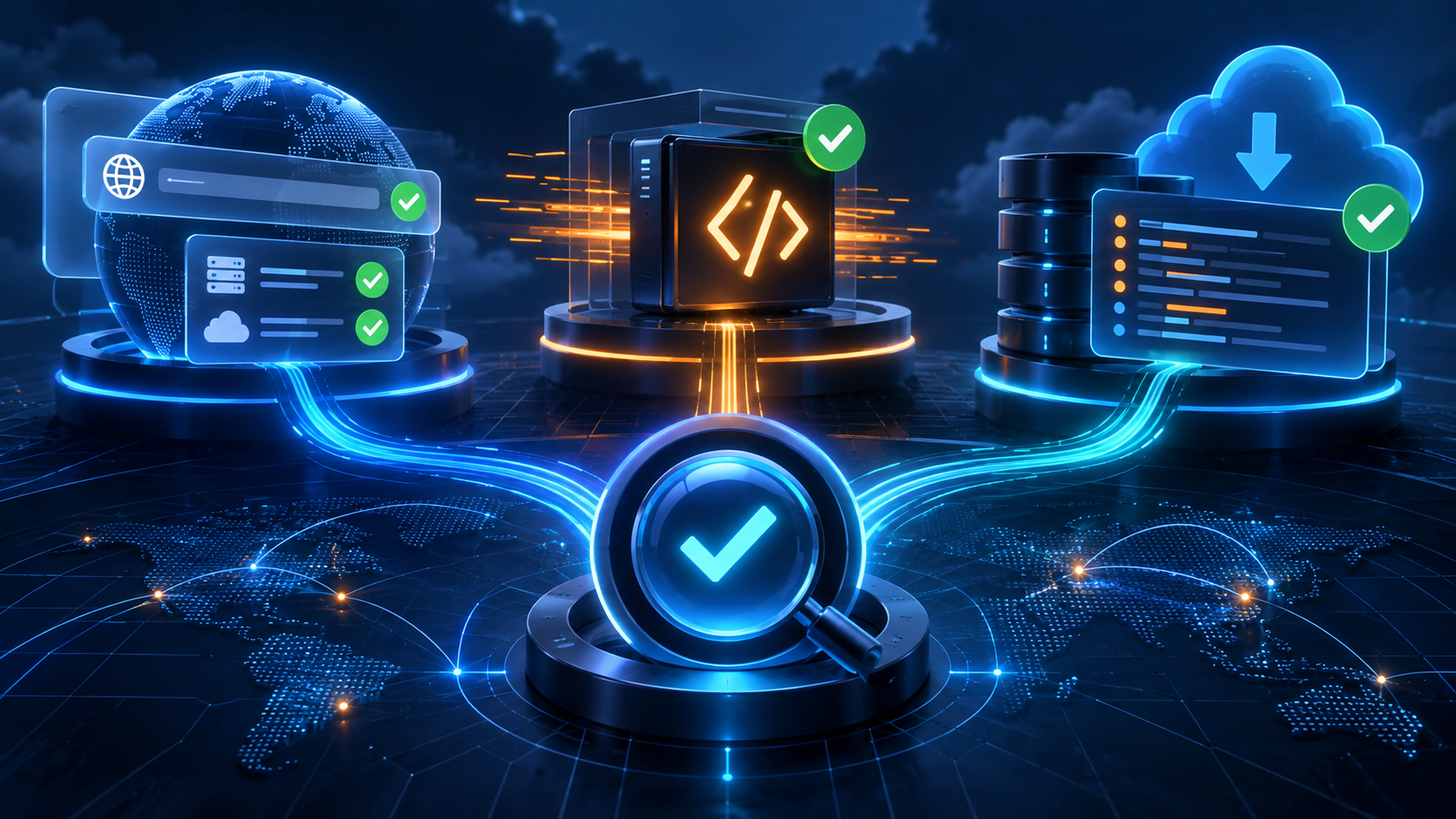
The number 1105 appears in different Cloudflare product contexts. Record where it appeared and the full message before changing WordPress.
Domain addition, Worker execution and log delivery are separate operations. Choose the matching product guidance, then verify that same operation after the correction.
Guide reviewed: October 8, 2026. Interface labels may vary by version, account and device.
Identify the product context before troubleshooting
| Location | Investigate | Verification |
|---|---|---|
| Adding a domain | The full onboarding restriction and instructions | The domain-addition result |
| Worker-covered webpage | Message, invocation and runtime context | Original request and Worker behavior |
| Logpush Health | The delivery destination and DNS | Delivery job health and receipt |
| Location unclear | Dashboard/page and action | Identify product before applying a fix |
Keep the message with its location
- Record the dashboard or page displaying the error.
- Save the full message and time.
- Describe the exact action performed.
- Identify the affected product and responsible administrator.
- Use that product’s documented next step.
Record the complete explanation, the dashboard or page where it appeared and what you were doing. A screenshot of the number alone loses the context that distinguishes these situations.
For example, adding a domain in the account dashboard is not the same operation as opening a public webpage. A logging job can fail independently of both. The visible site may continue working while an account workflow encounters its own error.
Keep the time, affected hostname and any request identifier together. These details allow the responsible administrator to find the relevant event in the appropriate product.
If the error appeared while adding a domain
Cloudflare’s domain onboarding guide describes 1105 as a temporary restriction after too many attempts to add a domain. In that context, it says to wait three hours before attempting the addition again and notes that Support cannot accelerate the waiting period.
This documented response belongs to the onboarding message. It should not be assumed to fix an unrelated public-page error merely because the number is the same.
Preserve any working DNS connection while the new setup is unavailable. Changing nameservers to an unprepared destination could interrupt the website even though the original problem was only the failed addition.
If the error concerns a Worker
Cloudflare’s general error reference includes 1105 in the Worker category, and its historical runtime notes associate the number with daemonDown failures. Historical terminology is useful context, but the present request’s full message and runtime information should guide the diagnosis.
The developer can compare the affected hostname and path with the Worker configuration, then locate the corresponding invocation information. A recent deployment is worth reviewing, but a runtime-related message is not proof that a particular line of user code is wrong.
A WordPress backup does not restore a separate Worker deployment. If the request fails before reaching the origin, changing application files may leave the symptom unchanged. Keep the edge component and the host’s application state separate during investigation.
If the error appears in Logpush health
Compare the destination hostname configured in the job with the endpoint provider’s current instructions. The public WordPress hostname may be unrelated to that destination. Keep delivery success separate from an ordinary homepage loading.
Cloudflare’s Logpush documentation uses 1105 for a DNS resolution failure involving the delivery destination. The relevant hostname is the endpoint receiving the logs, not necessarily the public WordPress domain.
For example, a logging job may send data to a destination whose DNS name has changed. The blog can remain available while that delivery fails. The administrator should compare the job’s destination with the supported endpoint and verify its public DNS configuration.
Increasing WordPress memory or purging page caches would not correct the logging destination. The product context points to the component that needs attention.
Make the correction fit the identified problem
Once the context is clear, follow that product’s documented response and preserve the site’s intended behavior. A domain-addition waiting period, a Worker investigation and a logging endpoint correction are separate actions.
Do not change several unrelated settings simply to make the number disappear. A clear correction should explain what was wrong, why the selected action addresses it and what test will verify the result.
For support, provide the product involved, complete message, time and affected operation. If a log delivery destination or request contains credentials, keep those values out of public examples and use the authorized support process for any required sensitive diagnostics.
Verify the same operation afterward
Repeat the domain addition only when appropriate, test the same Worker-covered request or confirm the logging job’s delivery status, depending on the original problem. A successful homepage visit cannot verify a failed logging job or account setup action.
Relevant references include Cloudflare’s domain onboarding guide, Worker errors guide and Logpush health documentation. Choose the one matching the actual location and message of the error.
Record the confirmed product context and result
Use the appropriate later onboarding attempt, Worker request or logging delivery check. Record the product and confirmed outcome with the incident. A fix for another service sharing the same number is not verification for this event.