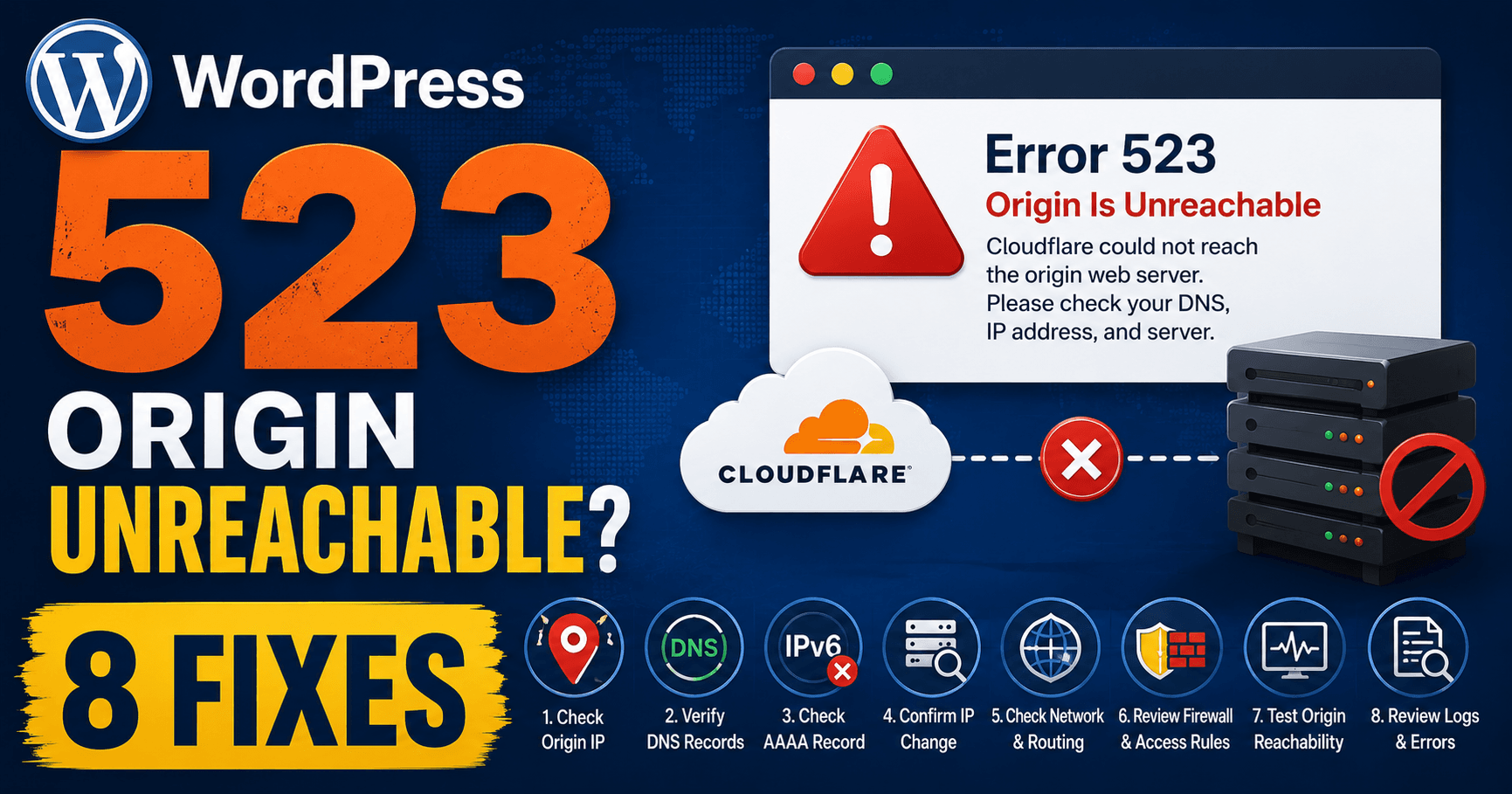
Cloudflare error 523 means Cloudflare cannot contact the origin. Compare configured A and AAAA destinations with the current host’s instructions, then ask the provider to inspect the network path. A healthy WordPress installation in the hosting panel does not prove that Cloudflare can reach its server.
Guide reviewed: October 8, 2026. Interface labels may vary by version, account and device.
Confirm the origin address Cloudflare is trying to reach
| Question | Evidence | Who reviews it |
|---|---|---|
| Is the destination current? | Provider-confirmed origin and relevant records | Host or domain administrator |
| Does one configured address path fail? | A and AAAA destinations where used | Host or network administrator |
| Did a route change precede failure? | Network change timeline and failure time | Responsible network team |
| Does it fail intermittently? | Several separate observed failures | Provider reviewing the affected route |
Confirm the destination after a hosting change
Check every configured destination. Record the affected hostname, A value, AAAA value where present and current provider instructions. Keep previous values and the migration time. A successful path to one address does not automatically verify another address configured for the same hostname.
Keep the exact hostname displaying the error and compare its relevant A or AAAA record with the origin address supplied by the current provider. Cloudflare explicitly recommends confirming the correct origin IP in those records.
For example, a provider may move the installation to another server while an old address remains in the public connection. The new WordPress instance can look healthy in the panel, while requests still head toward the previous destination. Ask the provider to verify the address for this installation rather than guess a new value.
Review both address-record types if the hostname uses them. A successful connection through one path does not automatically explain another destination configured for the same name.
Ask the host to review the network path
Once the destination is confirmed, give the hosting provider the failure time, affected hostname, and error screenshot or Ray ID. Ask it to investigate reachability between Cloudflare and the origin, including the origin’s own network.
A route problem is not the same as a WordPress page returning an application error. Changing plugins does not supply a missing network route. The provider or network administrator needs to inspect the part of the infrastructure that handles the connection.
If the failure is intermittent, record several observed times and whether ordinary pages fail together. Those details help the provider compare the outage with network changes or destination availability.
Keep cloud-network configuration in its own context
Cloudflare’s current 523 documentation includes an AWS-specific route-table example. An overly broad private route can capture traffic intended for Cloudflare’s public address space. This is relevant to an AWS network administrator, not a general instruction for every WordPress host.
If your site runs in that environment, tell the administrator about recent VPC or route-table changes. It should compare the network configuration with the documented Cloudflare requirements and the actual path used by the origin.
If you use ordinary managed hosting, ask the provider to determine whether any comparable routing issue applies. There is no reason to introduce AWS settings into a site that does not use AWS.
Collect routing evidence from the responsible server
Ask the host to gather routing evidence from the origin toward a relevant Cloudflare address identified from its logs. Include the time and time zone. A visitor-device trace follows a different path and cannot alone diagnose the server-side route implicated by this error.
If the initial checks do not resolve the issue, Cloudflare recommends an MTR or traceroute from the origin toward a Cloudflare IP that commonly connected before the problem. The provider can identify a relevant address from its origin logs and gather the result.
That direction matters. A connectivity result from a visitor’s laptop is not the same evidence as the server’s path to Cloudflare. Let the host collect the diagnostic output from the environment involved.
Keep the failure time and time zone with the result. A route collected long after the outage may show recovery rather than the earlier failure. The provider should interpret the output alongside its other network observations.
Verify the intended public site after recovery
Open the original hostname and an ordinary article when the provider reports a supported correction or network recovery. Confirm the expected WordPress content rather than only the absence of the error page.
Include another relevant page or harmless workflow. If multiple destinations were involved, ask the provider to confirm that the repaired configuration covers the paths the site actually uses.
If another error appears, keep its message. Restored network reachability can reveal a later certificate or application issue. Investigate that next stage separately instead of assuming the origin remains unreachable.
For support, retain the provider-confirmed origin, relevant records, failure timeline, recent network changes, and sanitized routing diagnostics. Together they describe the connection that failed and make a more useful record than a generic list of WordPress fixes.
Reference: Cloudflare error 523 documentation.
Verify reachability leads to the intended content
After the provider’s correction, test the original hostname, an article and a relevant workflow. Confirm coverage of all configured destinations if more than one is used. Keep any new certificate or application error as a separate next-stage finding.