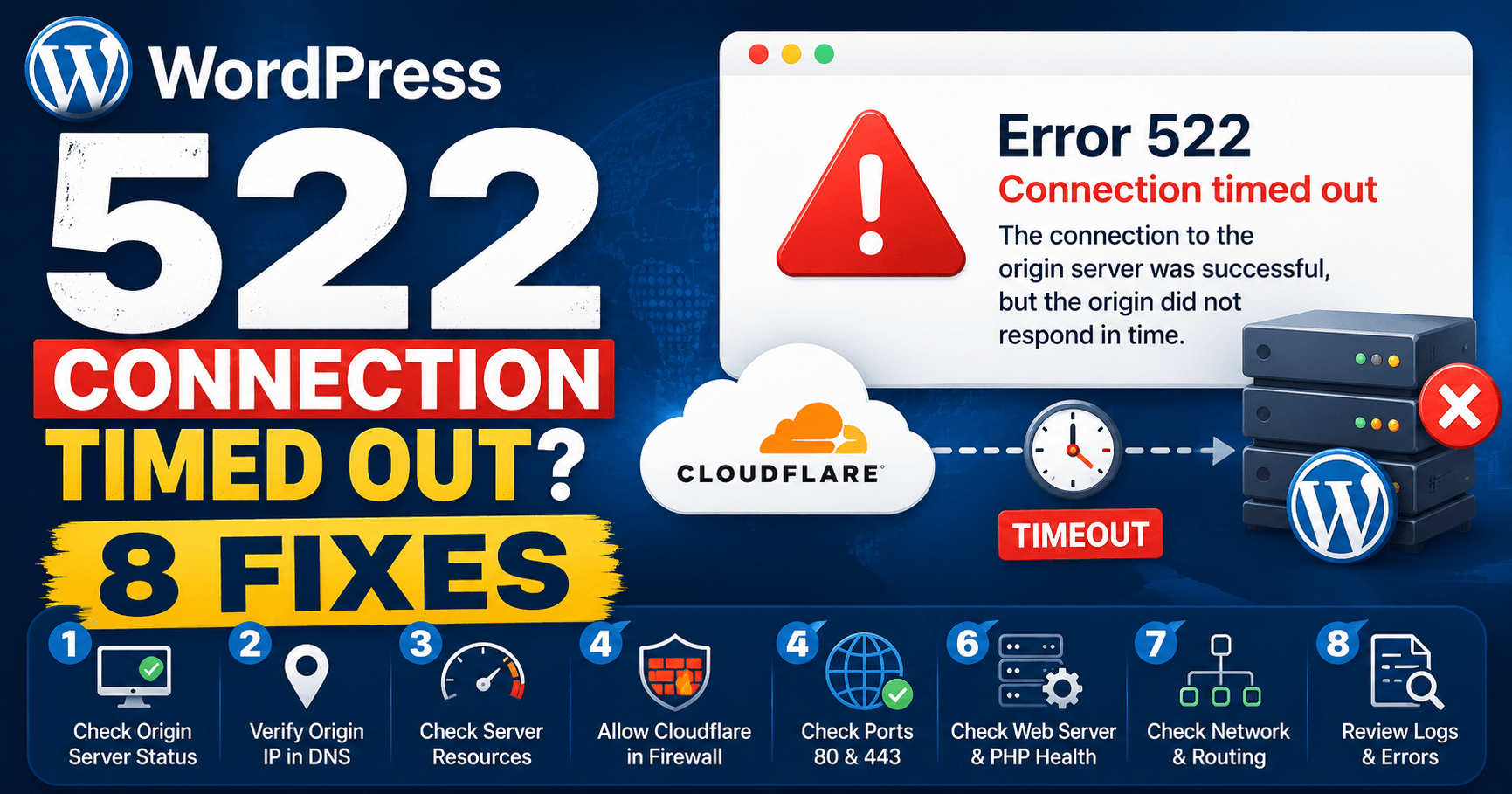
Cloudflare error 522 concerns a timeout in contacting the origin or receiving its acknowledgement. Compare the failure pattern with hosting, DNS and firewall changes. It differs from 524, where an established connection waits too long for the response. Exact times help the host investigate an intermittent connection problem.
Guide reviewed: October 8, 2026. Interface labels may vary by version, account and device.
Identify where the origin connection stops responding
| Observed pattern | Check first | Useful evidence |
|---|---|---|
| Started after hosting migration | Current origin destination | Provider-issued address and relevant record |
| Started after firewall change | Cloudflare connection handling | Rejected or rate-limited connection evidence |
| Fails during busy periods | Origin load and availability at that time | Failure window and server logs |
| One path fails while others work | Routing or additional service behind that path | Matching and unaffected URL examples |
What the timeout tells you
Cloudflare describes 522 as a timeout while contacting the origin server. That can happen while establishing the connection or while waiting for the origin to acknowledge the request. It is different from a 524 error, where a connection was established but the application took too long to return its response.
This distinction matters when choosing whom to ask for help. A slow WordPress report might need application work, but a connection blocked before WordPress receives the request calls for a server or network check. The error number alone does not prove that a plugin caused the outage.
Look at what changed before the failure
Use a change timeline: last working request, relevant DNS or firewall edit, first failure and any temporary recovery. Ask the host to compare the configured rules with Cloudflare’s current published ranges. Preserve the relevant protection while reviewing the intended service connections.
If you recently moved hosting, compare the address in Cloudflare’s DNS settings with the origin address supplied by the new host. A record that still points to an old server can leave Cloudflare contacting the wrong machine. The public address shown for a proxied domain will usually be Cloudflare’s address, so that is not the value to copy back into the origin record.
A security change offers another useful clue. Cloudflare lists blocked or rate-limited Cloudflare addresses among common causes of 522. Your host can check whether its firewall accepts traffic from the current Cloudflare IP ranges. That is a targeted rule review; it does not require opening the server to every address or switching off protection across the account.
For example, a website may work briefly after a server restart and fail again once an automatic blocking rule takes effect. The restart is useful evidence, but repeating it throughout the day leaves the rule itself unresolved.
Check whether the origin is struggling
Provide the host with the specific failure window and affected workload. Compare connection logs, resource activity and availability during that window. If a restart restores access briefly, record how long recovery lasts and whether the same pattern returns rather than treating each restart as a confirmed repair.
If failures coincide with traffic spikes, ask the host to examine the server at those particular times. An overloaded or offline origin, disabled keep-alive connections, and lost packets are other possibilities identified in Cloudflare’s guidance. A general “server looks fine now” reply may miss a problem that only lasted several minutes.
A busy online store provides a practical example. Customers may browse normally in the morning, then see 522 during a promotion. Record the promotion window and a few failed requests so the host can compare them with connection and resource logs. Avoid assuming that increasing a WordPress memory setting will fix a network timeout.
If only one URL fails, compare it with the homepage and an ordinary article. That narrower pattern may involve routing or a different service behind the URL. Describe the difference in your support request rather than reporting only that the entire site is down.
Make the support request easy to investigate
A helpful message includes the affected hostname, the error number, an exact time with its time zone, and the Ray ID shown on the error page if one is available. Mention recent DNS, hosting, or firewall changes. Keep login details and private account information out of public screenshots.
You could write: “The homepage and product pages returned Cloudflare 522 between 14:10 and 14:18 Seoul time. We changed the server firewall this morning. Please check whether Cloudflare connections were blocked and whether the origin was responding during that window.” This gives the provider a specific place to start.
Cloudflare’s troubleshooting guidance also describes collecting routing evidence with the hosting provider. Let the provider choose the relevant origin and Cloudflare addresses from its logs; a random network test from your laptop may follow a different route.
Confirm that the connection stays healthy
After the underlying change, check a few public pages and one normal action, such as opening a product or submitting a test form. If the failure happened during busy periods, watch the next comparable period as well. A single successful reload is encouraging, but it does not establish that an intermittent problem has gone away.
Keep a short note of the confirmed cause and the adjustment made. That record is far more useful during a future outage than a long list of unrelated settings that were changed at once.
Reference: Cloudflare’s official explanation of error 522.
Verify the original failure pattern
Test representative public pages and a harmless normal workflow. For busy-period failures, compare the next relevant workload with the earlier connection evidence. If the detailed error is now 524, use the slow-operation investigation for that stage.