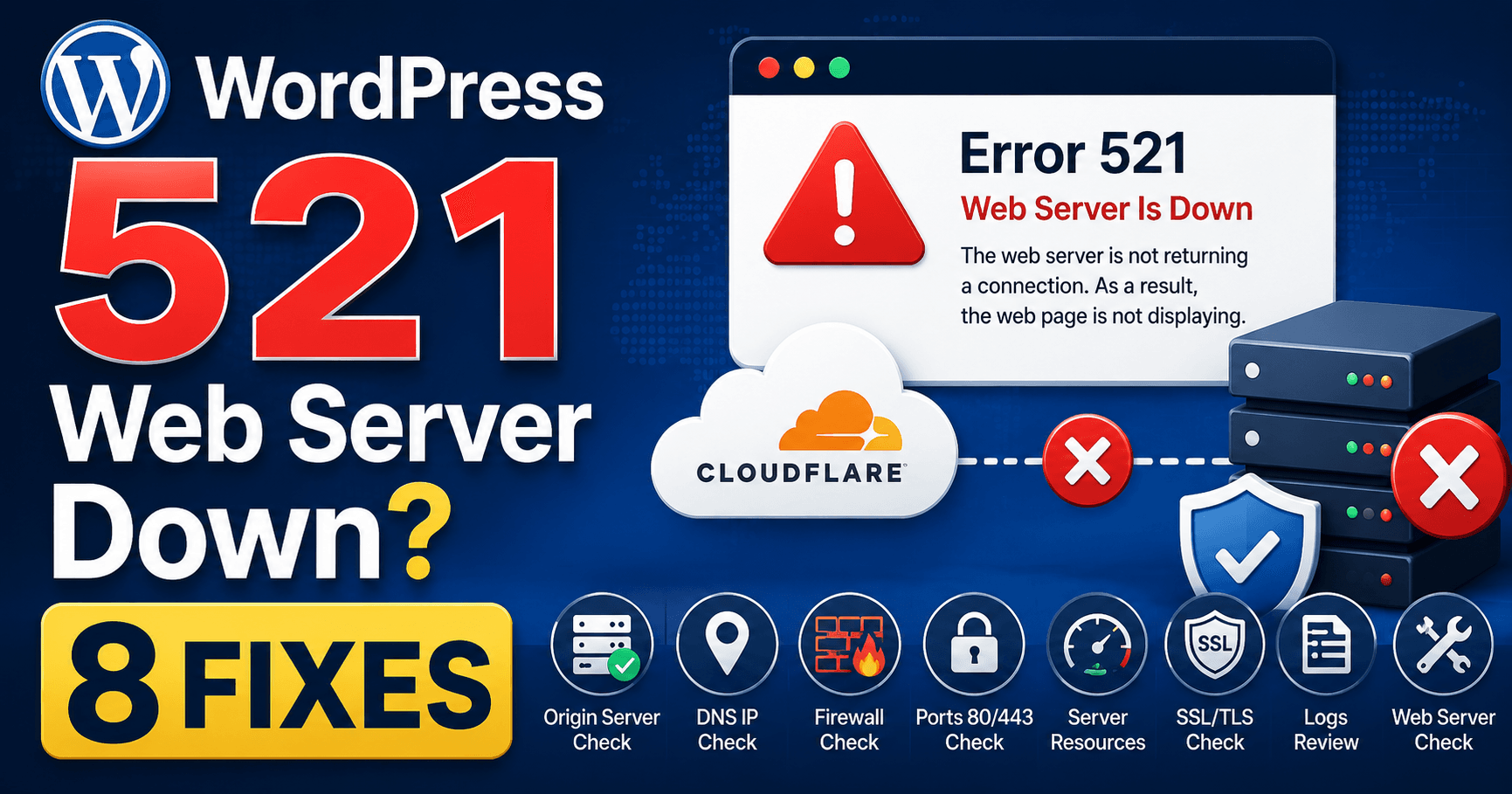
Cloudflare error 521 means the origin refused Cloudflare’s connection. The web service may be stopped or rejecting the incoming connection even while the hosting panel works. Use the failure time and recent maintenance, firewall or HTTPS changes to guide the host’s service and connection-log review.
Guide reviewed: October 8, 2026. Interface labels may vary by version, account and device.
Confirm whether the origin is running or refusing Cloudflare
| Recent clue | Investigate | Evidence |
|---|---|---|
| Maintenance or restart | Whether the web service started successfully | Service status and matching logs |
| Security rule change | Rejected Cloudflare connections | Rule scope and current service IP ranges |
| HTTPS setup change | Intended secure listener and origin certificate | Configuration actually served for the hostname |
| Intermittent refusal | Availability and destination differences | Separate failure and success times |
Find out whether the web service is responding
Distinguish panel from web service. Ask whether the service serving the public site is listening and whether its startup or configuration failed at the reported time. Include the affected hostname and maintenance timeline so support checks the correct installation.
Cloudflare identifies an offline origin application and blocked Cloudflare requests as common reasons for 521. Your hosting dashboard may still open normally while the service delivering your website is stopped. Being able to sign in to the hosting account therefore does not establish that the web server is healthy.
If the site failed after maintenance, ask the provider whether the web service restarted successfully and whether its logs show a crash. On managed hosting, the provider can check this without requiring you to operate server services yourself. Include the time the error started so an older, unrelated log entry is not mistaken for the cause.
For example, a site can become unavailable immediately after a configuration edit even though the files remain in place. Restoring a compatible server configuration may address that problem; reinstalling WordPress would add work without correcting the service that refused the connection.
Review blocking rules with the host
If the web service is running, the next question is whether it accepts Cloudflare traffic. Cloudflare’s official advice includes checking that its IP addresses are not blocked or rate-limited. A rule that treats repeated requests from a proxy as suspicious can affect visitors who never did anything unusual.
Ask the host to compare the rejected connections with Cloudflare’s current published IP ranges. Avoid adding a single address copied from one error or removing the firewall altogether. The goal is a correct allowance for the service you use, with the rest of the account’s protections still in place.
A useful clue is an outage that returns shortly after an apparently successful restart. An automatic security rule may be taking effect again. Record that sequence and share it with support; it gives them something more precise to investigate than “the restart did not work.”
Consider recent HTTPS changes
Record the intended Cloudflare-to-origin connection and the setting changed. Have the host inspect the relevant port and hostname configuration. If the error changes to 525 or 526, preserve the new number because handshake failure and certificate validation need their own checks.
If the error started when you changed Cloudflare’s SSL setting or enabled HTTPS at the origin, have the provider confirm the relevant port and certificate configuration. Cloudflare’s 521 guidance calls out port 443 and an origin certificate for Full or Full (strict) connections. A service listening only for a different connection can make the new setup fail.
This is not a reason to downgrade encryption as a permanent fix. Describe the intended HTTPS setup and ask the host to make the origin support it correctly. Certificate-validation errors have their own Cloudflare messages, so include the exact number rather than referring to every HTTPS problem as 521.
If you are unsure which changes were made, gather the time of the change and the name of the setting without sharing passwords. A screenshot of the non-sensitive configuration can help your provider understand the sequence.
Separate useful evidence from unrelated fixes
Clearing browser cookies or changing a theme usually does not explain why the origin refuses a network connection. Those steps also make it harder to remember what actually changed. Keep the investigation close to the evidence: the responding web service, connection logs, blocking rules, and any recent HTTPS adjustment.
Write down an affected URL, an exact time with its time zone, and the Ray ID from the error page if it is shown. If some requests work, mention which ones and when. A partial failure can help the host spot different destinations or an intermittent service problem.
A concise support message might read: “Cloudflare 521 began after today’s HTTPS change. Please confirm that the origin web service is listening on the expected port and that Cloudflare’s addresses are accepted. The failure occurred at 10:35 Seoul time.”
Check the recovery in normal use
Once the host has corrected the identified cause, open the homepage and a couple of ordinary pages through the public domain. Try a normal action that matters to your site, such as reaching a contact form. If the original failure was intermittent, repeat the check during a comparable period.
Save the provider’s explanation and the adjustment that resolved it. Knowing that a particular service or rule caused the refusal makes the next incident easier to handle and avoids another round of unrelated WordPress changes.
Reference: Cloudflare’s official guidance for error 521.
Record the origin service and firewall decision
Test the failed hostname and ordinary pages, plus a harmless relevant workflow. For an intermittent issue, compare recovery against the earlier pattern. Record the service or rule confirmed by the host and the correction made. Use the 525 handshake guide or 526 certificate guide only if that is the new message.