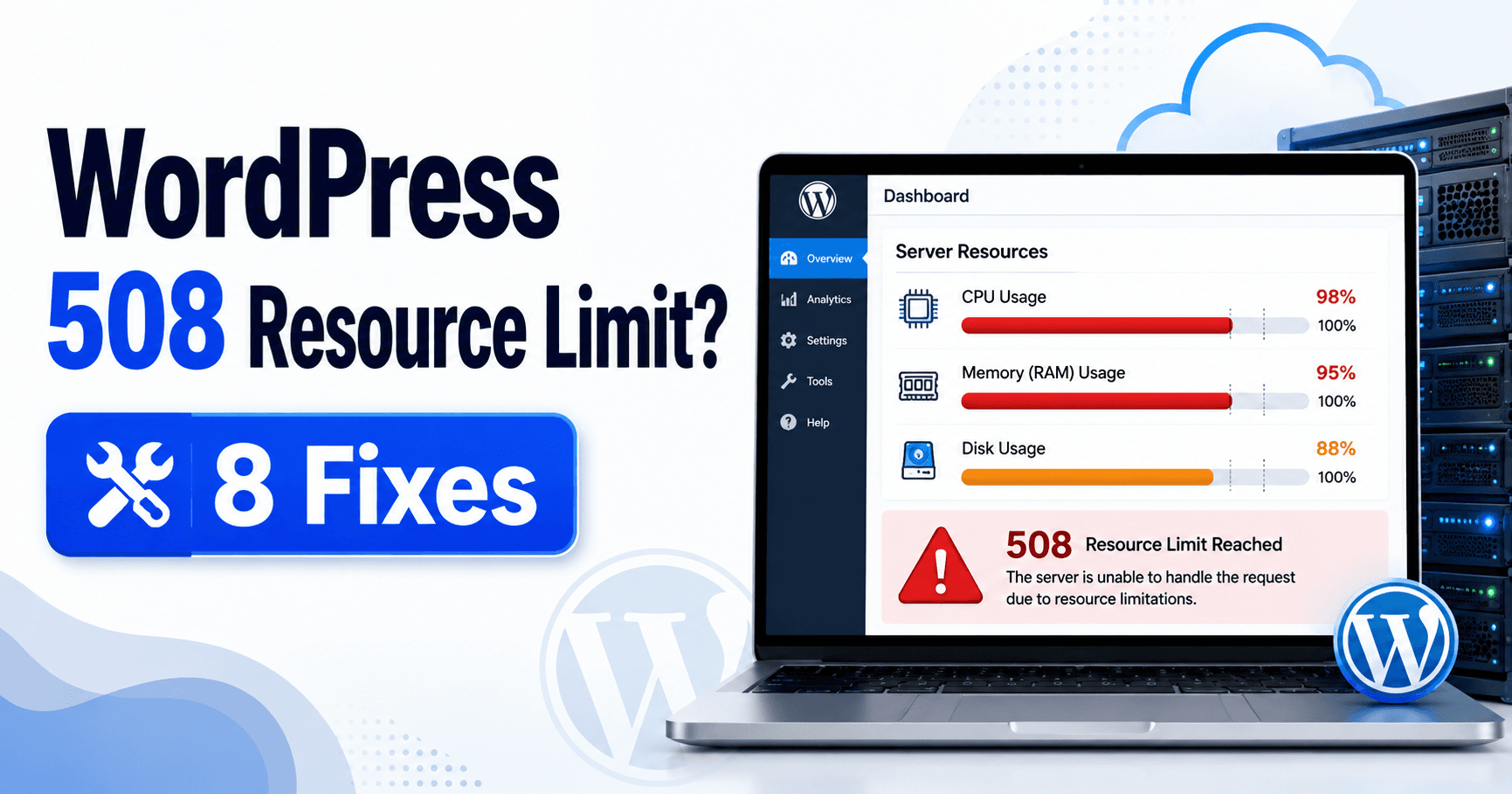
If the page says “508 Resource Limit Reached,” identify the allowance recorded by the hosting provider at the failure time. Disk space, concurrent work, CPU and memory describe different constraints. Standard HTTP 508 means Loop Detected; this guide addresses the provider’s resource-limit wording rather than assuming those responses share one cause.
Guide reviewed: October 8, 2026. Interface labels may vary by version, account and device.
Identify the exact hosting resource that reached its limit
| Observation | Ask the host | Decision supported |
|---|---|---|
| Resource-limit page | Which allowance and fault were recorded? | Identify the constrained resource |
| Account looks quiet now | What happened during the exact failure window? | Find a temporary spike |
| Import overlaps busy requests | Which work contributed to saturation? | Test scheduling or supported batches |
| Several sites share hosting | Is the allowance per site or account? | Identify work outside the visible site |
Ask which resource reached its limit
Request a named measurement: resource, configured allowance, observed usage or fault, time window and affected account. For example, an entry-process fault and spare disk space can coexist. Ask the provider to interpret its own stack rather than applying a CPU diagnosis from the number alone.
CloudLinux documents a 508 response when its entry-process allowance is reached in the Apache setup it describes. That allowance controls concurrent work entering the account. Its documentation also explains that other limits can produce different symptoms and that LiteSpeed handles entry processes differently. A 508 page is therefore a reason to check the host’s own measurements, not a universal diagnosis of high CPU.
Open the resource-usage area offered by your provider, or ask support for the relevant record. Look for the time of the failure and the name of the limit. A graph captured hours later may show plenty of spare capacity even though the account was saturated earlier.
For example, “entry-process faults at 11:20” is useful information. “The account uses 40 percent of its storage” answers a different question. Keeping those measurements separate prevents an upgrade to the wrong part of the plan.
Match the spike to work happening on the site
Write down what the website was doing when the errors appeared. Perhaps a product import was running, a scheduled task had started, or a campaign brought many requests at once. Those are possibilities to compare with the logs, not conclusions to make from the error number.
A small shop might fail during a large import even when customer traffic is quiet. Another site might fail only when several visitors use a slow search feature. The next step depends on that difference: the import schedule and the search request deserve separate investigation.
If several sites share one hosting account, ask whether the allowance is measured per site or across the account. A quiet website may be affected by work elsewhere. The provider can explain how that particular plan groups its usage.
Reduce the identified workload thoughtfully
When a specific background job overlaps with busy periods, moving it to a quieter window or using smaller batches may be worth testing. Keep a note of the change and compare the next run. Stopping every scheduled job at once can disrupt backups, order handling, or other useful work without revealing which job mattered.
For a repeatedly slow request, a developer or the host can investigate the request itself. Share the URL pattern and the failure window. Avoid publishing full logs containing private customer data; a support ticket with the necessary details is a better place for that investigation.
Caching can help some public pages, but it is not a substitute for understanding the workload. Checkout, account pages, and other personalized actions need the correct cache exclusions. A site that appears fast because private content was cached incorrectly has traded one problem for another.
Decide whether a larger plan would solve it
Compare the current and proposed allowance for the resource actually constrained. Review whether the spike comes from ordinary legitimate demand or one unusual task. A plan description without that comparison does not establish that the upgrade addresses this failure.
An upgrade makes sense when normal, legitimate use consistently needs more of the resource that is constrained. Ask for the current allowance, the proposed allowance, and the evidence that the change would address your failures. “More powerful hosting” is too vague to compare.
If the spike comes from an unusual task or a broken request, correcting that issue may be more useful than paying for a larger allowance. You can still upgrade later if ordinary traffic justifies it. The important point is to choose from measured demand rather than from the error page alone.
A useful support request might say: “We saw 508 Resource Limit Reached during our import from 09:00 to 09:12 Seoul time. Which allowance was exceeded, and can you identify the requests responsible? Please also confirm whether our other sites share that limit.”
Check the next comparable period
Once a targeted adjustment is made, repeat the activity that originally failed with an appropriate test. Compare both the user experience and the provider’s resource records. A successful homepage load during a quiet minute does not tell you whether the import or busy search now works.
Keep the confirmed limit, the action taken, and the outcome together in a short maintenance note. That gives you a practical baseline for future growth and makes it easier to spot a new problem instead of restarting the same investigation.
References: CloudLinux’s explanation of resource limits and MDN’s standard HTTP 508 definition.
Record the resource peak and hosting response
Retest the import, slow feature or busy period implicated by the evidence and compare the provider’s resource records. Preserve the confirmed allowance, workload change and outcome. A quiet homepage check does not verify a resource issue triggered by a larger operation.