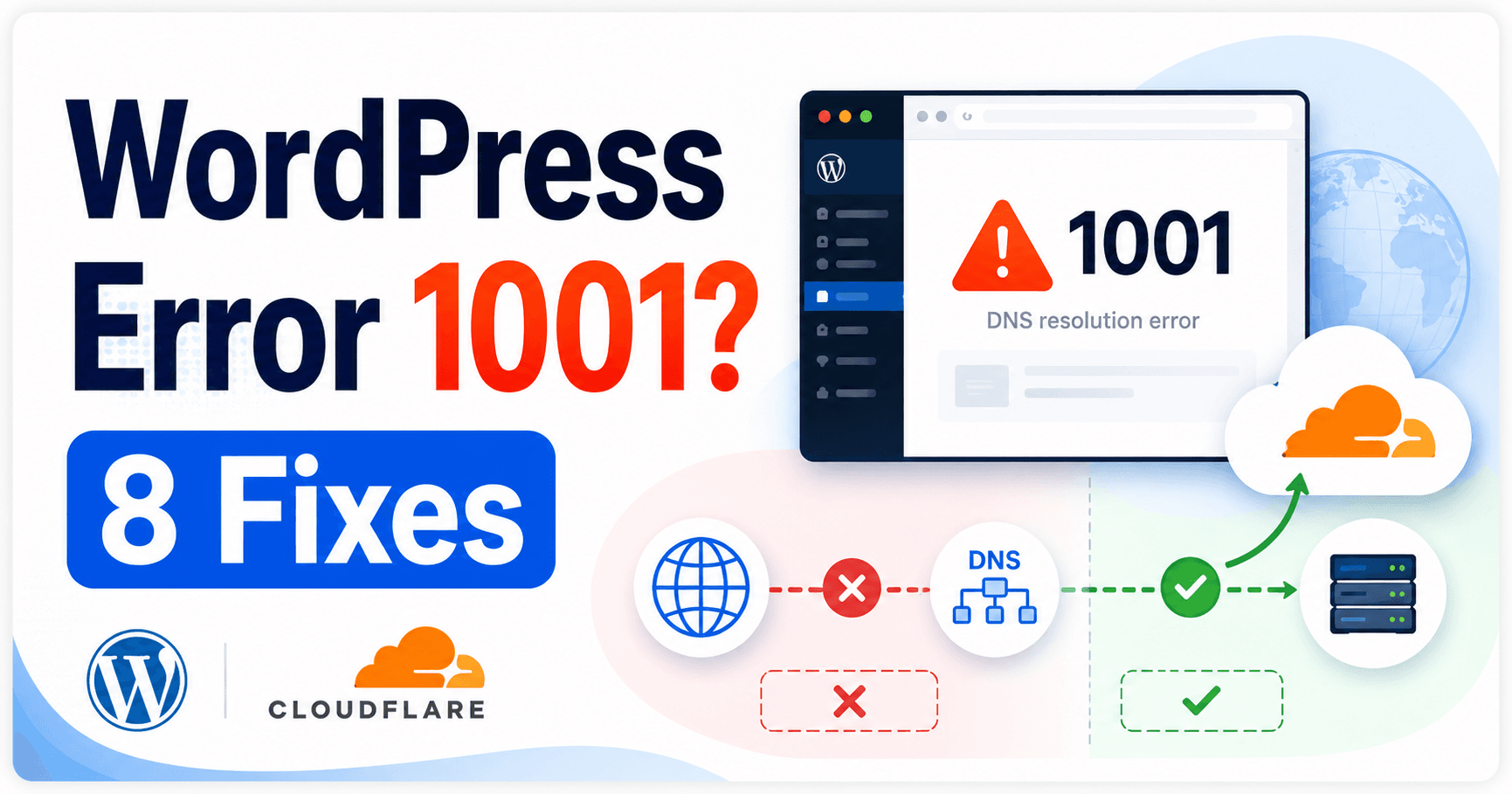
Cloudflare error 1001 reports DNS resolution failure. Start with the exact address opened and follow the configured CNAME target where applicable. A target may be retired, unresolvable or dependent on an unavailable DNS provider. Setup-specific DNS targets should also be distinguished from the public address visitors are meant to use.
Guide reviewed: October 8, 2026. Interface labels may vary by version, account and device.
Follow the hostname through each DNS target
| Finding | Investigate | Next action |
|---|---|---|
| Setup-specific address was opened | Whether it is a DNS target rather than a visitor URL | Verify the normal public domain |
| CNAME target does not resolve | Spelling, retirement or provider availability | Compare with current provider instructions |
| Managed platform destination | Supported custom-domain relationship | Ask the provider to confirm the setup |
| Record verified but upstream provider unavailable | Time and provider status | Track recovery without unrelated record changes |
Start with the address the visitor opened
Keep the exact failing hostname and page address. Compare them with the site’s intended public address. A setup-specific Cloudflare hostname or a copied internal connection name is not necessarily an address visitors should open.
Cloudflare documents 1001 when someone directly accesses a DNS name used for a CNAME setup, such as a name ending in cdn.cloudflare.net. If the failed link came from setup notes, confirm whether those notes were describing a DNS target rather than a public website link.
For example, a domain-connection guide may tell an administrator what value to enter in DNS. Copying that value into a visitor-facing bookmark changes its purpose. The useful correction is to verify the public domain and its connection, not assume that the setup target is a second homepage.
Check where each CNAME points
Create a chain record: public hostname → configured target → observed resolution result. Include the time and the provider that controls each target. If an old temporary hostname appears, verify whether it is still supported before replacing it.
Find the relevant record and identify its target hostname. Review whether that target resolves and whether it matches the current provider’s instructions. Cloudflare lists an unresolved CNAME target and an unavailable DNS provider among the causes of 1001.
If the target belongs to an old hosting service, ask the current provider for the supported replacement. A retired temporary hostname can leave a record looking populated even though the connection behind it has ended.
Keep the previous value and the verified new instructions before making a correction. Do not substitute an IP copied from another site or from a proxied public lookup without confirming what that address represents.
Review the domain’s Cloudflare relationship
Cloudflare also documents 1001 in certain unsupported connections between an external domain and a domain active on Cloudflare. If you are connecting to a managed platform, use its supported custom-domain process rather than assuming any platform hostname is a valid CNAME destination.
The provider can confirm which hostname belongs in your record and whether your domain has been configured on its side. These are related checks: the record’s text and the destination’s readiness to serve your domain.
If the failed request was sent directly to a Cloudflare IP for a domain that does not exist in the relevant Cloudflare setup, keep that context too. A custom client or test target may need review even when the ordinary public-domain request behaves differently.
Separate a provider outage from a wrong record
A misspelled or retired target needs a verified correction; an unavailable provider needs its own recovery investigation. Compare the same target with provider information and keep the failure window. Repeated edits to a correct record can make the original cause harder to establish.
An unavailable DNS provider and an incorrect CNAME target can produce similar confusion from a visitor’s perspective, but they call for different responses. Keep the exact target and failure time so the administrator can compare them with provider information.
Changing a verified record repeatedly during an upstream outage can create another problem. Conversely, waiting will not repair a misspelled or retired target. The investigation should establish which situation is supported by the evidence.
When a hosting provider manages the domain connection, give it the record and timeline rather than making unrelated WordPress changes. It may control the target or DNS service you cannot inspect from the site dashboard.
Verify the original public path
After a supported correction or provider recovery, open the original hostname and confirm the intended WordPress page. Try another ordinary page under the same domain and check any expected root-to-www or www-to-root behavior.
If a new connection or certificate error appears, keep its message. DNS resolution may now be succeeding while the next stage needs attention. Investigate that stage separately rather than undoing a verified destination without evidence.
For support, provide the public hostname, relevant record type and sanitized target, target-resolution observations, recent changes, and error time or Ray ID. That gives the administrator a clear chain to follow and avoids a general report that WordPress is broken.
Reference: Cloudflare error 1001 documentation.
Record the resolved target and restored page
Open the failed public hostname and another page beneath it, then expected root/www redirects. A new connection or certificate error can mean resolution now succeeds but the next stage needs work. Keep its exact message and retain the final verified target with domain notes.