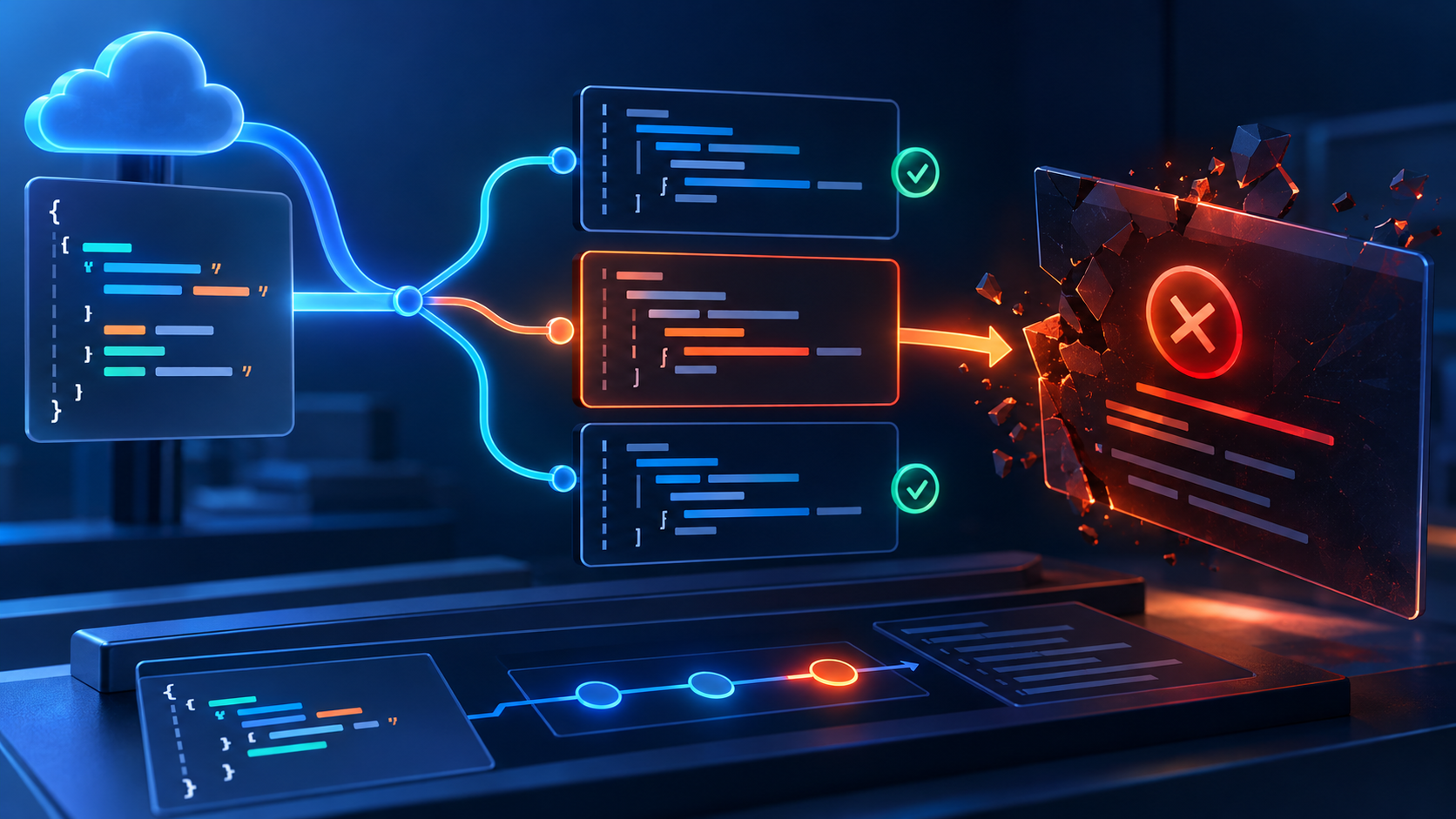
Error 1206 indicates an unhandled exception in a Cloudflare Snippet. Identify the rule and input that reach the failing operation before changing WordPress plugins or clearing page caches.
The developer needs a repeatable request and a controlled response to missing or unexpected values. Catching an error should preserve the feature’s intended behavior as well as restore the page.
Guide reviewed: October 8, 2026. Interface labels may vary by version, account and device.
Reproduce the Snippet exception
| Evidence | Inspect | Next check |
|---|---|---|
| Only one path fails | Snippet rule coverage | Code selected for that request |
| Only particular input fails | Method, value or session difference | Assumptions in the affected branch |
| Response format differs | Dependency status and content type | Validate before parsing |
| Missing field triggers failure | Value check and required/optional meaning | Choose explicit error handling |
| Started after deployment | Version and configuration | Compare with a tested version |
Identify the Snippet involved in the request
Compare the affected hostname and path with the rules that select Snippets. A small feature may apply only to one set of pages, while another may cover the whole site. Knowing the rule’s scope explains where to start testing.
For example, a Snippet that changes responses under /offers/ could fail there while ordinary blog posts remain available. That pattern makes its matching rule and code worth reviewing first. It does not show that every WordPress page has a problem.
If someone else manages the Cloudflare account, send the exact URL and action to that person. A WordPress administrator may not have access to the separate dashboard where the Snippet is defined.
Use the input that actually fails
- Record the exact URL, method and error time.
- Identify which Snippet rule matches.
- Keep the smallest input that reproduces the failure.
- Compare it with a successful request.
- Review the operation where those inputs diverge.
Record the time, complete error message and any request identifier displayed. Then note what is different about the request: its path, method, relevant input or signed-in state. These details help the developer reproduce the branch that throws the exception.
A successful homepage test can miss a failure triggered by a particular response format. For instance, code that expects JSON may encounter an HTML error response from a dependency. Attempting to parse unsuitable data can throw an exception even though the original request was otherwise ordinary.
This is an illustrative cause, not a diagnosis of every 1206 result. The actual exception and the failing code determine whether parsing, a missing value or another operation is responsible.
Check assumptions about values and responses
Small edge scripts often assume a header exists, a response has a particular format or an object contains a required property. Those assumptions deserve attention where the failed request differs from the developer’s initial test.
A developer can check the value before using it and decide what the feature should do when it is absent. For response processing, verifying the response’s status and expected format can avoid treating an unrelated error page as valid application data.
The correction should preserve the feature’s meaning. If a value is required for an access decision, substituting an arbitrary default could produce the wrong outcome even though the exception disappears.
Handle failure deliberately
Define the expected outcome for an optional value being absent, a dependency error and a required access input missing. An arbitrary default that stops the exception can still produce the wrong access or routing result.
Cloudflare’s Snippet troubleshooting guidance recommends correcting the code and adding appropriate exception handling. A try…catch block can provide a defined response when an operation fails, but it does not by itself repair the underlying problem.
The developer should decide whether the site can safely continue without the optional modification or whether the request needs a controlled error response. An optional presentation change and a security-critical check have different consequences when they fail.
Keep diagnostics useful without exposing private data. The relevant operation and error type can help identify the failure, while passwords, tokens and complete private form contents should not be copied into public debugging material.
Test the correction against more than the happy path
Repeat the original failing request after the change. Then test an ordinary successful request and an expected unusual input, such as a missing optional value or a dependency returning an error. These comparisons check that the code handles the situations it is likely to encounter.
If the problem began with a deployment, a previously tested version may help the responsible developer compare behavior. Any rollback should retain the required site behavior and be followed by the same focused verification.
The goal is both a working page and a Snippet that behaves predictably. A broad plugin reset would not provide that assurance when the exception originates in Cloudflare code.
Cloudflare defines 1206 in its Snippet troubleshooting guide. MDN explains JSON parsing exceptions and try…catch behavior, which can help with the code-level investigation.
Document the handled failure behavior
Repeat the original failing request, a normal successful request and expected unusual input. Confirm the actual response and the Snippet’s required behavior. Keep the tested version and scope with the deployment record rather than treating a broad plugin reset as evidence of an edge-code repair.