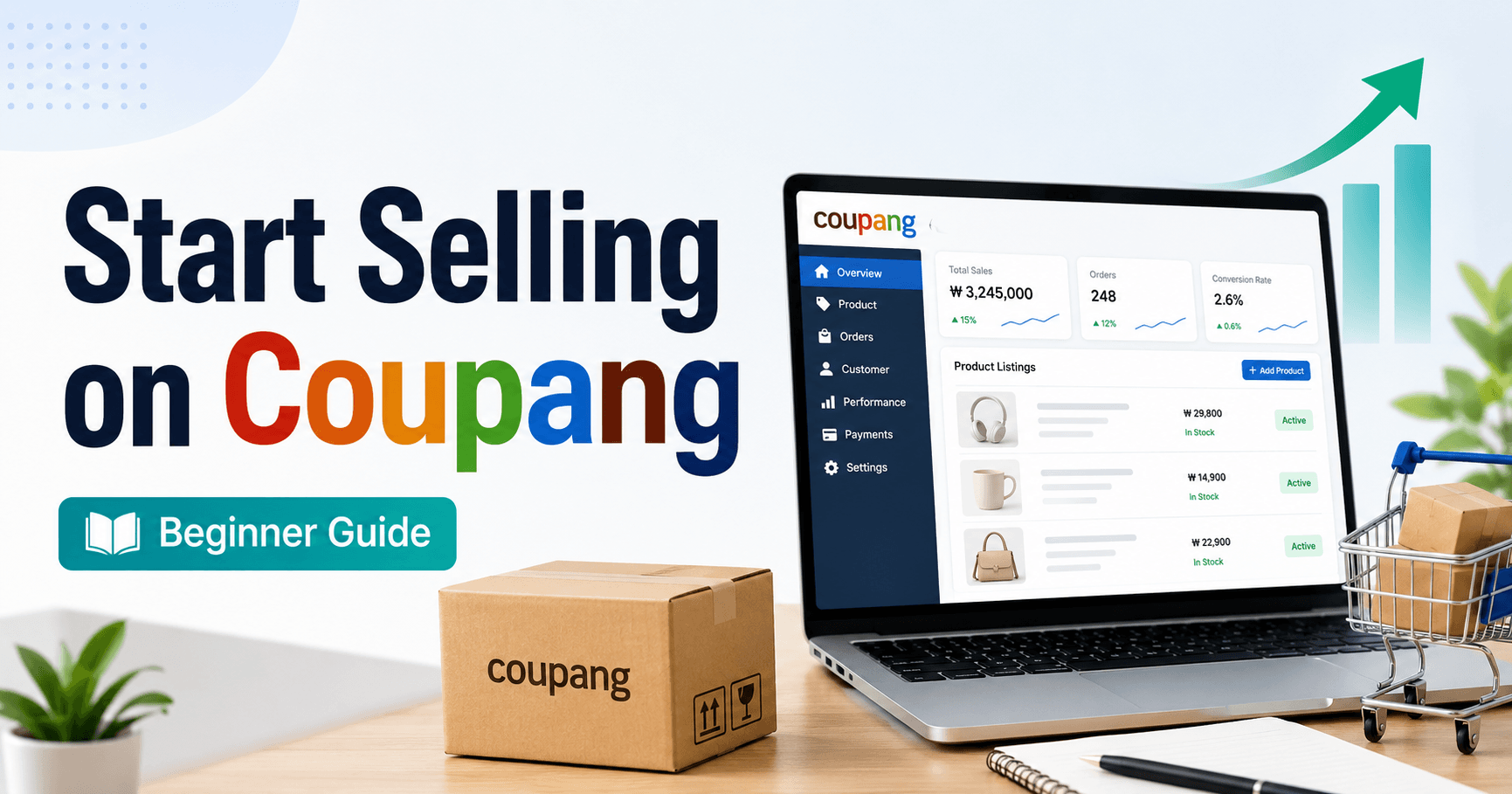
How to start selling on Coupang as a foreign seller depends on where your business is registered. This guide is for businesses registered outside Korea that want to apply through Coupang Global Marketplace. If your company is registered in Korea, use Coupang’s domestic seller route instead because the account checks, tax documents and fulfillment options are different.
The practical sequence is: choose the correct registration region, prepare four business and identity documents, complete the application and KYC review, enter WING, and build one accurate product listing. Do not buy inventory or promise a launch date until your account and product category are eligible.
Guide reviewed: October 13, 2026. Coupang can change supported regions, document rules, fees and interface labels, so verify each item in the current official application.
Can a foreign business sell on Coupang?
Yes, eligible businesses outside Korea can apply through Coupang Global Marketplace. Eligibility is not based only on the owner’s nationality. The important questions are where the business entity is registered, whether Coupang supports that registration route, whether the required documents match, and whether the product can legally be sold to customers in Korea.
Coupang’s global registration page asks applicants to select their business-registration region before beginning. Some regions use a dedicated sign-up route, while other countries follow the general process. Select the actual country of the business entity rather than the owner’s residence or the location of a warehouse.
Use the global route if: the selling entity is registered outside Korea and its region is accepted by Coupang Global Marketplace.
Choose the correct seller route before preparing files
| Situation | Starting point | Do not assume |
|---|---|---|
| Business registered in Korea | Coupang domestic Marketplace registration | Global documents will replace Korean business requirements |
| Business registered outside Korea | Coupang Global Marketplace region selector | Every country uses the same application link |
| No registered business entity | Confirm eligibility before proceeding | A personal shopping account is enough to sell |
Keep the account name, legal business name and bank beneficiary consistent. Small differences in punctuation may be harmless, but different owners, addresses or transliterations can require clarification. Use the spelling shown on the supporting documents whenever the form allows it.
Prepare the four application documents
Coupang’s official Global Marketplace FAQ lists four documents for seller registration:
- Business license: the registration or license issued for the business entity.
- Proof of identity: a passport or accepted government-issued ID for the relevant applicant.
- Proof of business ownership: a document connecting the owner or authorized person to the business.
- Bank statement: a statement or accepted bank document showing the account information required for settlement.
The sign-up process also includes Know Your Customer verification for payments. Prepare clear, complete files and check that names, registration numbers and addresses are readable. Do not edit a document to make mismatched information appear consistent. If the business structure or bank beneficiary needs explanation, ask Coupang seller support which evidence is accepted.
Store identity and banking files securely and upload them only through the official application. Do not post them in public forums or send them to an unverified contact offering account approval.
Complete registration and KYC
- Select the business-registration region on the official global seller page.
- Enter the applicant’s name, business details and email address.
- Verify the email code and complete the introductory questions.
- Select Apply to become a seller.
- Complete Program Setup, including business, contact and billing details.
- Upload the requested documents and submit the application for review.
- Complete any additional KYC request sent through the official process.
Coupang’s current FAQ says review usually takes up to five business days when documents are correctly submitted. Treat that as guidance, not a guaranteed approval date. If a correction is requested, answer the specific issue rather than starting duplicate accounts.
What WING is used for
After successful registration, sellers use WING, Coupang’s seller-management portal. Coupang states that WING is available in Korean, English and Chinese. It is used to list and manage products, manage shipping, track orders, run promotions, handle seller inquiries, review seller scores and view sales statistics.
Before listing a product, locate the sections for products, orders, shipping, inquiries, returns and settlement. Decide who will check each area every business day. A listing can be accurate at launch and still create problems if orders, questions or return requests are not handled on time.
Create the first product listing in WING
- Open Manage Products → List a Product.
- Enter the display product name and select the most accurate category. WING shows the category’s take rate or commission information after category selection.
- Choose a product with no option or create the required option combinations. Enter the selling price and stock for every option.
- Upload one main image and, where useful, additional images. Coupang’s current global guide allows up to nine additional images.
- Add a factual product description. Make dimensions, quantity, compatibility, materials and included items easy to verify.
- Complete the required key product information, including any certification or regulatory information requested for that category.
- Add relevant search keywords and filters without repeating unrelated terms.
- Enter the shipping and return address information that applies to the account.
- Preview the customer-facing page after approval and confirm that every option matches its image, price and stock.
For overseas products, explain information customers need to understand delivery and customs. Do not place seller contact details, unrelated URLs or promotional claims inside product details when Coupang’s listing guidance prohibits them.
Check fees and operating costs before setting a price
Coupang’s Global Marketplace FAQ says there is no seller sign-up fee. That does not mean selling has no cost. Check the commission shown for the selected category and add the costs that apply to your operation: product acquisition, international and domestic delivery, packaging, customs handling, returns, currency conversion, advertising and taxes.
Use the fee information visible to your account rather than copying a percentage from a blog or another category. Calculate the expected amount remaining after variable costs, then compare it with the actual settlement from completed orders before increasing inventory.
Plan shipping, returns and customer support
Choose only a fulfillment arrangement currently available to your seller region and account. Coupang’s global FAQ notes that some fulfillment services are limited by seller location, so do not advertise a delivery method merely because another seller uses it.
- Use realistic handling and delivery estimates.
- Confirm the return address and who pays each return cost.
- Track orders until delivery and retain dispatch evidence.
- Prepare answers for product, delivery and customs questions.
- Record the reason and total cost of every early return.
Translation support is not the same as automatic translation of the entire catalog. Product names, options, warnings and legally required information must still be accurate for Korean customers.
Common reasons an application or listing stalls
| Symptom | Check first |
|---|---|
| Application review does not complete | Names, ownership evidence, bank beneficiary, readable files and unanswered KYC requests |
| Account created but selling is unavailable | Whether Program Setup, document review or payment verification is still pending |
| Product cannot be submitted | Required category fields, certification information, shipping address and every option’s price and stock |
| Listing is rejected or held | Restricted product rules, brand rights, image rights and inconsistent product information |
| Product is approved but not purchasable | Sales status, stock, sale period, shipping configuration and customer-facing option availability |
When contacting support, include the seller account, affected step, approximate time, exact message and a screenshot that excludes unnecessary identity or banking information. Ask about the specific failed check rather than requesting a general approval shortcut.
Foreign-seller FAQ
Do I need a Korean business registration?
Not necessarily for the global route. Coupang requests the business license of the country where the eligible business entity is registered. A business applying through the Korean domestic route follows separate domestic requirements.
Can an individual without a business sell through Global Marketplace?
The official global application requires a business license and proof of business ownership. Confirm eligibility before preparing a catalog if you do not have a registered business entity.
What documents should I prepare?
The current official list is a business license, proof of identity, proof of business ownership and a bank statement, plus information needed for KYC and Program Setup.
How long does approval take?
Coupang’s FAQ says it usually takes up to five business days when all documents are correctly submitted. Corrections or additional verification can extend the process.
Is WING available in English?
Yes. Coupang’s official WING page states that the portal is available in Korean, English and Chinese.
Does Coupang translate product listings?
Coupang’s global FAQ says it does not provide a general translation service, although multilingual one-to-one support may assist where possible. Sellers remain responsible for accurate listing information.
Official resources
- Coupang Global Marketplace: signing up
- Coupang Global Marketplace FAQ
- Coupang: What is WING?
- Coupang: listing your first product
- Coupang: key product information
Start with one product whose rights, documents, delivery and return process you can verify. A small accurate listing is more useful than a large catalog built before the account and operating route are understood.