Skip to content

Today Tip

  • Home
  • Start Here
  • Blog
  • About
  • Contact

Site Icon

WordPress Favicon Not Showing? Check Site Icon, Image URL and Browser Cache
October 13, 2026September 4, 2026 by Today Tip
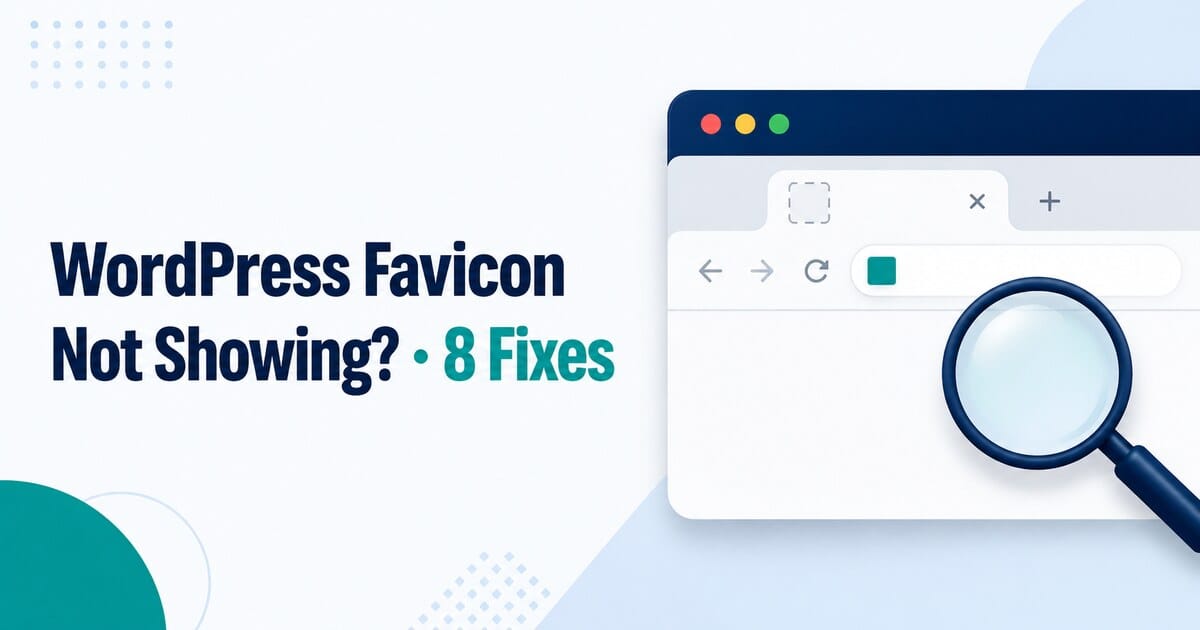
WordPress favicon troubleshooting illustration with a missing site icon and magnifying glass

If your WordPress favicon is missing from browser tabs or bookmarks, use this focused checklist to diagnose the Site Icon setting, image URL, cache, theme output, or HTTPS.

Categories WordPress & Websites Tags Favicon, Site Icon, WordPress, WordPress Troubleshooting Leave a comment

Recent Posts

  • WordPress Content Not Showing? Find the Missing Element
  • WordPress Editor Not Loading or Saving? Check the Failed Request
  • WordPress Images Not Showing? Check the File, Size and Template
  • WordPress DNS Errors: Check the Hostname, Nameservers and Records
  • WordPress Too Many Redirects? Trace the URLs That Keep Repeating
  • Digital Tools
  • E-commerce & Selling
  • Online Business
  • WordPress & Websites

Privacy Policy

About·Contact·Terms of Use·Sitemap
© 2026 Today Tip • Built with GeneratePress