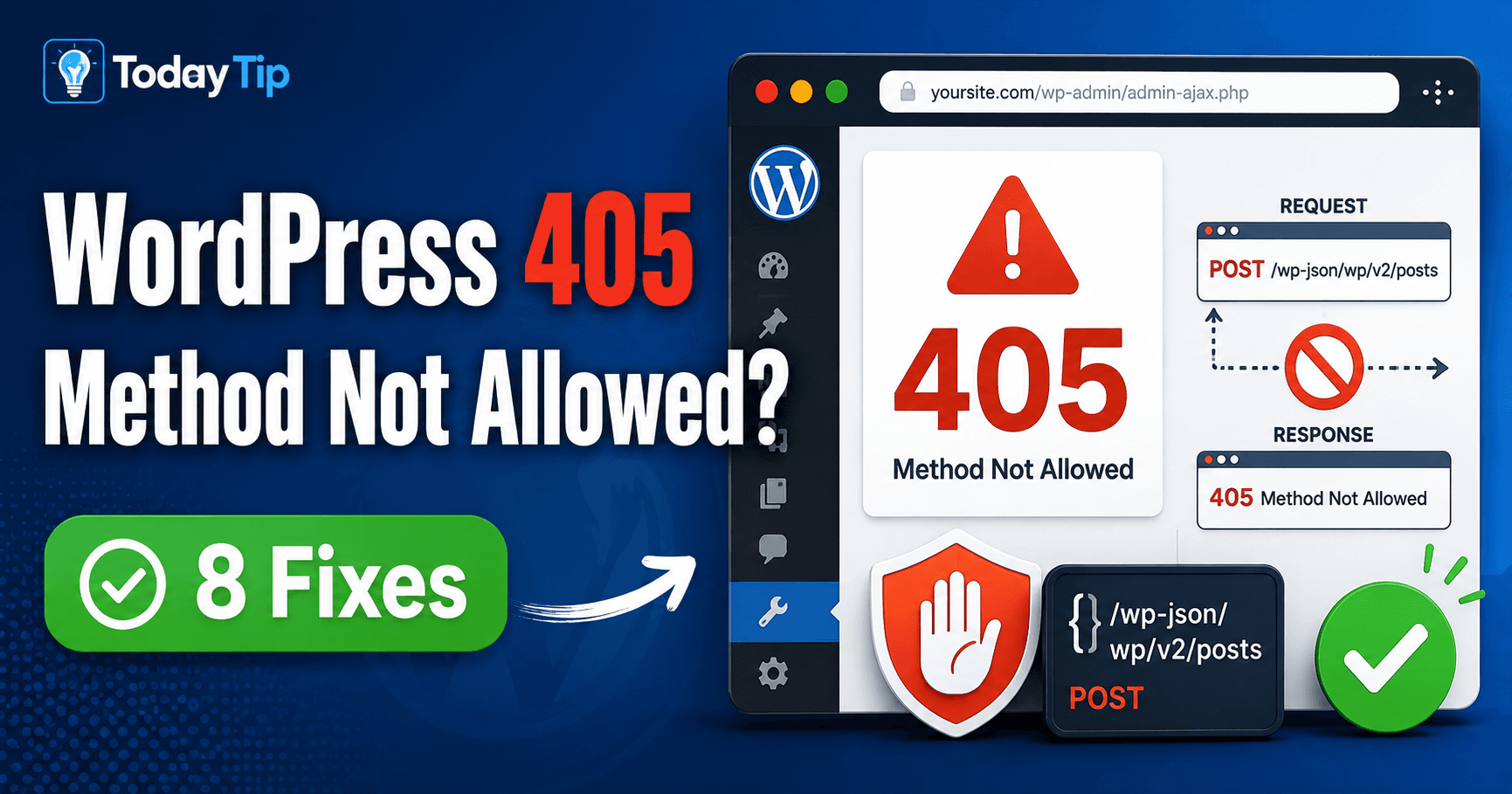
If a form page opens but submission returns 405, inspect the submission request rather than the page appearance. The target recognizes the method but does not support it for that resource. Compare the destination and method with the feature’s documented route and the response’s Allow header where available.
Guide reviewed: October 8, 2026. Interface labels may vary by version, account and device.
Quick diagnosis
| Finding | Inspect | Useful correction |
|---|---|---|
| GET page works; POST fails | Submission destination | Use the intended receiver for the action |
| API method rejected | Endpoint contract and Allow header | Align method with the documented route |
| Proxy returns the response | Routing and method configuration | Have the host review that component |
| Action may create a record | Existing result before retry | Verify one intended outcome |
What “method” means here
HTTP methods describe an action such as retrieving information with GET or submitting data with POST. MDN explains that 405 means the server recognizes the method but the target resource does not support it. The response should include an Allow header listing methods that the resource currently supports.
For a custom integration, that information can help a developer compare the failed request with the endpoint’s documentation. It is not an instruction to pick an arbitrary method until something succeeds. Different methods can have different effects on data.
For example, a form may send a submission to an address intended only to display a static page. The page loads when opened directly, but the submission fails. The form’s destination or server configuration needs review; the page’s appearance is not the cause.
Record the action that leads to the error
Keep the failed action identifiable: button or feature, destination URL, method, status and response message. Preserve unsaved content. A successful GET request to the same page is useful context but does not verify its POST handling.
Note which button or feature you used and whether the error occurs before any confirmation. Preserve unsaved text before leaving the screen. If the action can create an order or another important record, check its status before retrying.
A developer can identify the failed request in the browser’s network details or the service logs. The destination URL, method, status, and response message form a useful initial report. Credentials and private submission data do not belong in a public screenshot.
If the issue began after a migration or an integration change, mention that sequence. A request may now reach a different destination or component. That is a lead to test, rather than proof that the entire migration went wrong.
Compare the request with the documented route
An API read route and update route can differ. Verify both address and method with the maintainer before changing the client. If a proxy rejects a legitimate method before WordPress receives it, the responsible host should inspect the actual routing restriction.
For an API, verify both the endpoint and the method in the service’s documentation. A route used to read a record may differ from a route used to update it. An address copied from a browser page is not automatically an API endpoint.
For a form or plugin feature, ask the maintainer which route is expected to receive the action. A simple non-sensitive test can establish whether all submissions fail or whether the problem follows one particular path.
If the response comes from a proxy or web server before WordPress handles it, the hosting provider may need to inspect its routing and allowed methods. Changing a plugin setting will not necessarily alter a restriction enforced elsewhere.
Keep any correction narrow
When the destination is wrong, correct it to the intended documented route. When the client uses the wrong method, have the developer align it with that route’s contract. When the server unexpectedly rejects a legitimate method, ask the host to identify the relevant rule or configuration.
Do not enable every method across the website merely to make one error disappear. Some methods may be intentionally unavailable. The aim is to allow the specific action the feature needs, at the appropriate endpoint.
Similarly, broad changes to file permissions should not be made from the status number alone. MDN notes that permissions can be involved in some 405 situations, but the provider should establish whether that applies here. A confirmed cause is safer and more useful than a generic permission recipe.
Test the result of the action
After the correction, repeat the failing action with suitable test data. Confirm that the expected result exists, such as a single saved submission or an updated test record. A page that opens normally is only part of this check.
Also confirm that ordinary reading and other intended actions still work. Keep the corrected route, method, and responsible component in a short note. That makes a future 405 easier to interpret and helps a maintainer understand why the configuration was chosen.
A support request can be concise: “This form returns 405 when submitted, although its page opens normally. Please compare the submission method and destination with the route the feature expects.” Add the failure time and a redacted response when available.
Reference: MDN’s explanation of HTTP 405 Method Not Allowed.
Verify submission as well as reading
Use harmless data to repeat the failing action, confirm its saved result, and check ordinary reading still works. Record the corrected endpoint, method and responsible component. Avoid choosing a different method solely because it returns a success status.