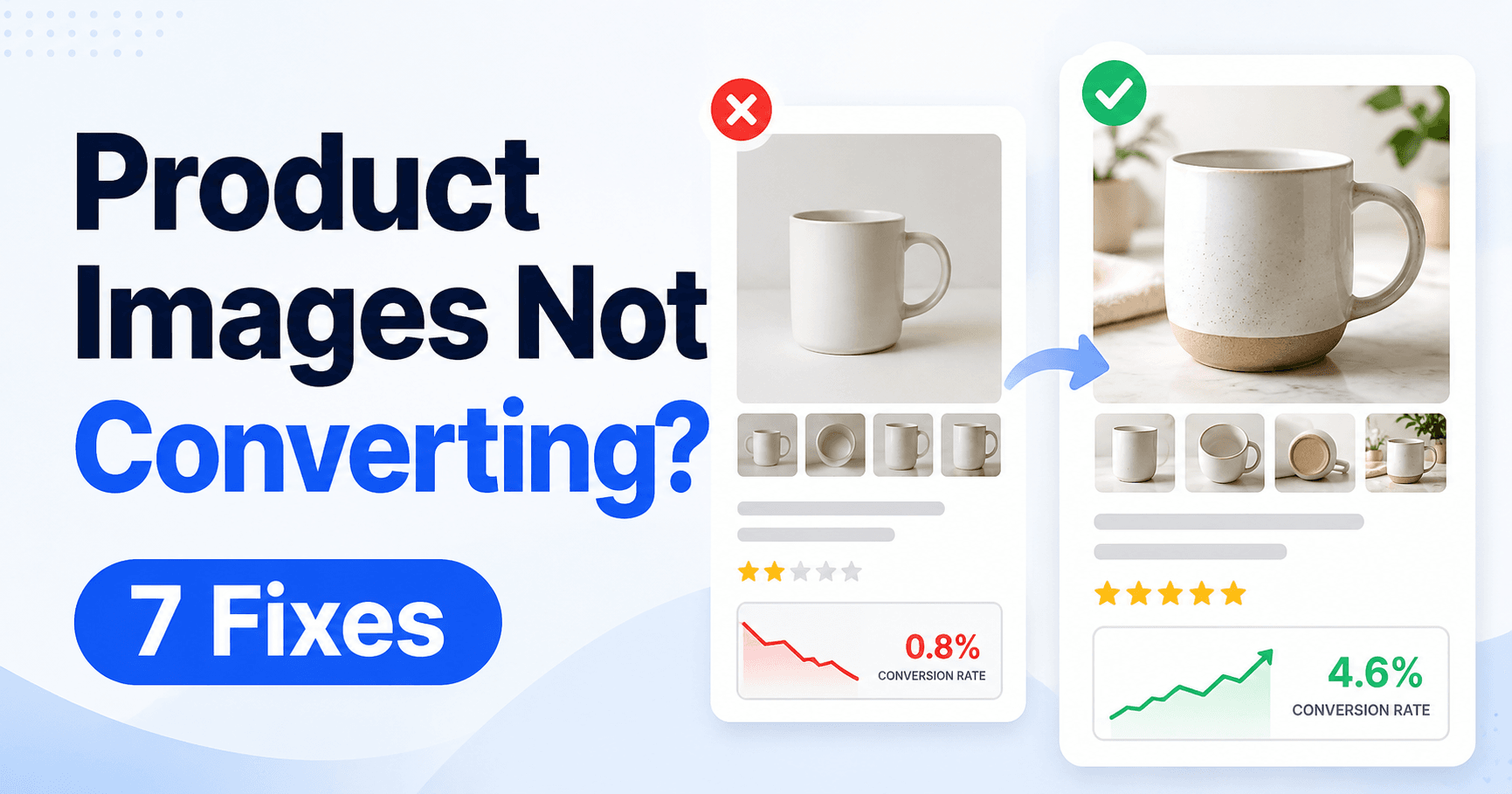
Product photos have two different jobs. The main image must earn the click, while the gallery must answer enough questions for a buyer to feel confident about the purchase.
Look at those stages separately before reshooting everything. If impressions produce few clicks, start with the thumbnail; if people click but do not buy, check whether the gallery explains size, quantity, texture, use and what is included.
Build the gallery around the exact item, its size, included parts and use. A clearer picture should answer a purchase question without exaggerating what will arrive.
Guide reviewed: October 8, 2026. Interface labels may vary by version, account and device.
Find out whether the thumbnail or gallery loses the buyer
| Buyer’s question | Image that answers it | Check before publishing |
|---|---|---|
| What is the item? | Recognizable main view | Exact selected variant and platform rules |
| Will it fit? | Measurements and scale | Usable interior versus overall dimensions |
| What comes in the package? | Included parts together | Props clearly distinguished |
| How does it work? | Relevant use or detail view | Real feature and accurate representation |
| Is this the right option? | Matching variant photo | Selection, quantity and price agree |
Find the point where interest stops
Compare impressions, product-page visits and completed orders where the platform provides those measures. If shoppers rarely click, examine the main image alongside the title, price and competing offers. If they visit but do not buy, look at the details they need to decide.
For example, a clear photograph of a storage box may attract a click but still fail to explain whether it fits inside a kitchen cabinet. Another attractive front view will not answer that question. Measurements and a useful scale reference will.
Low sales do not prove that photographs are the cause. Delivery, price, reviews and demand also matter. Treat an image change as a specific improvement to test, not a guaranteed sales increase.
Make the main image easy to recognize
Review the thumbnail at the size shoppers actually see on a phone. The product should be recognizable without opening the gallery. A clean background, accurate color and a useful angle usually communicate more than small labels crowded around the subject.
Follow the marketplace’s current main-image requirements. Some platforms restrict text, props or backgrounds. Improving clarity within those rules is more useful than publishing an eye-catching image that the platform rejects.
Check whether the photograph represents the exact option being sold. Showing a larger model or a multi-pack when the selected offer is a single smaller item creates uncertainty and can lead to returns.
Answer the questions buyers cannot resolve by touch
Choose detail images around the product’s practical use. A bag may need interior compartments, strap adjustment and fastening details. A cable may need both connectors and its length. A desk organizer may need compartment measurements and a view of what fits inside.
Show textures and finishes without exaggerating them through lighting or editing. If color varies by screen, accurate source photographs still provide a better starting point than a heavily altered promotional image.
Measurements are most helpful when they are attached to the relevant part. A single overall dimension can leave the usable interior space unclear. Short explanations can help in secondary images where platform rules permit them.
Use context without implying extra items are included
A product-in-use photograph can explain scale and purpose quickly. A lamp on a desk, for instance, shows a different relationship than the lamp isolated on a background.
Keep the product visible and explain decorative props when confusion is possible. If the sale includes only the lamp, a scene with several accessories should not suggest a complete desk set. The gallery and written listing should agree about what arrives in the package.
For a real product listing, use photographs of the actual item or an accurate representation permitted by the platform. Generated or heavily edited imagery should not invent material quality, features or included accessories.
Give each image a useful role
- List the three questions customers ask most often.
- Assign one photo or allowed diagram to each answer.
- Keep a recognizable main image and remove redundant views.
- Match every variant to its selected image.
- Check the published mobile gallery for cropping and unreadable labels.
A sensible gallery might introduce the product, explain its size, show a key feature, reveal construction details and demonstrate use. The exact order depends on what the buyer needs to know first.
If several images communicate the same front view, replace a repetition with an answer to a recurring question. Customer inquiries and return reasons can reveal which information is missing.
Check the published gallery, then measure the change
Keep the comparison focused: a main-image change is usually evaluated at the impression-to-click stage; a size or included-parts image is evaluated on the product page and in related inquiries or returns. Record price and promotion changes that could also explain the result.
After uploading, examine the gallery on desktop and mobile. Cropping, compression and option switching can change how the images appear. Confirm that labels remain readable and that the selected option displays the matching item.
Record the change and its date. Compare the relevant click or purchase behavior while considering price changes, promotions and seasonal demand. A clearer gallery is valuable when it helps buyers understand the product accurately, even before you have enough orders to estimate its effect on sales.
Image-quality references and the next useful test
Final image accuracy check
Compare the gallery with one actual packaged item: color, dimensions, quantity and included accessories should agree. Verify the rights to every photograph and the current platform requirements. Save the change date so that future conversion comparisons have a clear starting point.