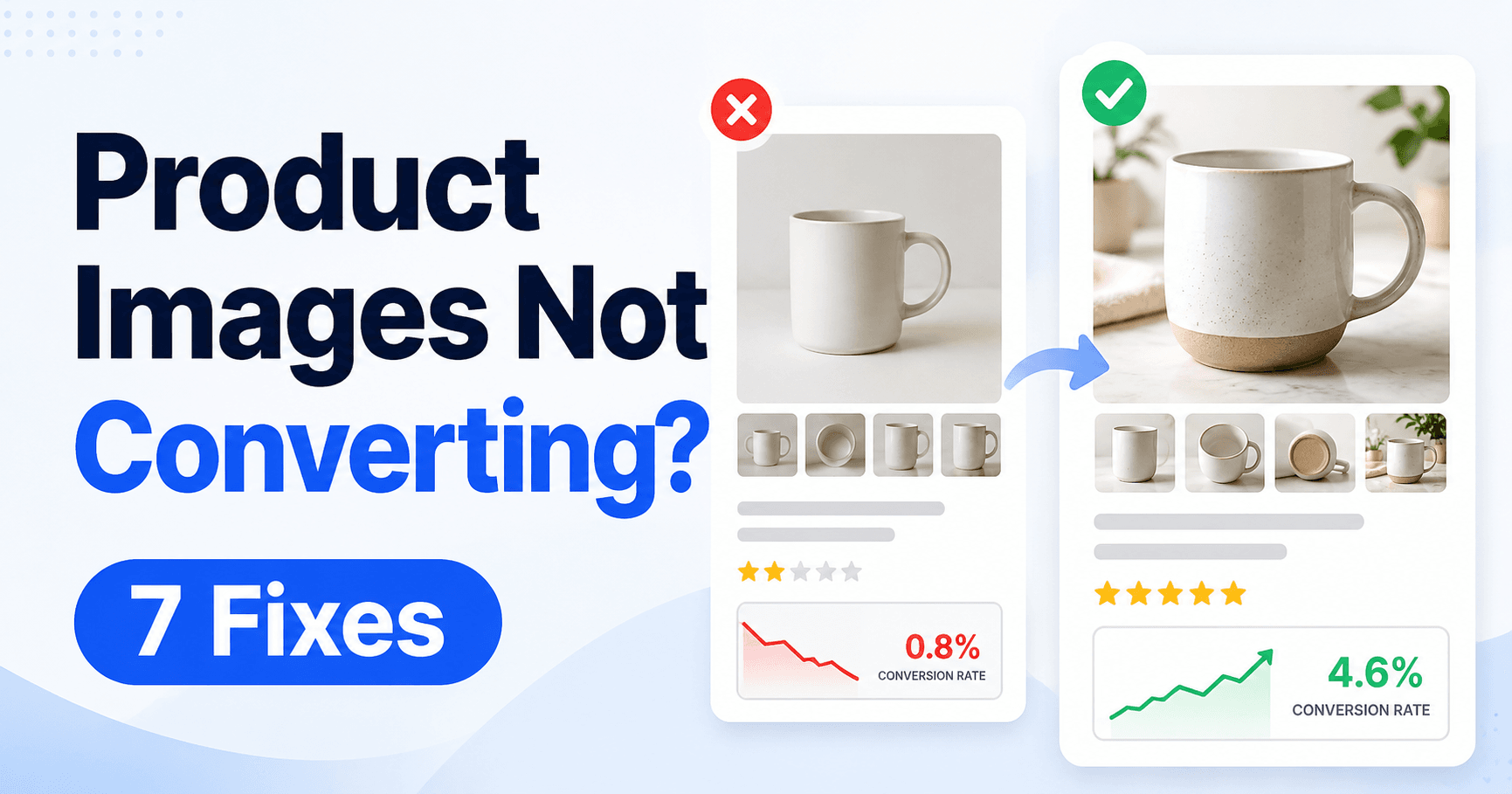
Product Images Not Converting? Match Each Photo to a Buyer’s Question
Product images that increase online sales guide

Product photos have two different jobs. The main image must earn the click, while the gallery must answer enough questions for a buyer to feel confident about the purchase. Look at those stages separately before reshooting everything. If impressions produce few clicks, start with the thumbnail; if people click but do not buy, check whether … Read more


How to Price Products: Calculate Fees, Contribution and Break-Even

How to price products for profit seller formula

A product can sell above its supplier cost and still lose money. Marketplace fees, payment charges, packaging, delivery, advertising, returns and expected losses all reduce what remains from a completed order. Build the cost of one realistic order before choosing the price. That gives you a contribution figure you can compare with fixed expenses and … Read more

Product Listing Not Getting Views? Separate Availability, Impressions and Clicks

Product listing visibility and sales guide

A low view count does not always mean the same thing. The listing may be unavailable, rarely shown in search results, or shown often but ignored by buyers. Check availability, impressions and clicks in that order before rewriting keywords or buying ads. Each stage answers a different question and prevents you from paying for traffic … Read more

How to Start Selling on Coupang as a Foreign Seller

How to start selling on Coupang beginner guide

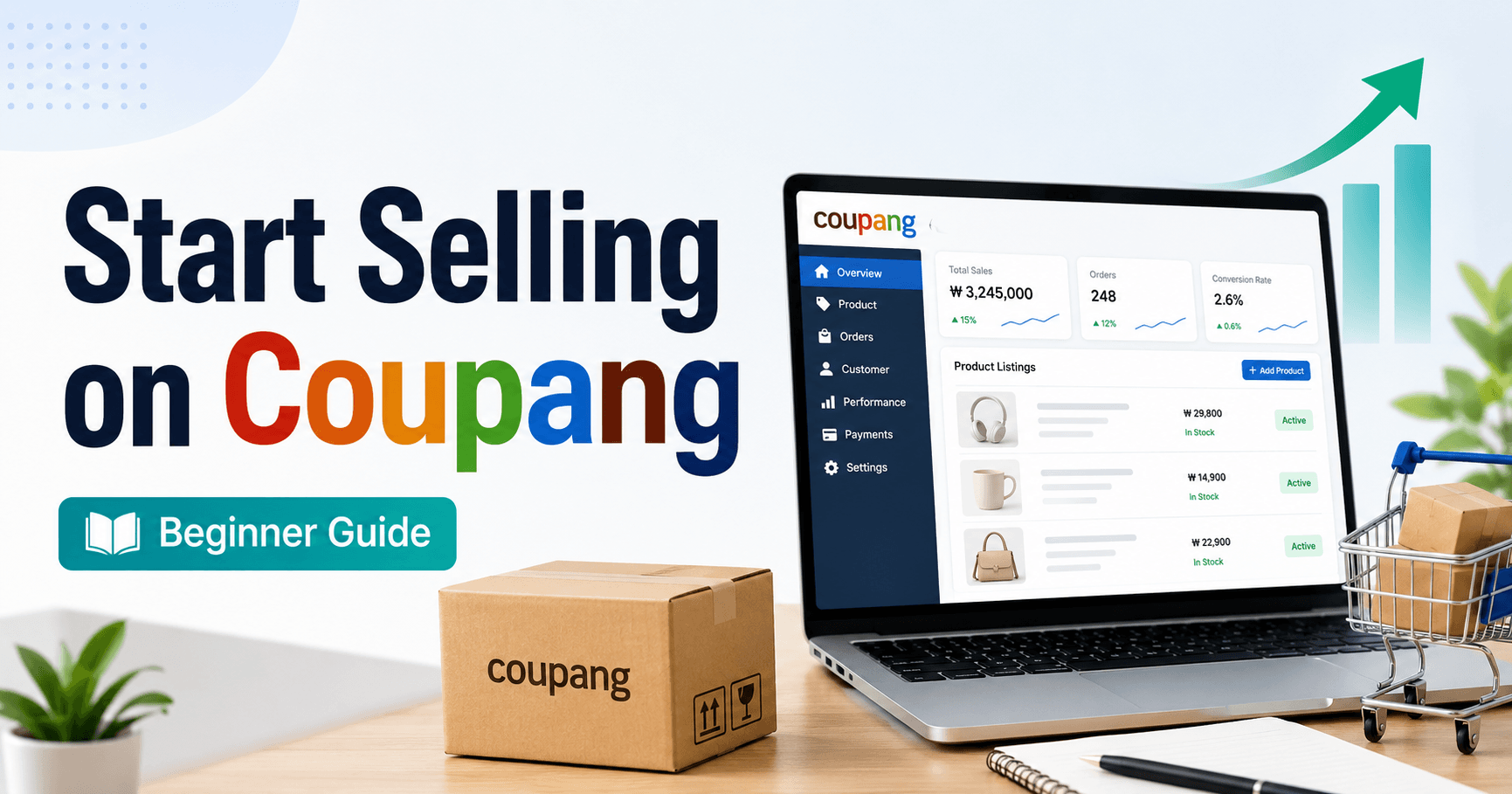
How to start selling on Coupang as a foreign seller depends on where your business is registered. This guide is for businesses registered outside Korea that want to apply through Coupang Global Marketplace. If your company is registered in Korea, use Coupang’s domestic seller route instead because the account checks, tax documents and fulfillment options … Read more

Large WordPress Job Runs Out of Memory? Check Progress, Batches and Output

WordPress memory exhausted error troubleshooting guide

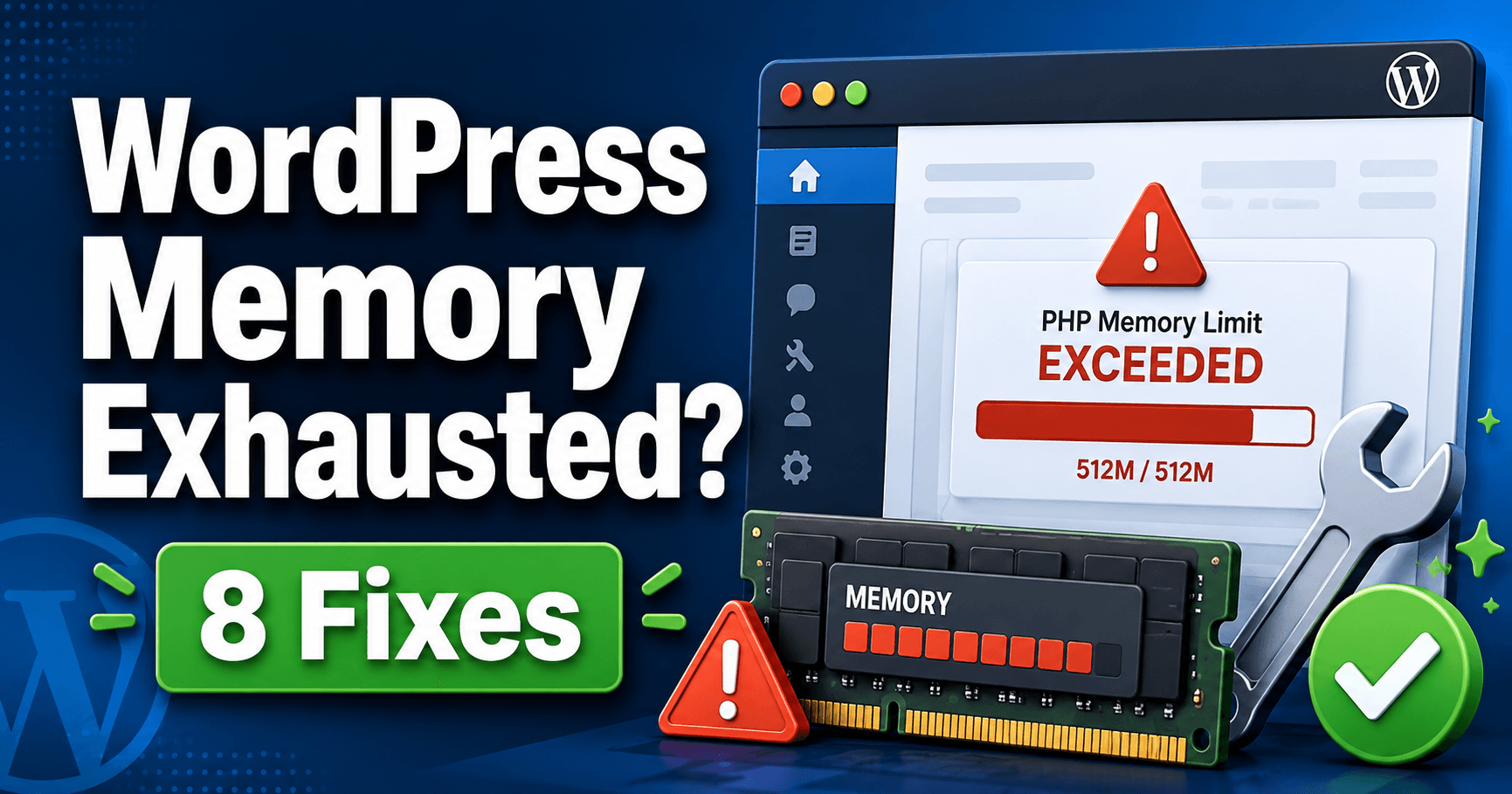
A large import, backup or image task can run out of PHP memory even while ordinary pages continue to work. Restarting the entire job may repeat the same failure and can make partial results harder to understand. First record what completed successfully, then test a representative smaller batch. That helps you distinguish an unusually heavy … Read more

WordPress Admin Is Slow? Measure the Request Before Changing Settings

WordPress admin slow troubleshooting guide

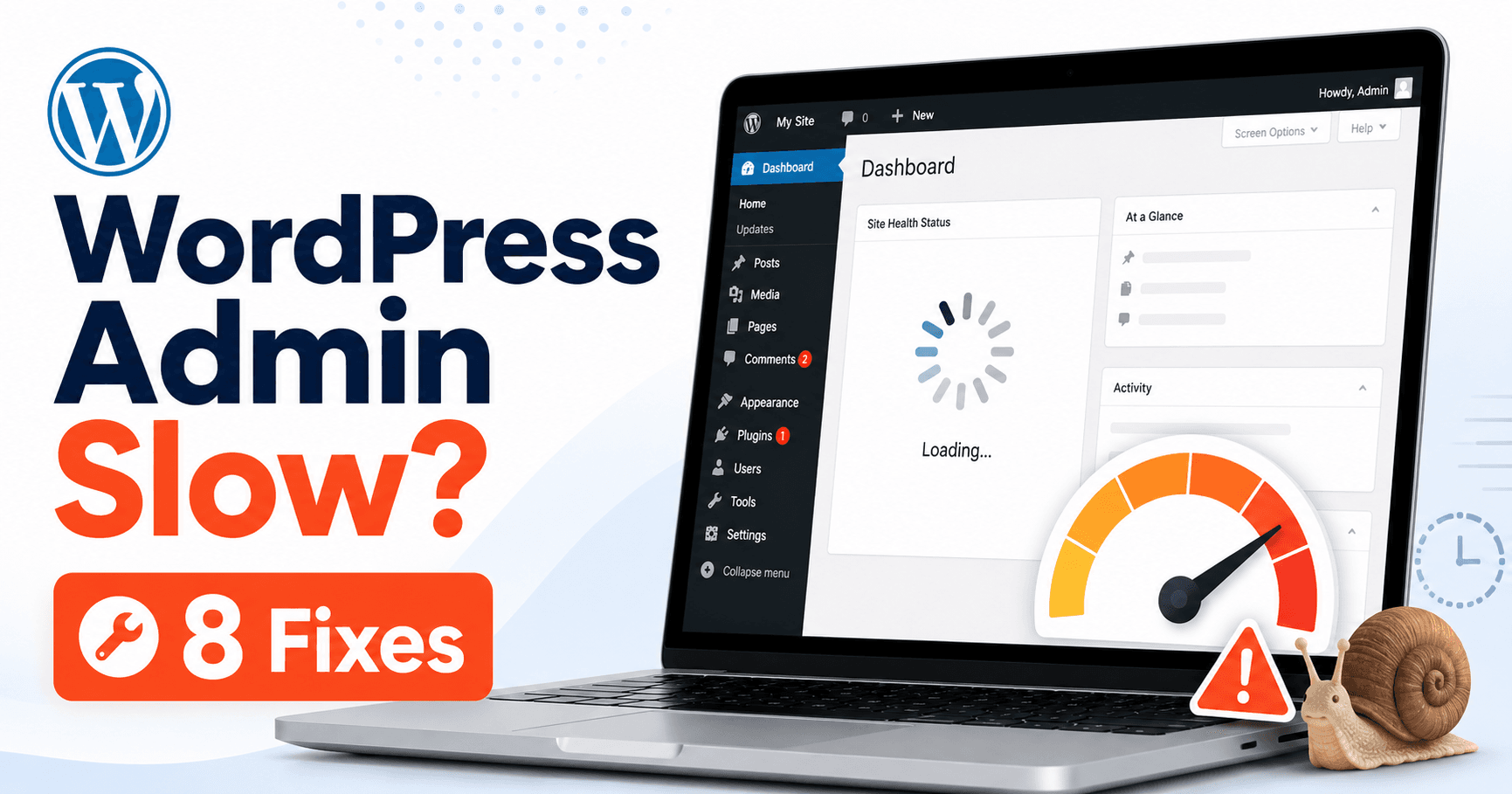
A slow WordPress dashboard is not one problem. PHP processing, database queries, external services and browser scripts can each delay a different part of the admin area. Name the exact action that feels slow—opening a screen, saving a post, loading a widget or uploading a file—and measure that same action before changing settings. A precise … Read more

Plan WordPress Updates: Backups, Maintenance and Final Checks

A WordPress update is easier to verify when you plan the recovery point, installation sequence and visitor checks before starting. The goal is to finish with working features, not simply a dashboard showing newer version numbers. Choose a manageable window, preserve files and database, and record each component as it updates. If an operation stops, … Read more

Failed Bulk Plugin Update? Inventory the Versions and Repair the Failed Component

WordPress update failed troubleshooting guide

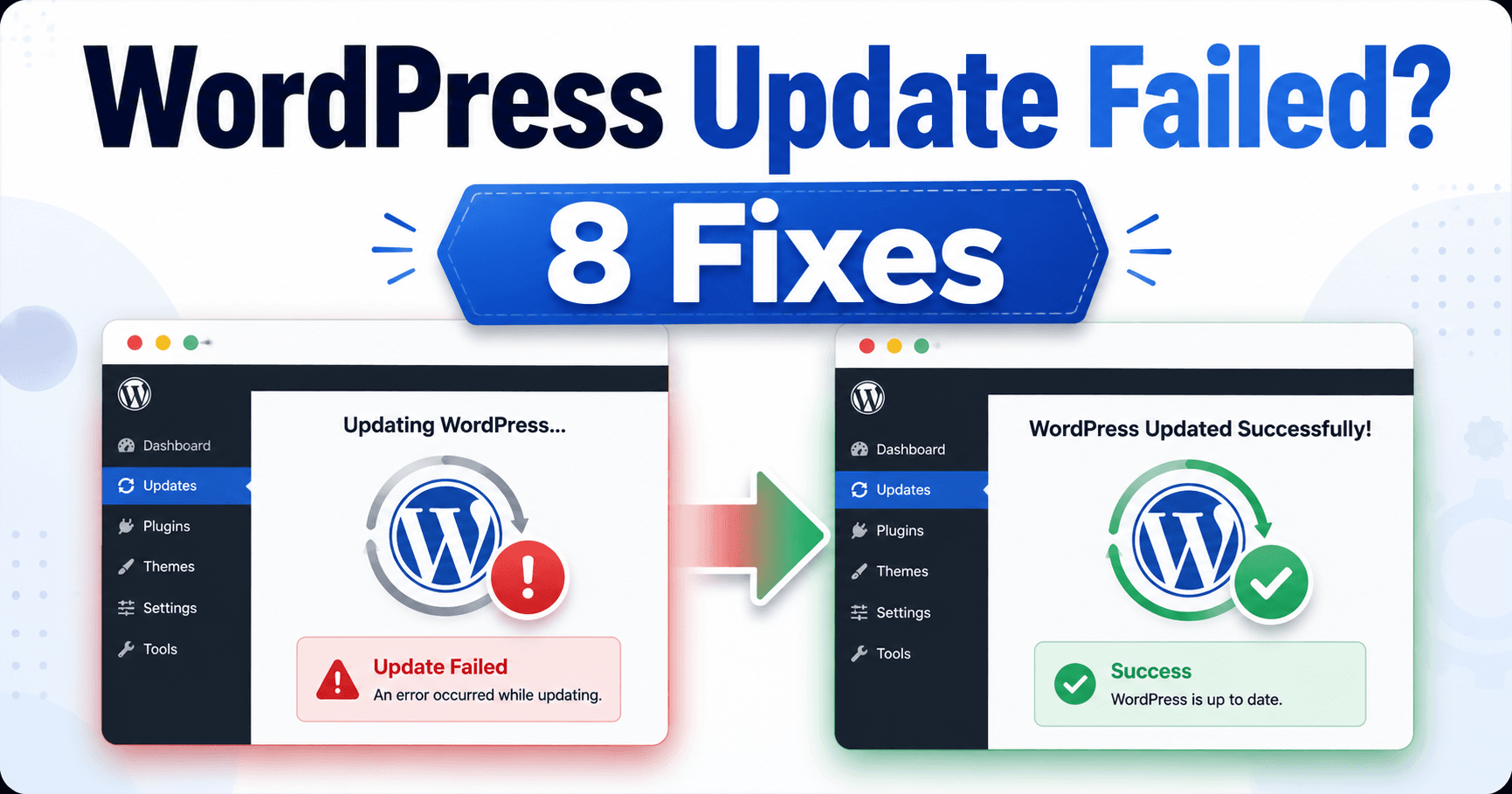
A bulk plugin update can finish some components and leave others unchanged or only partly installed. Running the whole batch again immediately can hide which version is active and which plugin caused the interruption. Record the result of each plugin first, keep a recovery point for the mixed state and repair the failed component on … Read more

Images Missing After WordPress Migration? Follow the Requested URL

WordPress images not loading troubleshooting guide

After a WordPress migration, the database may arrive correctly while some original image files or generated sizes do not. A broken image on the page is therefore a clue, not proof that every media record is wrong. Open the exact image URL requested by the browser and compare its response with the destination uploads folder. … Read more

WordPress Login Loop After a Move? Trace URLs, Cookies and HTTPS

WordPress login redirect loop troubleshooting guide

A correct password can still lead back to the WordPress login screen after a domain or HTTPS move. The login may succeed, but the browser cannot keep the session when the configured URLs, cookie domain or proxy handling disagree. Trace the address before submitting the form and the address that appears after the redirect. Correct … Read more