Cloudflare Error 524: Find the Slow Operation and Verify Job Completion
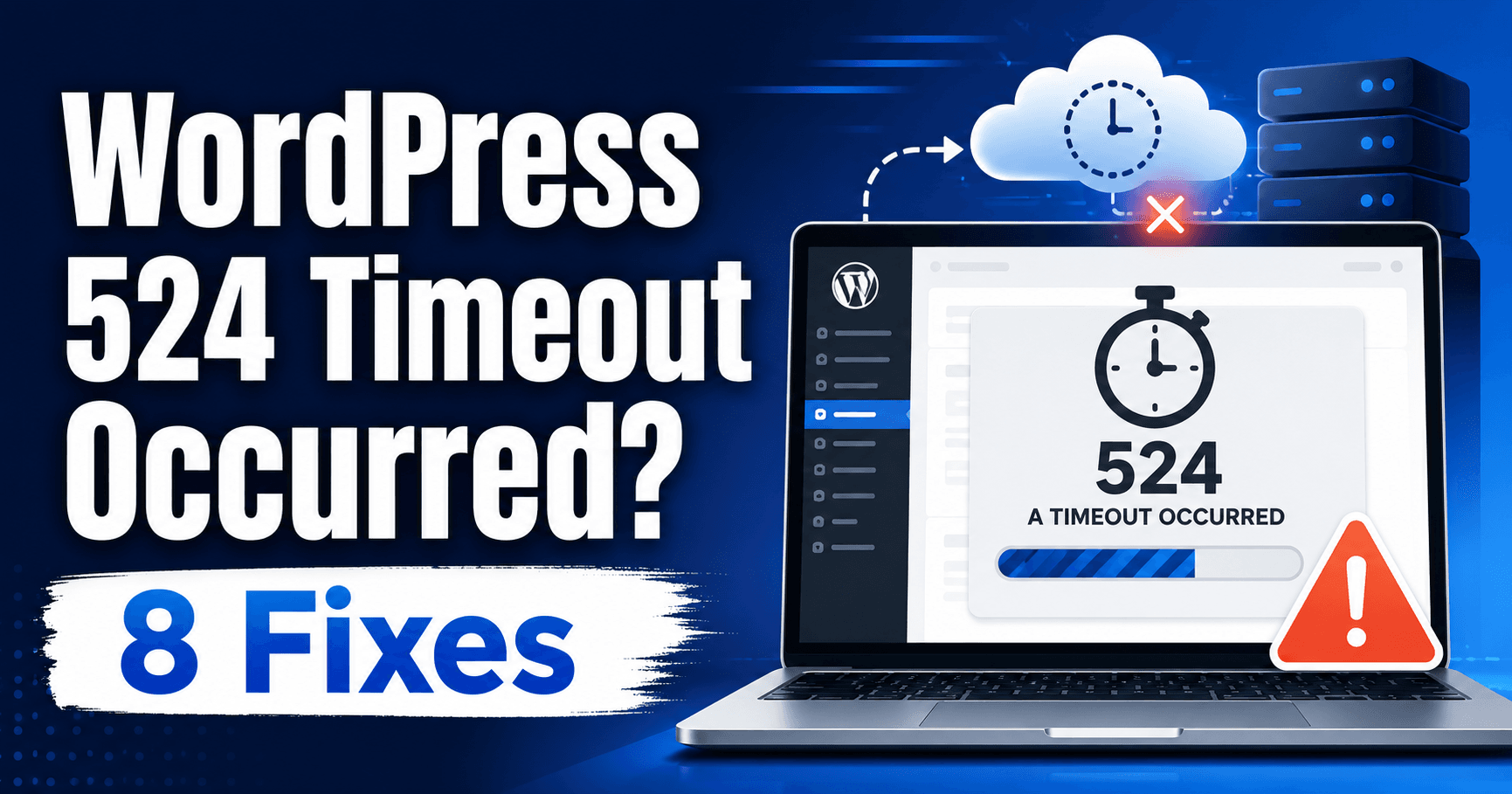
WordPress 524 timeout troubleshooting guide

Cloudflare error 524 generally means the origin connection succeeded but the expected response did not arrive in time. Keep the operation, workload and failure time. An export or import may continue after the browser times out, so check its status before retrying and creating duplicate work. Guide reviewed: October 8, 2026. Interface labels may vary … Read more
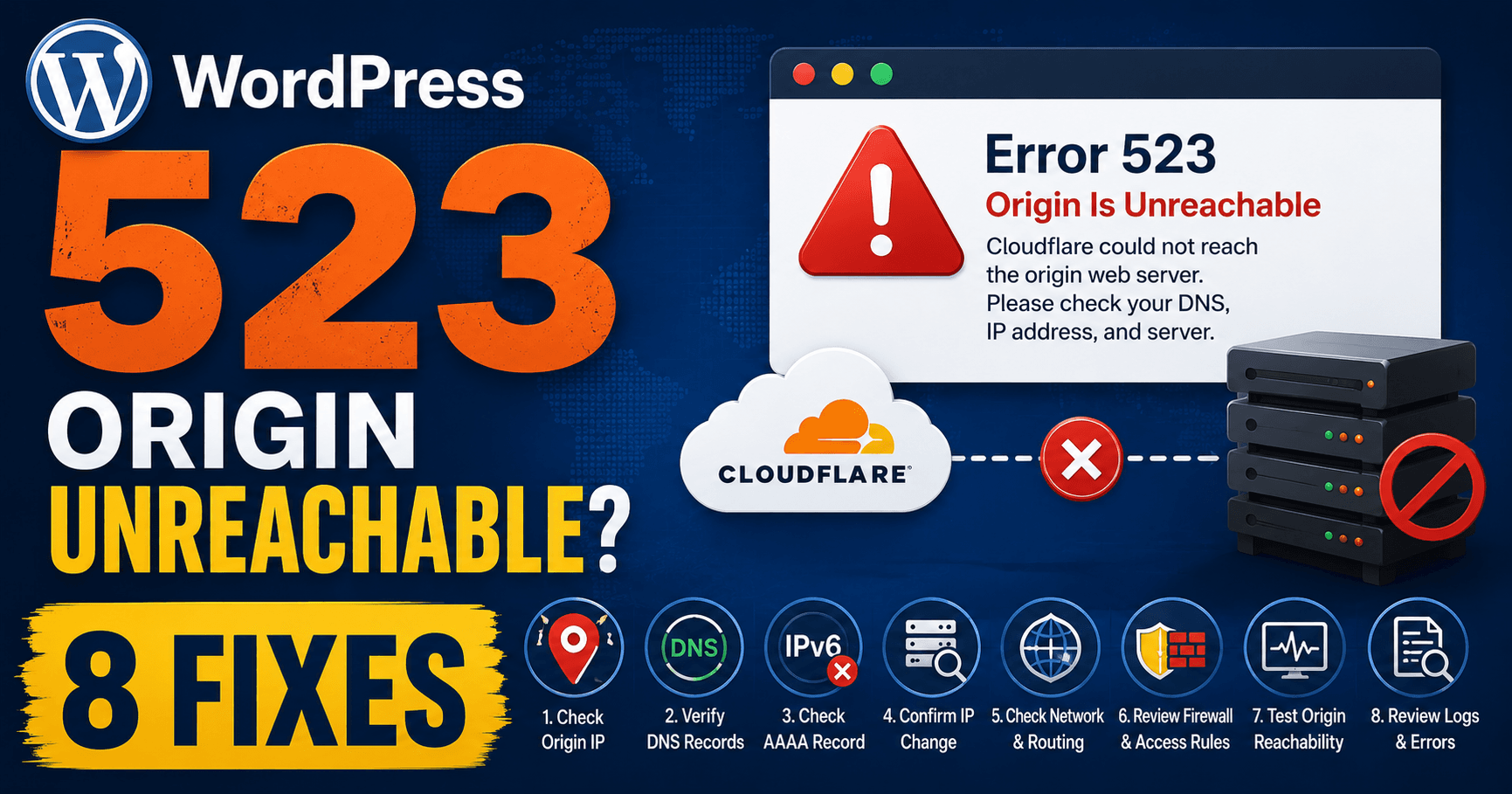
Cloudflare Error 523: Verify the Origin Address and Network Route

WordPress 523 origin unreachable troubleshooting guide

Cloudflare error 523 means Cloudflare cannot contact the origin. Compare configured A and AAAA destinations with the current host’s instructions, then ask the provider to inspect the network path. A healthy WordPress installation in the hosting panel does not prove that Cloudflare can reach its server. Guide reviewed: October 8, 2026. Interface labels may vary … Read more
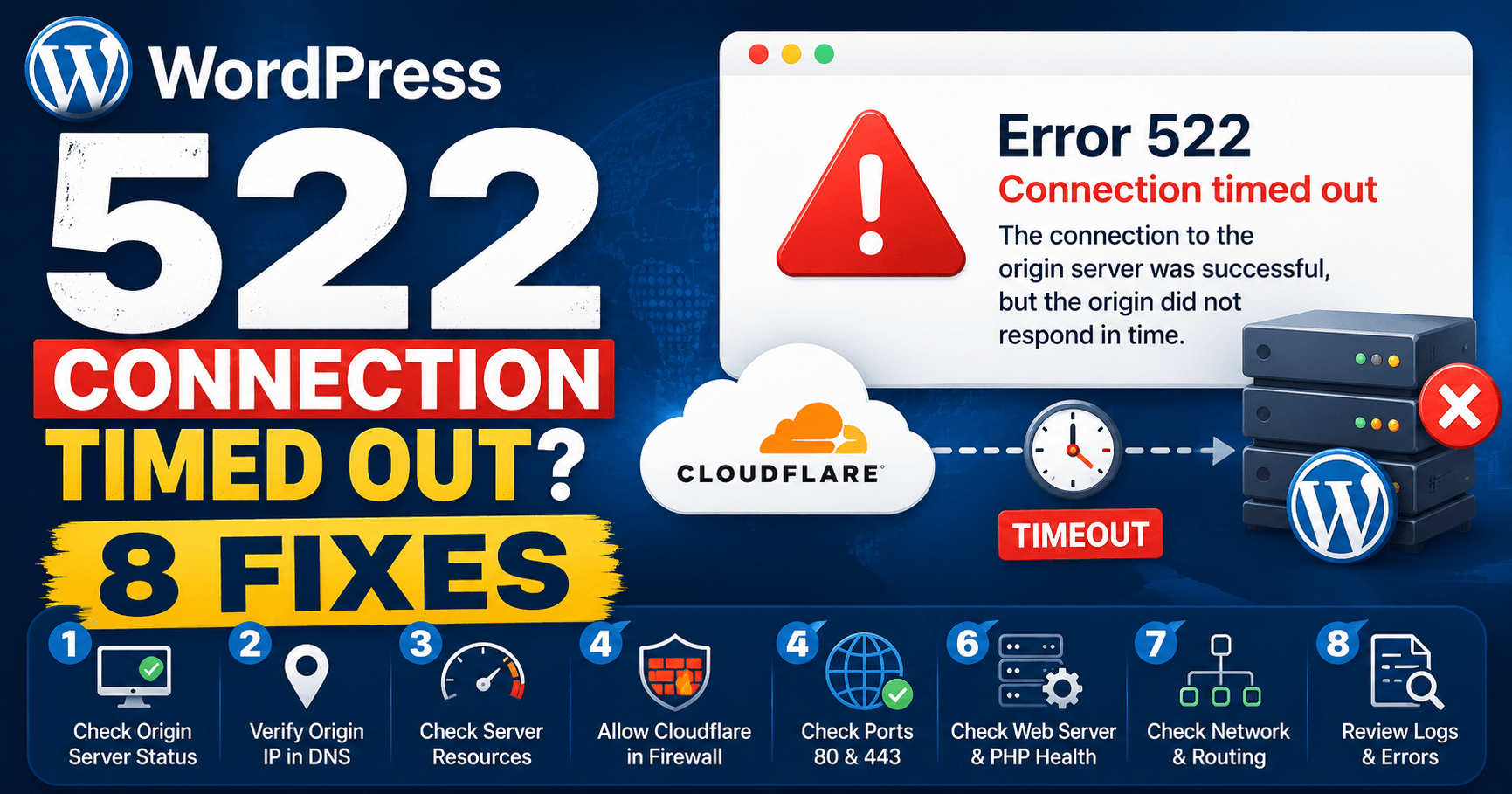
Cloudflare Error 522: Diagnose the Origin Connection Timeout

WordPress 522 connection timed out troubleshooting guide

Cloudflare error 522 concerns a timeout in contacting the origin or receiving its acknowledgement. Compare the failure pattern with hosting, DNS and firewall changes. It differs from 524, where an established connection waits too long for the response. Exact times help the host investigate an intermittent connection problem. Guide reviewed: October 8, 2026. Interface labels … Read more

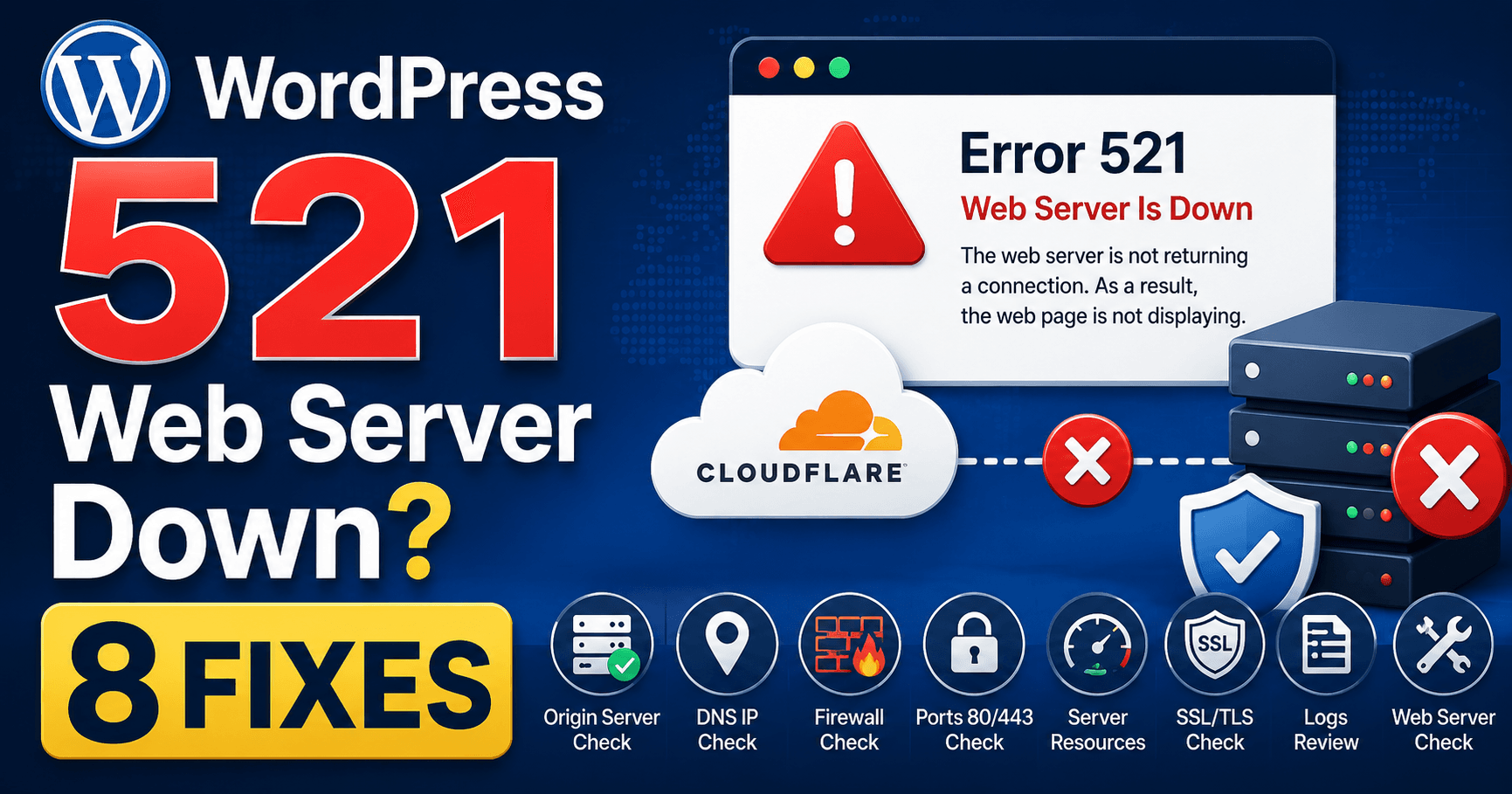
Cloudflare Error 521: Check Why the Origin Refuses Cloudflare

WordPress 521 web server is down troubleshooting guide

Cloudflare error 521 means the origin refused Cloudflare’s connection. The web service may be stopped or rejecting the incoming connection even while the hosting panel works. Use the failure time and recent maintenance, firewall or HTTPS changes to guide the host’s service and connection-log review. Guide reviewed: October 8, 2026. Interface labels may vary by … Read more

WordPress 508 Resource Limit: Identify the Hosting Allowance

WordPress 508 resource limit troubleshooting guide

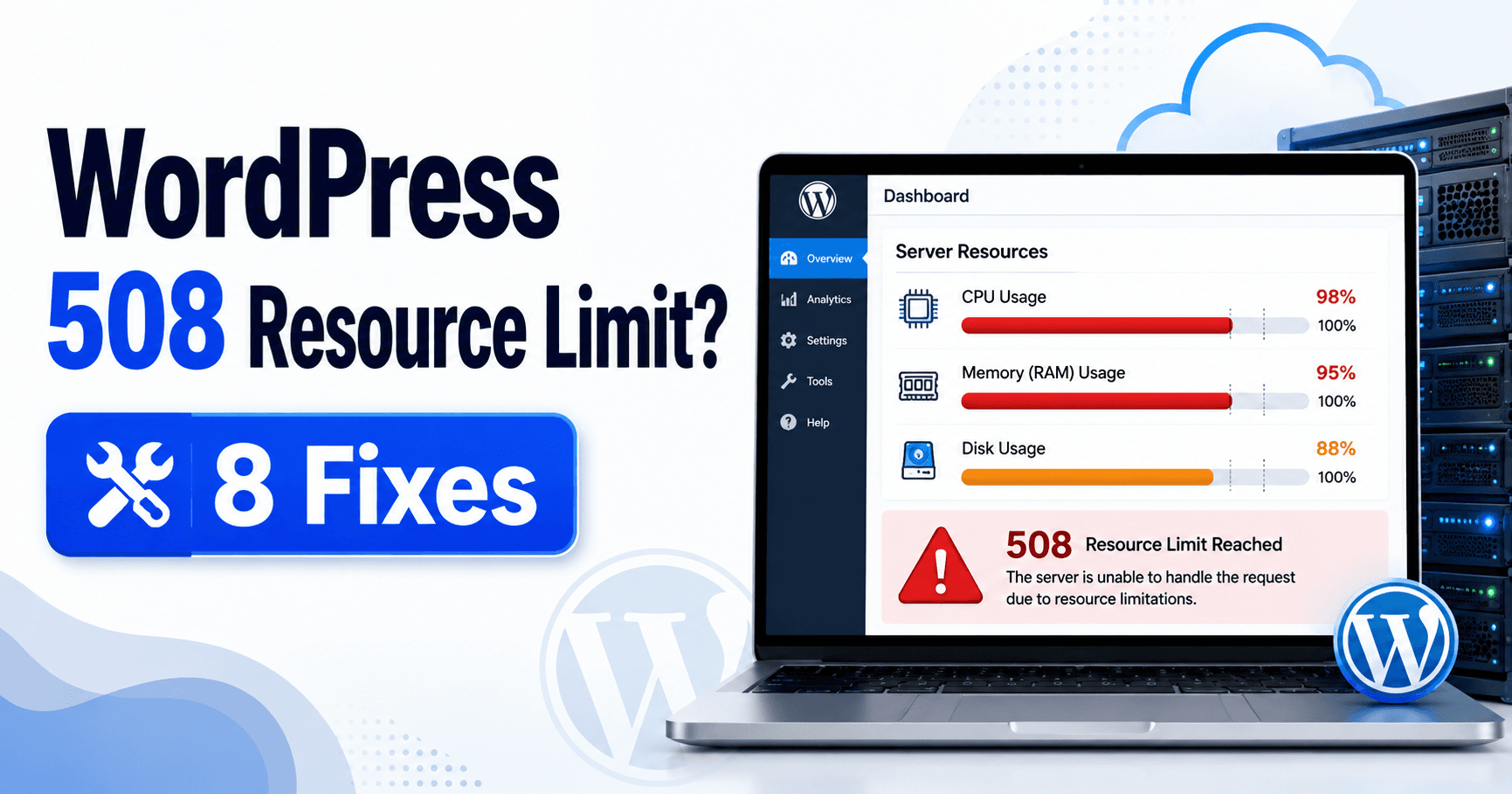
If the page says “508 Resource Limit Reached,” identify the allowance recorded by the hosting provider at the failure time. Disk space, concurrent work, CPU and memory describe different constraints. Standard HTTP 508 means Loop Detected; this guide addresses the provider’s resource-limit wording rather than assuming those responses share one cause. Guide reviewed: October 8, … Read more

WordPress 507 Insufficient Storage: Identify the Resource That Cannot Be Saved

WordPress 507 insufficient storage troubleshooting guide

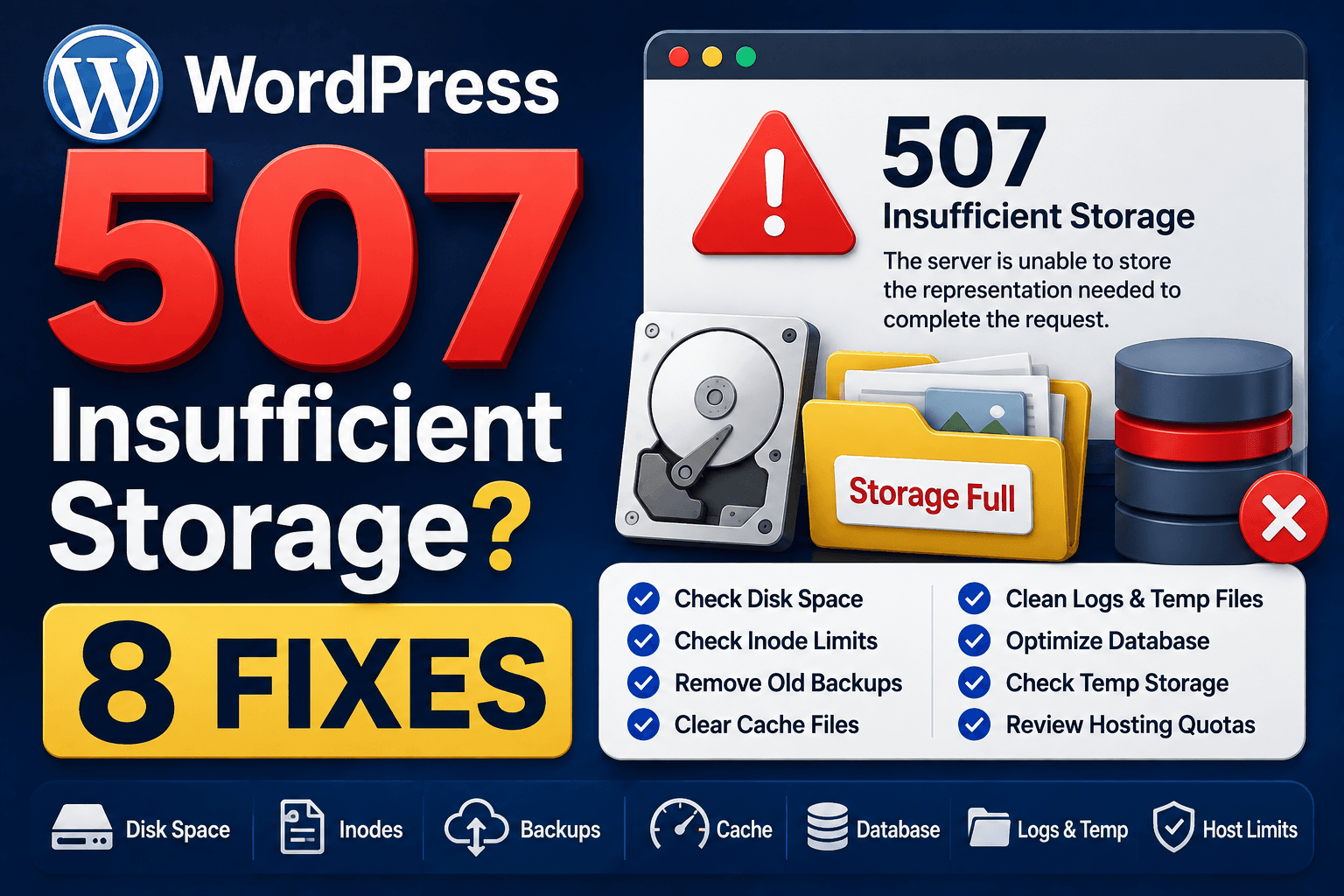
A 507 response means the server lacks the resources needed to complete the action. Keep the failed upload, export or save operation and ask which location or allowance could not be allocated. Spare space in an account summary does not establish that every working directory or application resource was available. Guide reviewed: October 8, 2026. … Read more

WordPress HTTP 429: Identify the Rate-Limiting Service and Request Source

WordPress 429 Too Many Requests troubleshooting guide

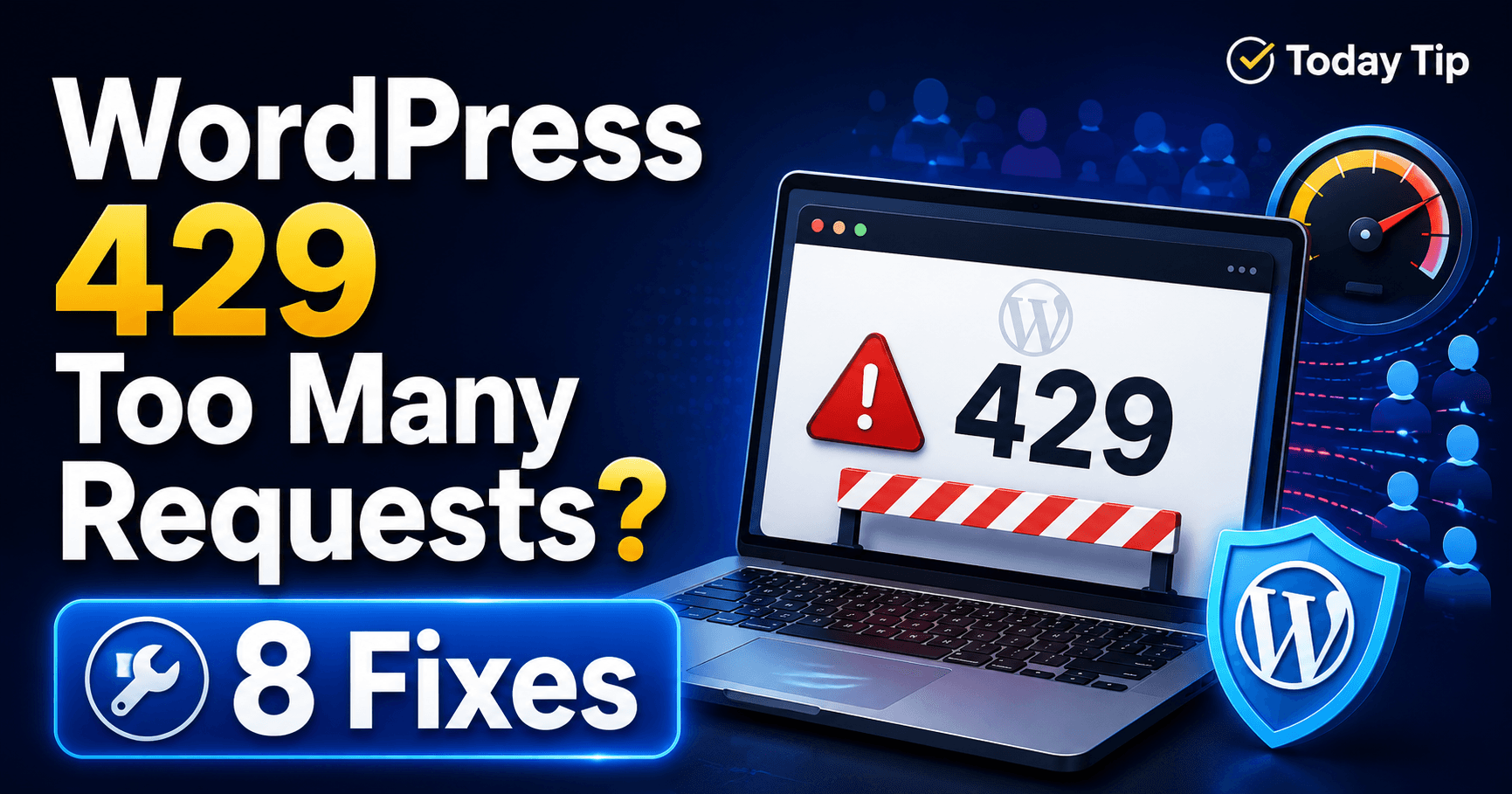
A 429 response means a service is limiting request frequency. Identify the failed request and the system returning it before changing settings. WordPress can display a limit from a host, security layer or external API. Pause unnecessary retries and follow Retry-After guidance when the response supplies it. Guide reviewed: October 8, 2026. Interface labels may … Read more

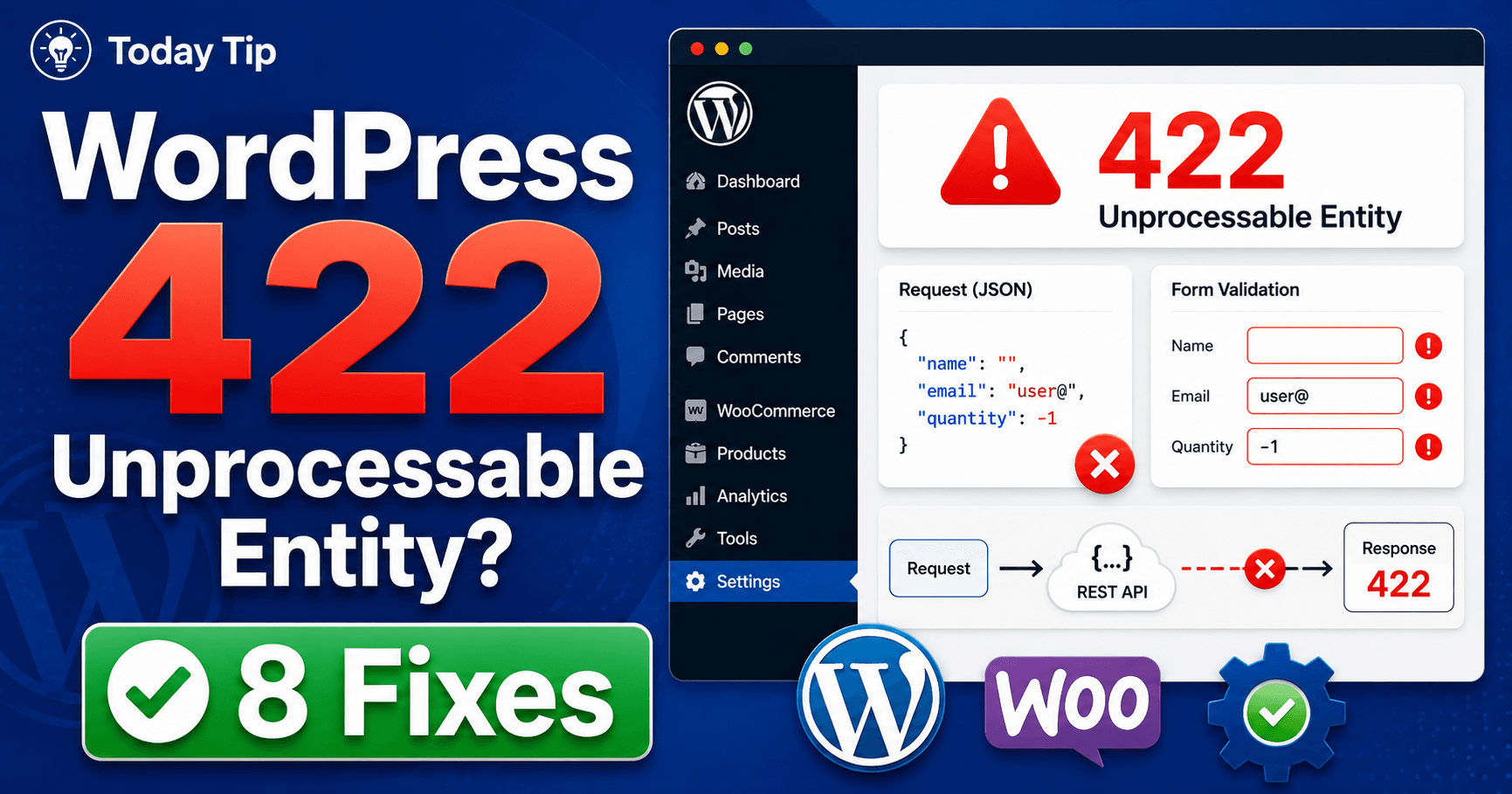
WordPress HTTP 422: Diagnose the Rejected Input or Validation Requirement

WordPress 422 Unprocessable Entity troubleshooting guide

If a form or integration returns 422, read its response message before submitting again. The service understood the request’s content type and syntax but could not process its instructions. The useful next step is to identify the receiving service and compare the rejected value with its documented requirement. Guide reviewed: October 8, 2026. Interface labels … Read more

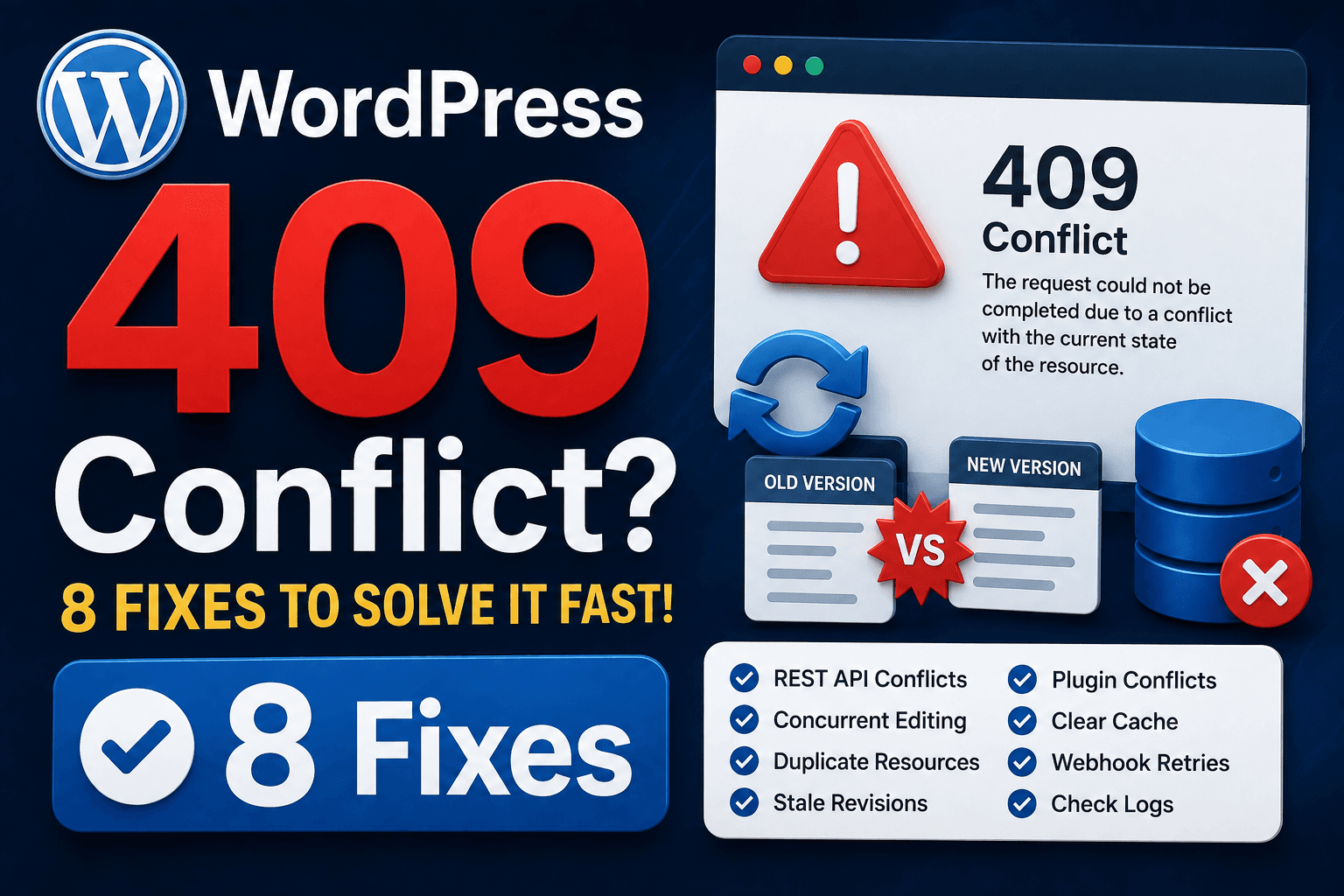
WordPress HTTP 409: Reconcile the Current Record or Running Task

WordPress 409 Conflict Error troubleshooting guide

HTTP 409 means the request conflicts with the resource’s current state. An older edit, duplicate record or already-running task needs its own review. Preserve unsaved work, read the application’s explanation and check existing status before retrying. The status alone does not establish incompatible WordPress plugins. Guide reviewed: October 8, 2026. Interface labels may vary by … Read more