WordPress Stuck in Maintenance Mode? Check the Update Before Removing the Marker
WordPress stuck in maintenance mode troubleshooting guide

Your site still says “Briefly unavailable for scheduled maintenance” after an update. First establish whether the update is still replacing files. A disconnected browser tab does not tell you whether the server stopped. Once the update has stopped, distinguish the WordPress maintenance marker from a maintenance plugin, hosting page or cached response. Removing a marker … Read more
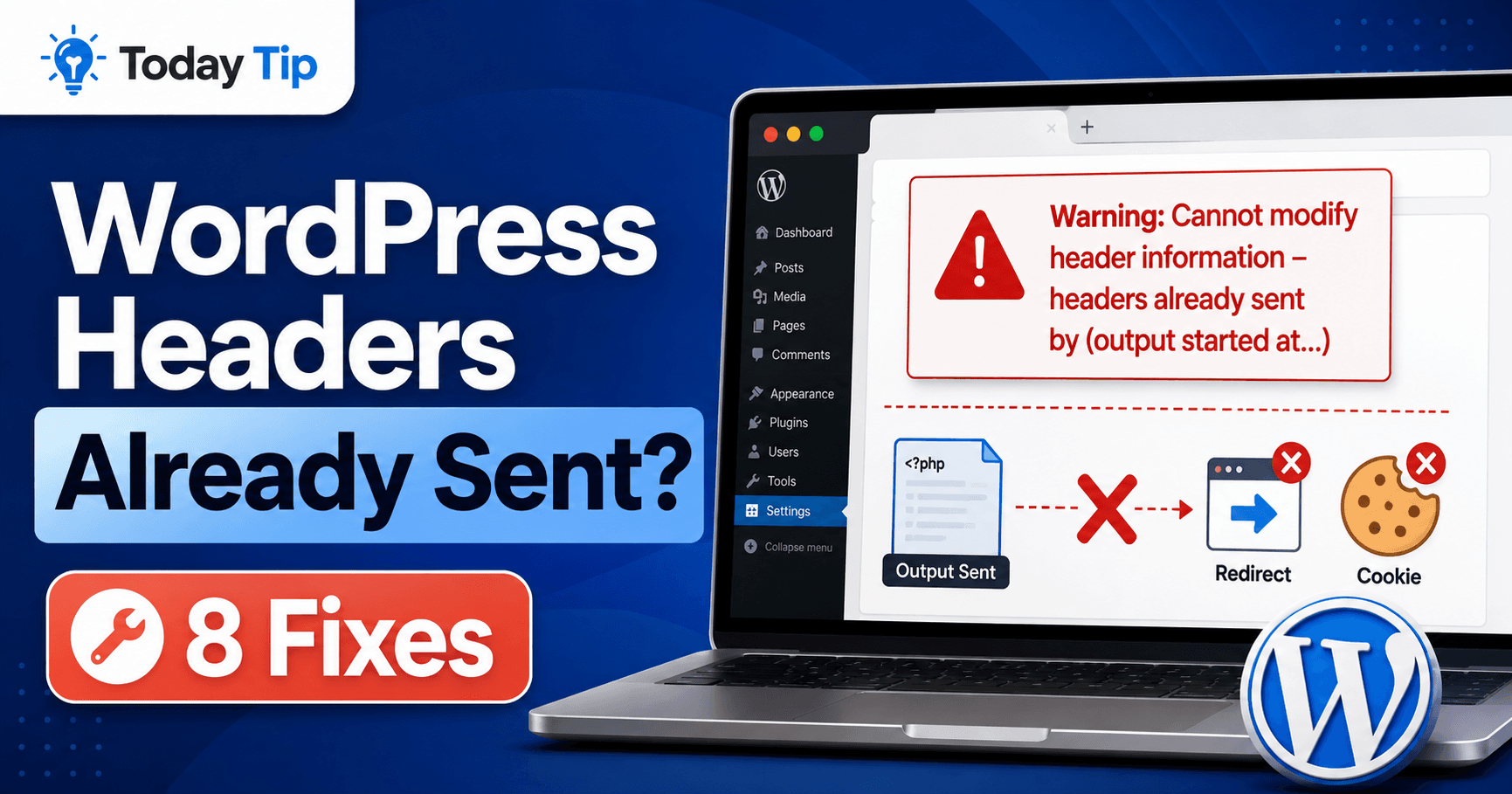
WordPress Headers Already Sent: Trace Early Output and Restore Login

WordPress headers already sent troubleshooting guide

A login that keeps returning to the sign-in screen, a failed redirect, or JSON mixed with warning text can all follow a PHP “headers already sent” warning. Read the output started at location first: it identifies the earlier output that prevented a later cookie or redirect header. This guide helps you separate that first event … Read more

WordPress Destination Folder Already Exists: Identify the Installed Copy

WordPress destination folder already exists troubleshooting guide

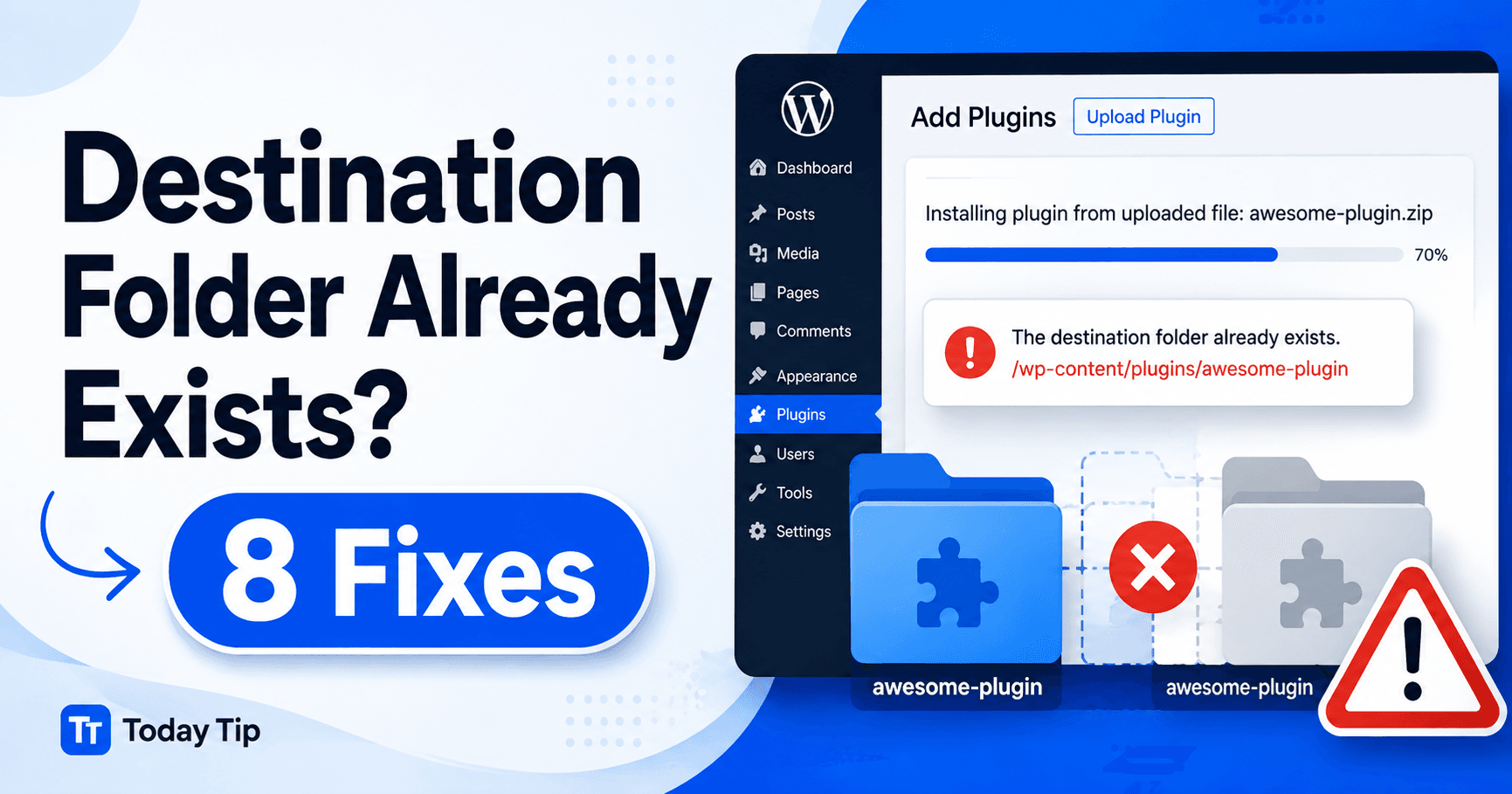
“Destination folder already exists” means a plugin or theme installation found its target directory already present. Before removing files, establish whether that directory holds a working installation, a dependency or an incomplete attempt. Use the dashboard and exact folder path to choose between an update, a controlled replacement and removal of a backed-up unused remnant. … Read more

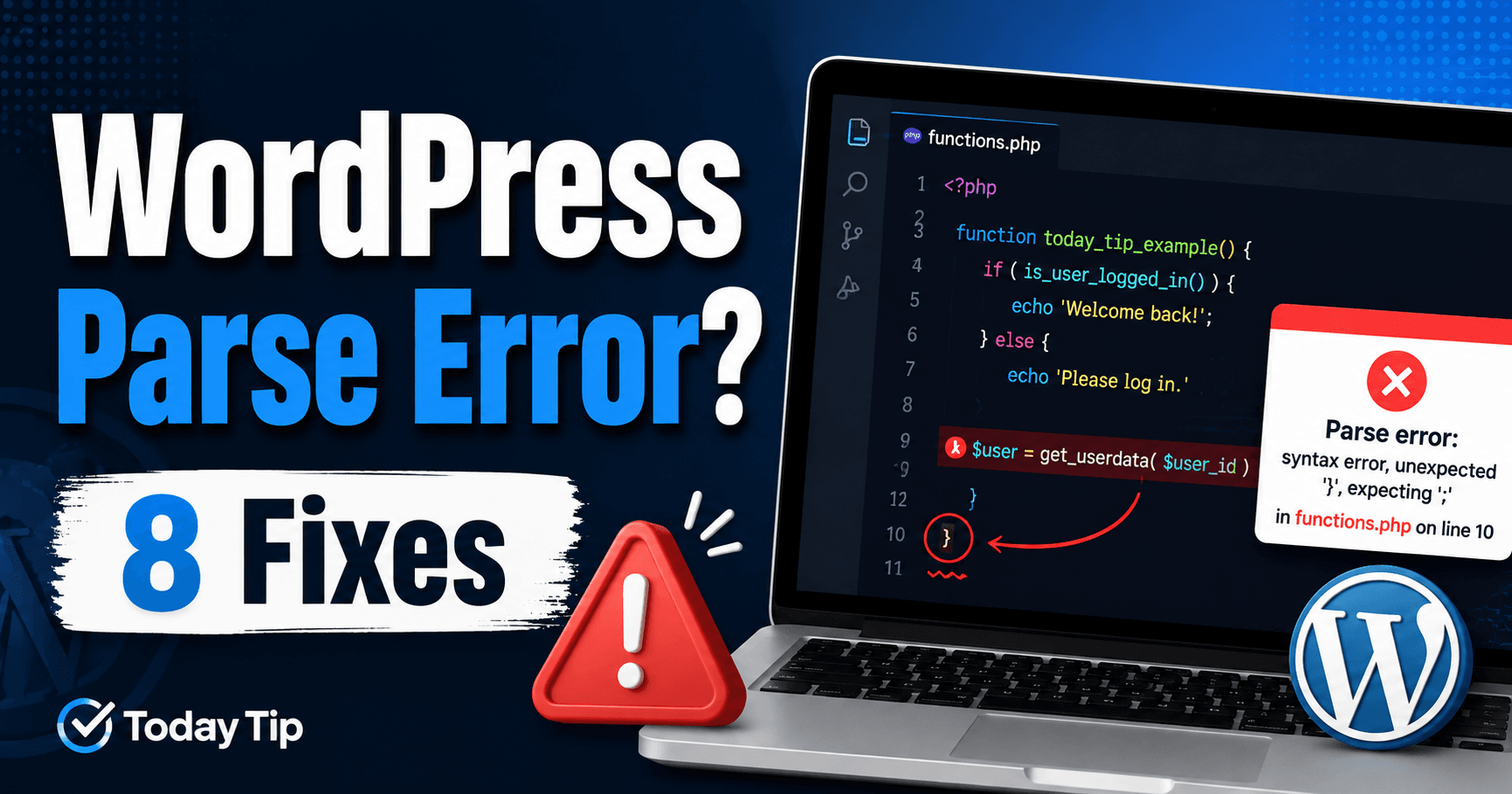
WordPress Parse Error: Restore the File and Diagnose Broken PHP Syntax

WordPress parse error troubleshooting guide

A parse error after a snippet edit or update means PHP could not interpret a file as valid syntax. The message’s file path is the starting point; its line number may identify where PHP noticed an earlier missing quote or bracket. Restore access with a known working copy, then investigate the specific change before reapplying … Read more

WordPress Maximum Execution Time Exceeded: Diagnose the Job Before Raising Limits

WordPress maximum execution time exceeded troubleshooting guide

If an import, backup or update stops with “Maximum execution time exceeded,” PHP ended a request at its execution limit. Check how far the task progressed before retrying: some records or files may already exist. The steps below distinguish oversized work, a repeatable failing item and a separate server timeout so you can choose a … Read more

WordPress 401 Unauthorized: Identify the Failing Authentication Layer

WordPress 401 Unauthorized troubleshooting guide

A 401 response means the requested resource did not receive authentication it accepts. That may happen in the WordPress editor, at a hosting protection screen or during an external API request—and each one can expect a different login method. Start with the exact URL that returned 401 and the action that triggered it. This keeps … Read more

WordPress 413 Content Too Large: Trace File and Whole Request Limits

WordPress 413 Request Entity Too Large troubleshooting guide

A 413 upload error means the responding service rejected a request that exceeded its accepted size. One attachment, a combined form submission and an import package can reach different limits. Compare a small test with the failing request, locate the rejecting layer and choose a suitable file size or a documented allowance. Guide reviewed: October … Read more

WordPress Invalid JSON Response: Inspect the Failed Save Reply

WordPress invalid JSON response troubleshooting guide

When the editor reports an invalid JSON response after Save or Publish, preserve your text and check whether the server stored the change. The editor may have received HTML, a redirect or warning text instead of the structured reply it expected. Follow the actual failed request to distinguish authentication, routing, security rules and PHP output. … Read more

WordPress and WooCommerce 429: Identify the Endpoint and Retry Safely

WordPress 429 Too Many Requests rate limit troubleshooting guide

A 429 response during checkout, an import or a background integration means a service is limiting request frequency. Pause the repeated action, read any waiting instruction and check whether earlier attempts already created an order or record. This guide distinguishes the WooCommerce Store API from other APIs and hosting limits, then shows how to reduce … Read more