WordPress HTTP 400: Identify and Correct the Rejected Request
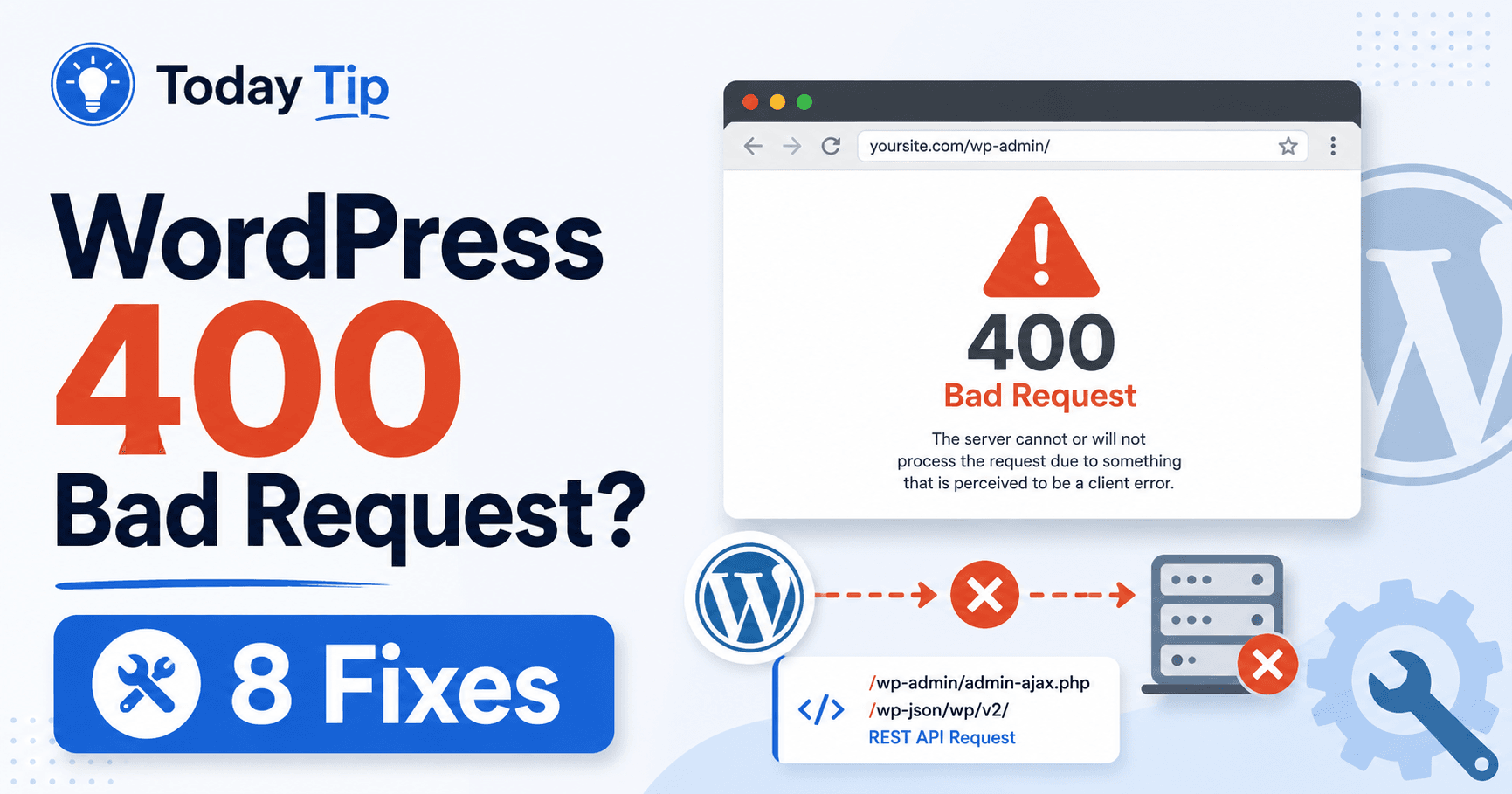
WordPress 400 Bad Request troubleshooting guide

A 400 response means the server considers the request invalid. Keep the full message and identify whether the failure follows one link, one form input or every integration call. Repeating the same request unchanged is unlikely to help; a reduced comparison can reveal the part the responding service rejected. Guide reviewed: October 8, 2026. Interface … Read more
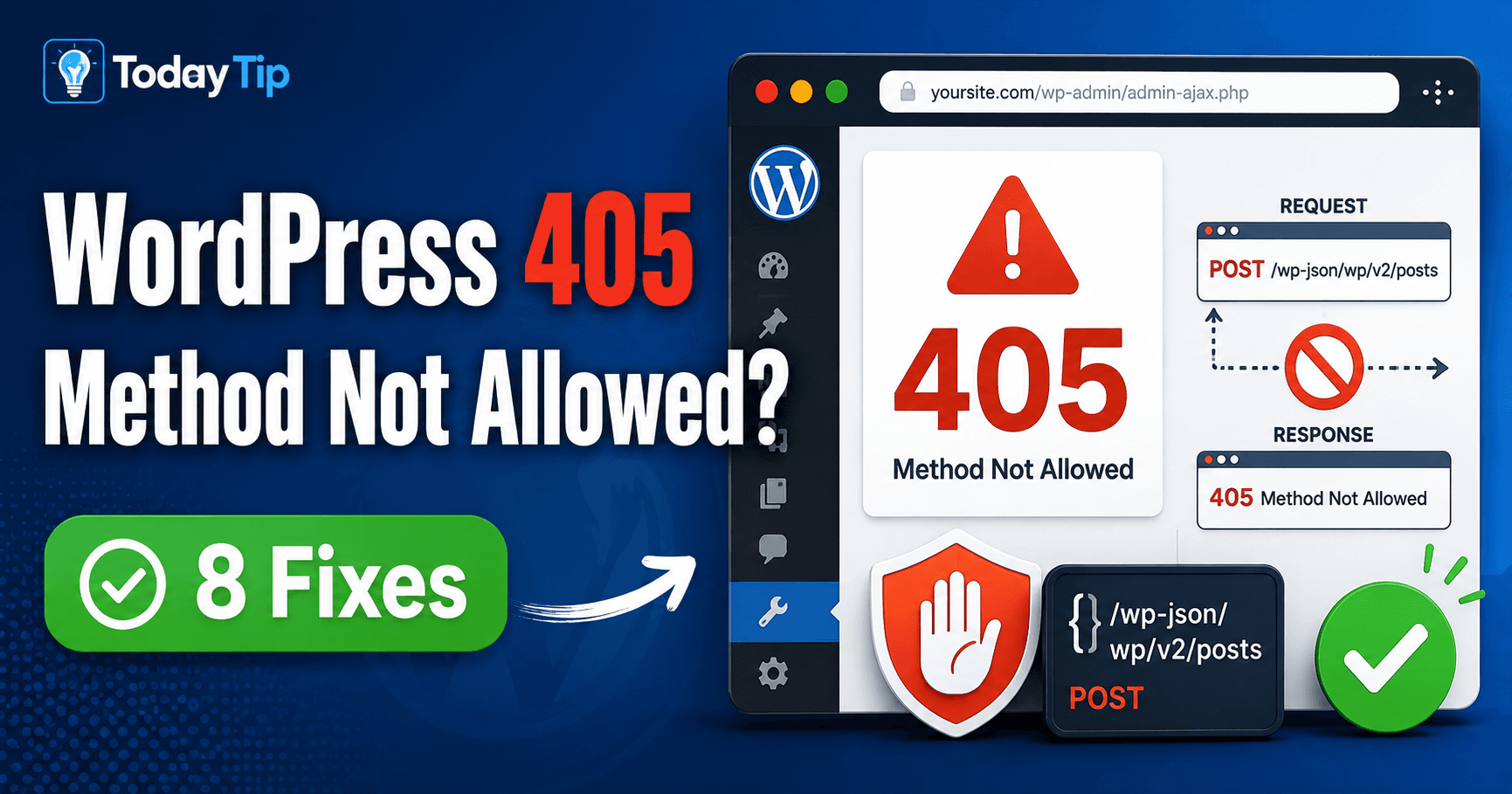
WordPress HTTP 405: Verify the Endpoint and Supported Request Method

WordPress 405 Method Not Allowed troubleshooting guide

If a form page opens but submission returns 405, inspect the submission request rather than the page appearance. The target recognizes the method but does not support it for that resource. Compare the destination and method with the feature’s documented route and the response’s Allow header where available. Guide reviewed: October 8, 2026. Interface labels … Read more

WordPress Missed Schedule: Recover Publication and Verify WP-Cron

WordPress Missed Schedule troubleshooting guide

If the planned publication time has passed and WordPress shows Missed schedule, check the post status and site time zone first. Publish the ready overdue article through the normal editor when appropriate, then investigate the scheduler separately. Manual publication does not verify the next scheduled event. Guide reviewed: October 8, 2026. Interface labels may vary … Read more

WordPress Failed to Write File to Disk: Identify the Failed Save Location

WordPress failed to write file to disk troubleshooting guide

If WordPress reports Failed to write file to disk, keep the exact upload message and compare a small harmless file. Ask the host which location the active process could not write. The final uploads folder, temporary working location, access and storage need evidence from the actual failed operation. Guide reviewed: October 8, 2026. Interface labels … Read more

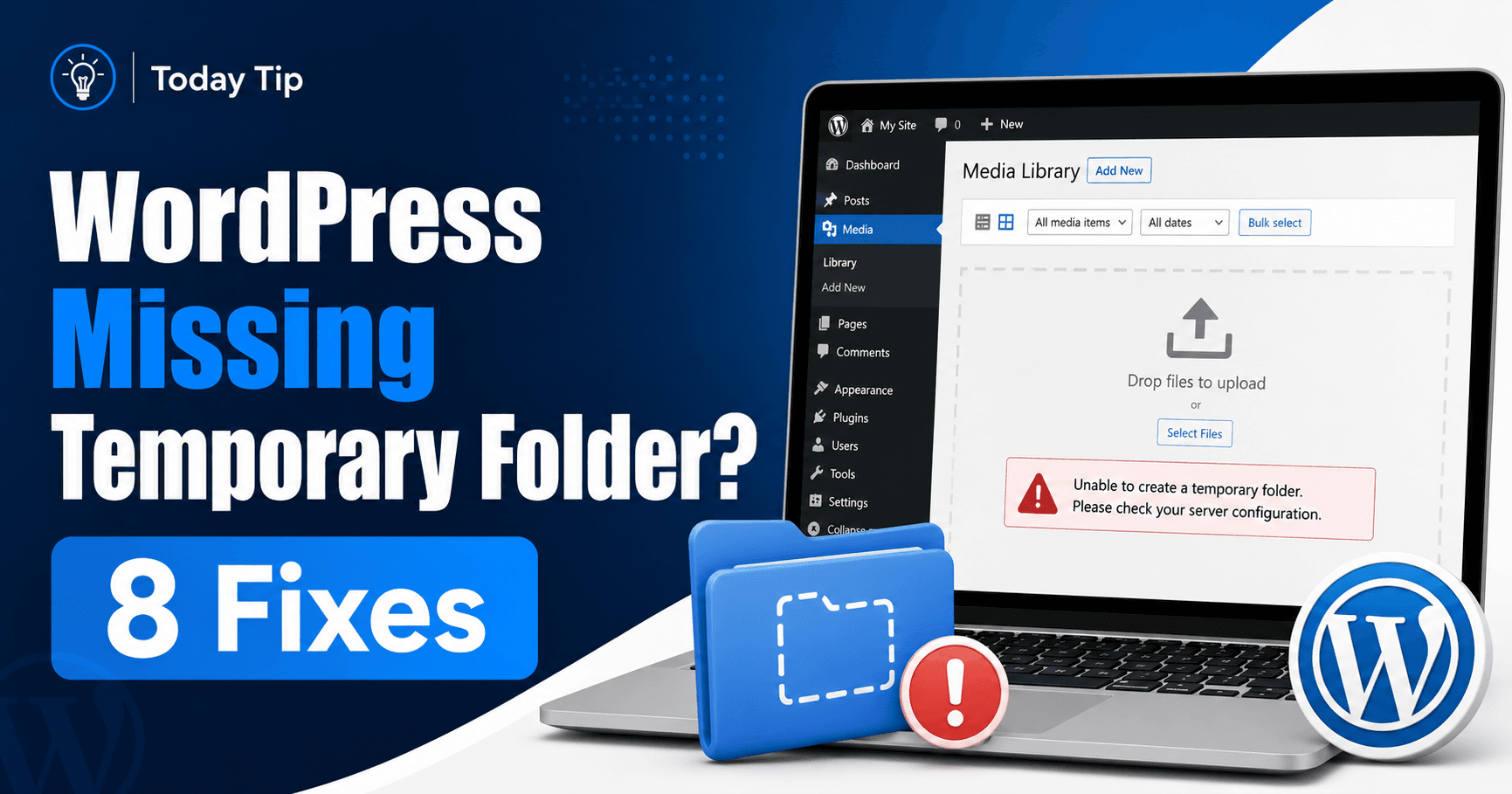
WordPress Missing a Temporary Folder: Verify PHP’s Active Upload Directory

WordPress missing a temporary folder troubleshooting guide

Missing a temporary folder refers to the server’s upload working location. It is separate from the final WordPress media directory and from folders on your computer. Have the host confirm the active PHP upload directory and whether the request-handling process can use it before creating a random replacement folder. Guide reviewed: October 8, 2026. Interface … Read more
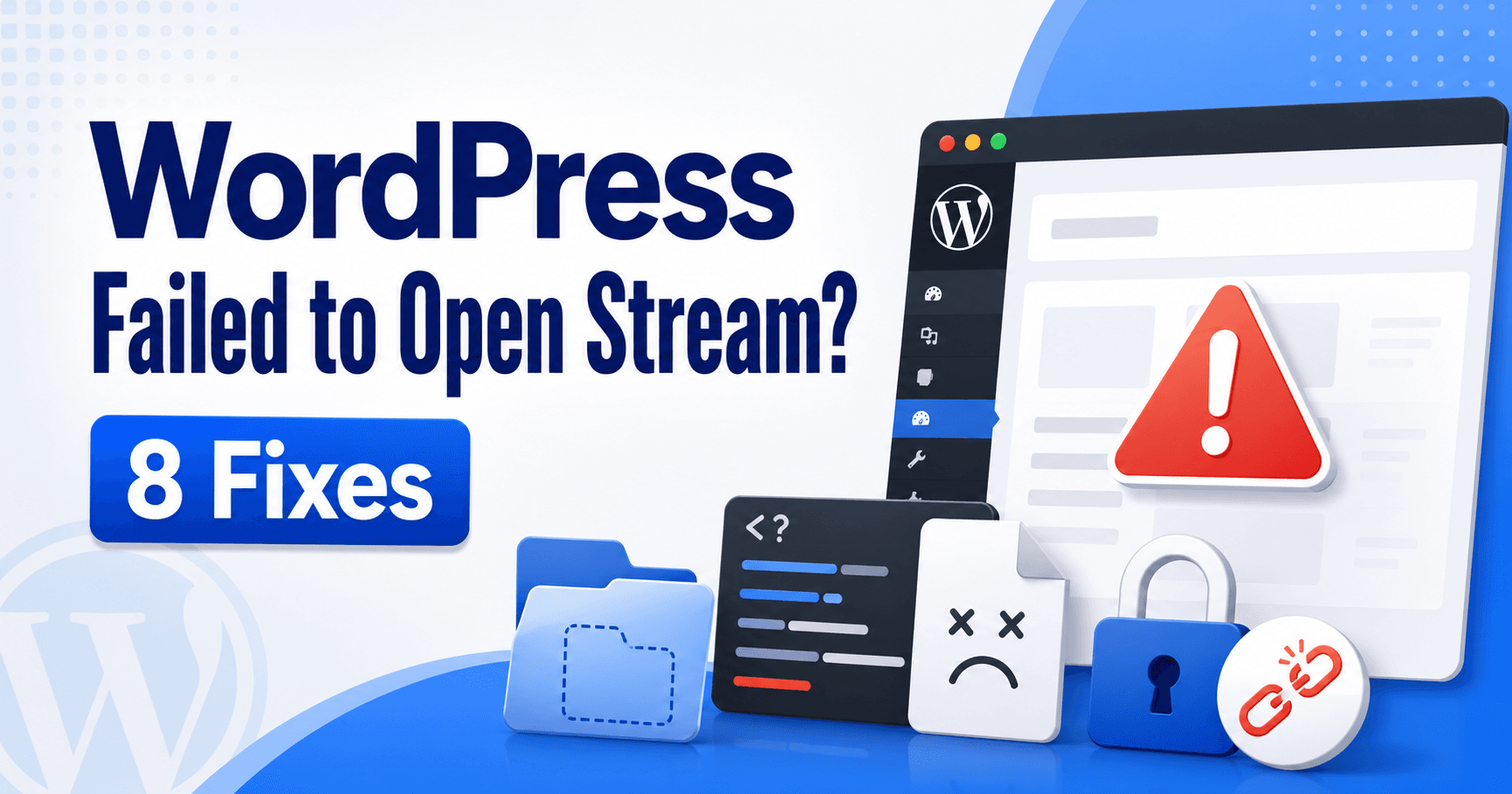
WordPress Failed to Open Stream: Diagnose the Named Path and Exact Reason

WordPress failed to open stream troubleshooting guide

Read the complete Failed to open stream message, including the path or URL and the reason. A missing file, denied access and remote connection failure require different checks. Preserve the action and time with the message so the maintainer can investigate the actual resource PHP tried to open. Guide reviewed: October 8, 2026. Interface labels … Read more

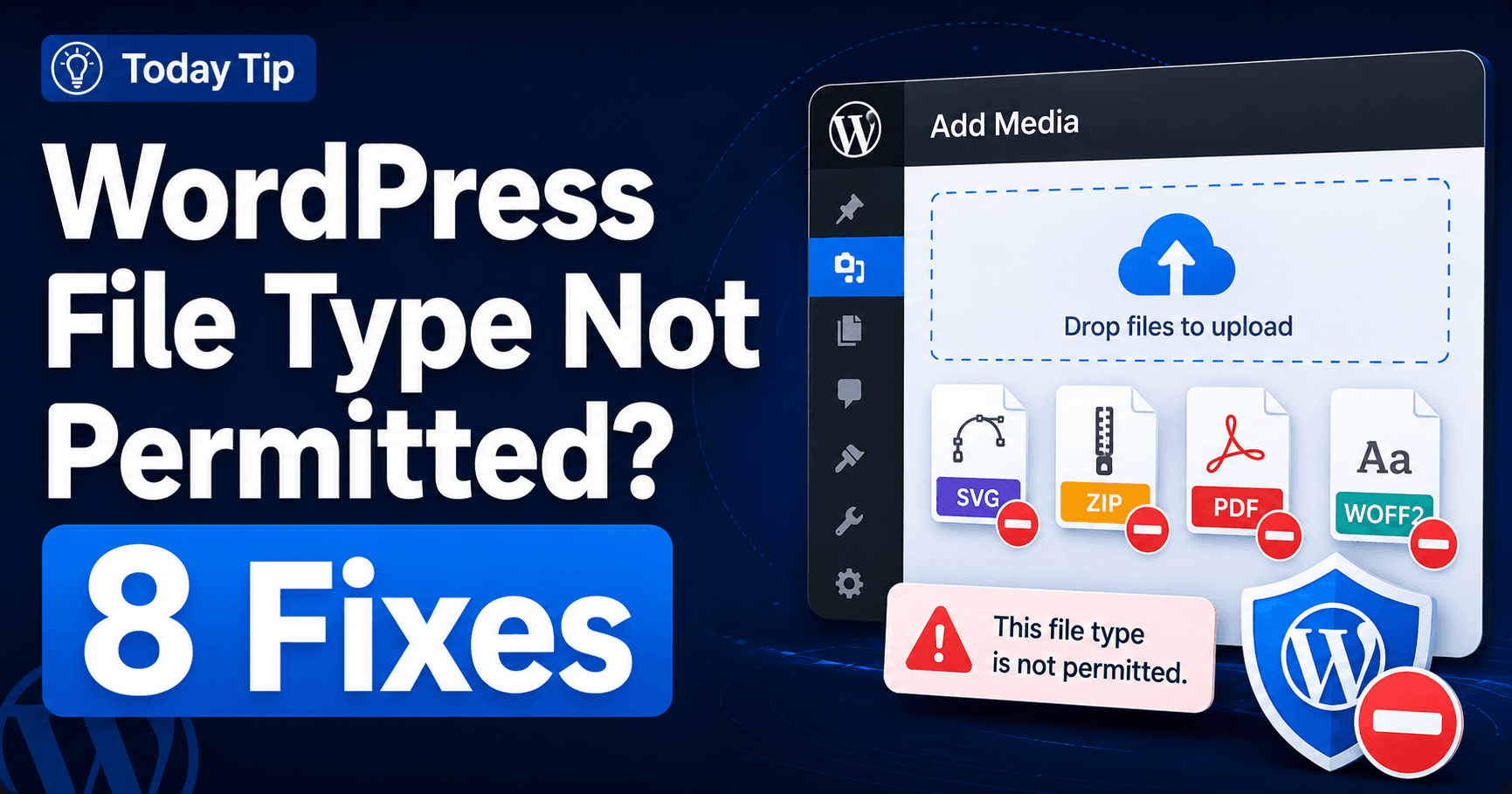
WordPress File Type Not Allowed: Verify the Format and Upload Policy

WordPress file type is not permitted troubleshooting guide

When WordPress rejects a file type, check its actual format and the specific uploader’s requirements. Renaming an extension does not convert its contents. Choose a publishing format suited to readers, then verify that the media library or plugin field accepts and handles it correctly. Guide reviewed: October 8, 2026. Interface labels may vary by version, … Read more

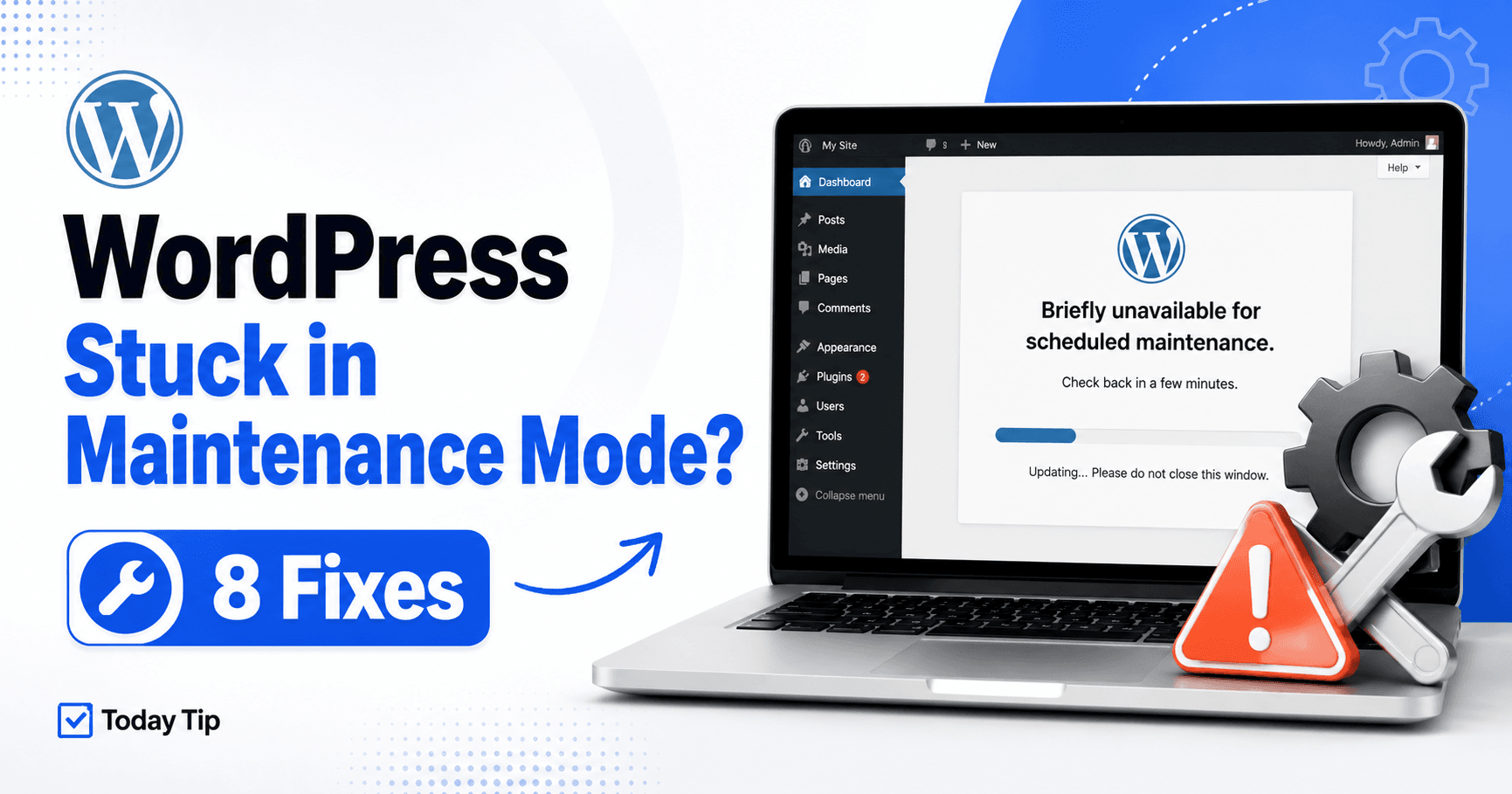
WordPress Stuck in Maintenance Mode? Check the Update Before Removing the Marker

WordPress stuck in maintenance mode troubleshooting guide

Your site still says “Briefly unavailable for scheduled maintenance” after an update. First establish whether the update is still replacing files. A disconnected browser tab does not tell you whether the server stopped. Once the update has stopped, distinguish the WordPress maintenance marker from a maintenance plugin, hosting page or cached response. Removing a marker … Read more

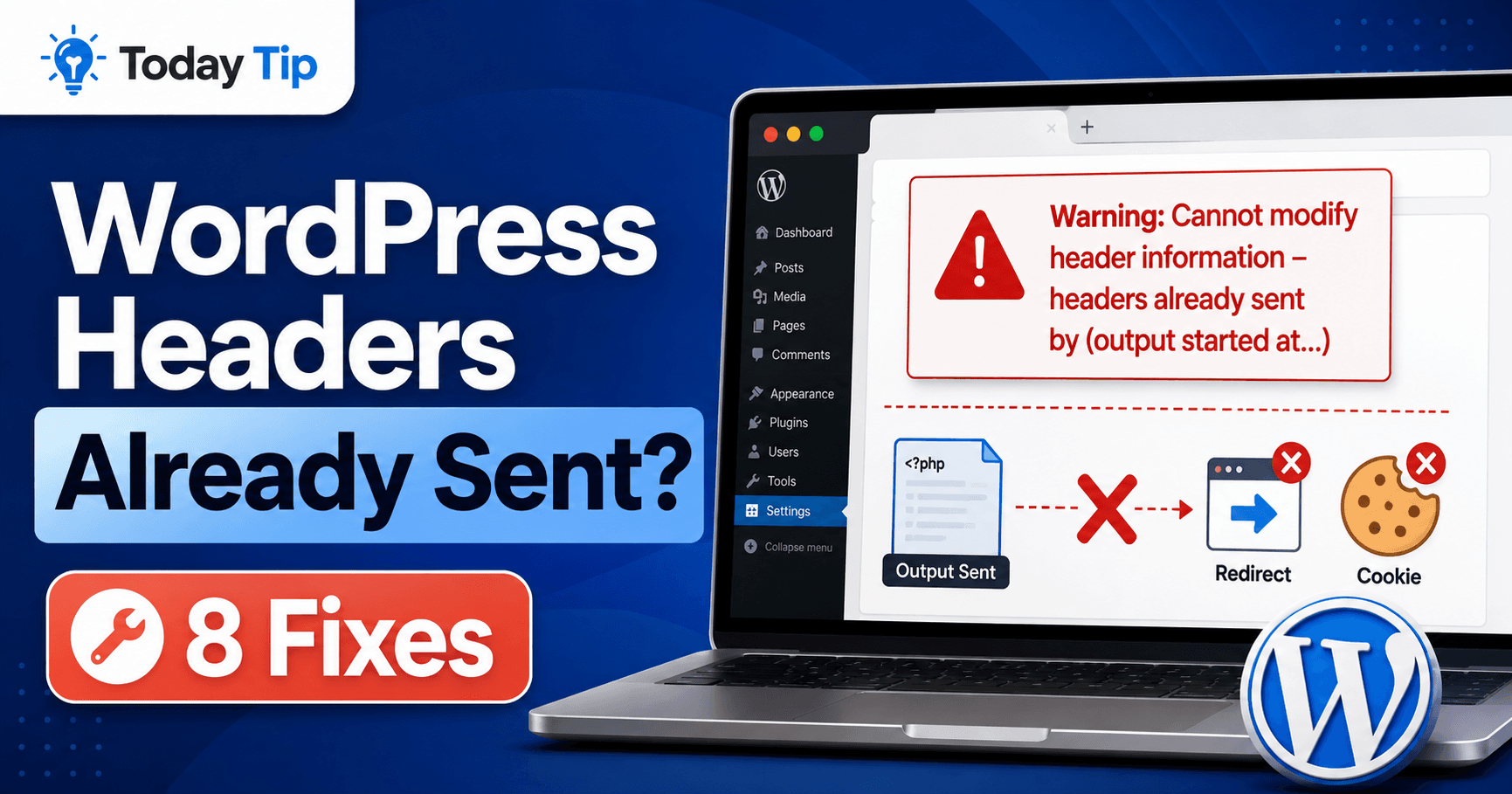
WordPress Headers Already Sent: Trace Early Output and Restore Login

WordPress headers already sent troubleshooting guide

A login that keeps returning to the sign-in screen, a failed redirect, or JSON mixed with warning text can all follow a PHP “headers already sent” warning. Read the output started at location first: it identifies the earlier output that prevented a later cookie or redirect header. This guide helps you separate that first event … Read more

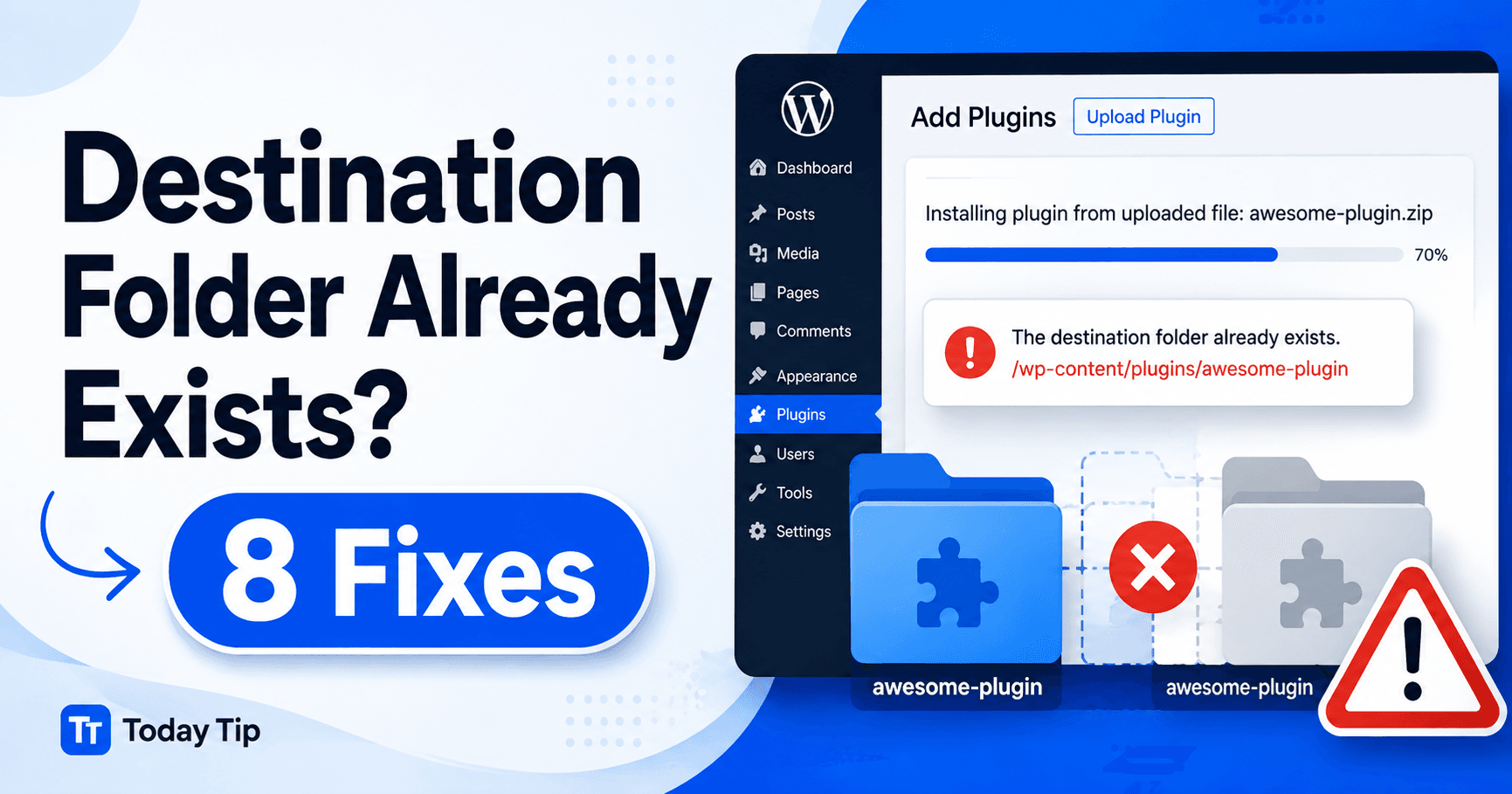
WordPress Destination Folder Already Exists: Identify the Installed Copy

WordPress destination folder already exists troubleshooting guide

“Destination folder already exists” means a plugin or theme installation found its target directory already present. Before removing files, establish whether that directory holds a working installation, a dependency or an incomplete attempt. Use the dashboard and exact folder path to choose between an update, a controlled replacement and removal of a backed-up unused remnant. … Read more