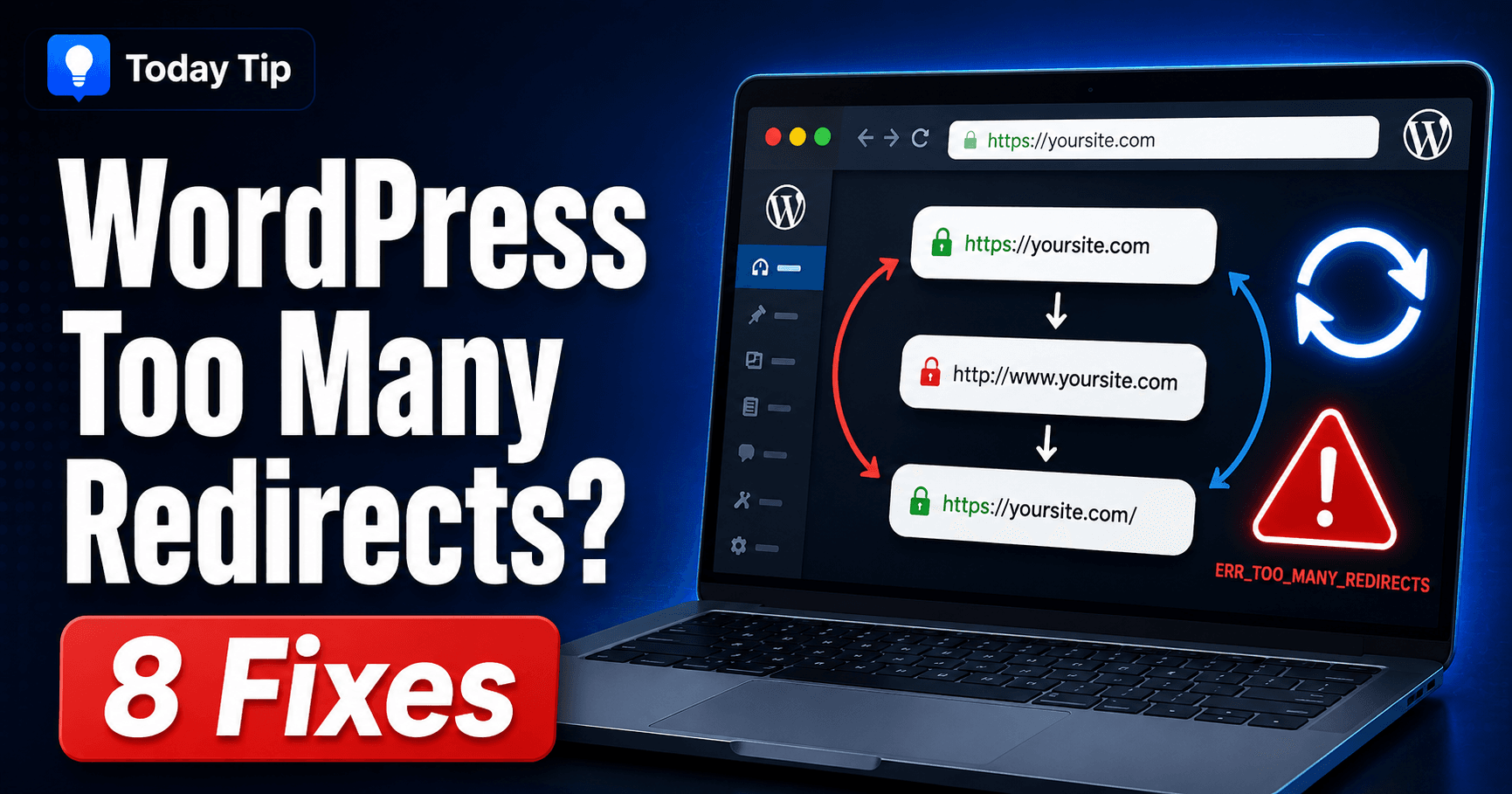
WordPress Login Redirect Loop: Trace Cookies, Destination and HTTPS
WordPress ERR_TOO_MANY_REDIRECTS troubleshooting guide

If WordPress accepts your login attempt but returns you to sign-in, follow the session and destination before changing credentials. A wrong-password message, repeated login page and “too many redirects” screen are different symptoms. Compare a clean authorized browser session and record the URL changes to locate the layer causing the loop. Guide reviewed: October 8, … Read more
WordPress White Screen of Death: Restore Access and Find the Cause

WordPress white screen of death troubleshooting guide

Opening your site gives you a blank white page, with no useful error message. First check whether the dashboard and other pages still open. That small comparison helps you choose between a page-specific problem and a failure affecting the whole installation. Work through the matching checks below. Keep a usable backup before changing files, and … Read more

WordPress Site Hacked: Preserve Evidence, Contain and Verify Recovery

WordPress site hacked malware security guide

Unexpected redirects, unknown administrators or injected spam deserve a coordinated incident review. Save the observed evidence and involve your host early, especially where orders or customer accounts are involved. Recovery needs containment, trusted files and data, repaired access and verification under the original failing conditions. Guide reviewed: October 8, 2026. Interface labels may vary by … Read more

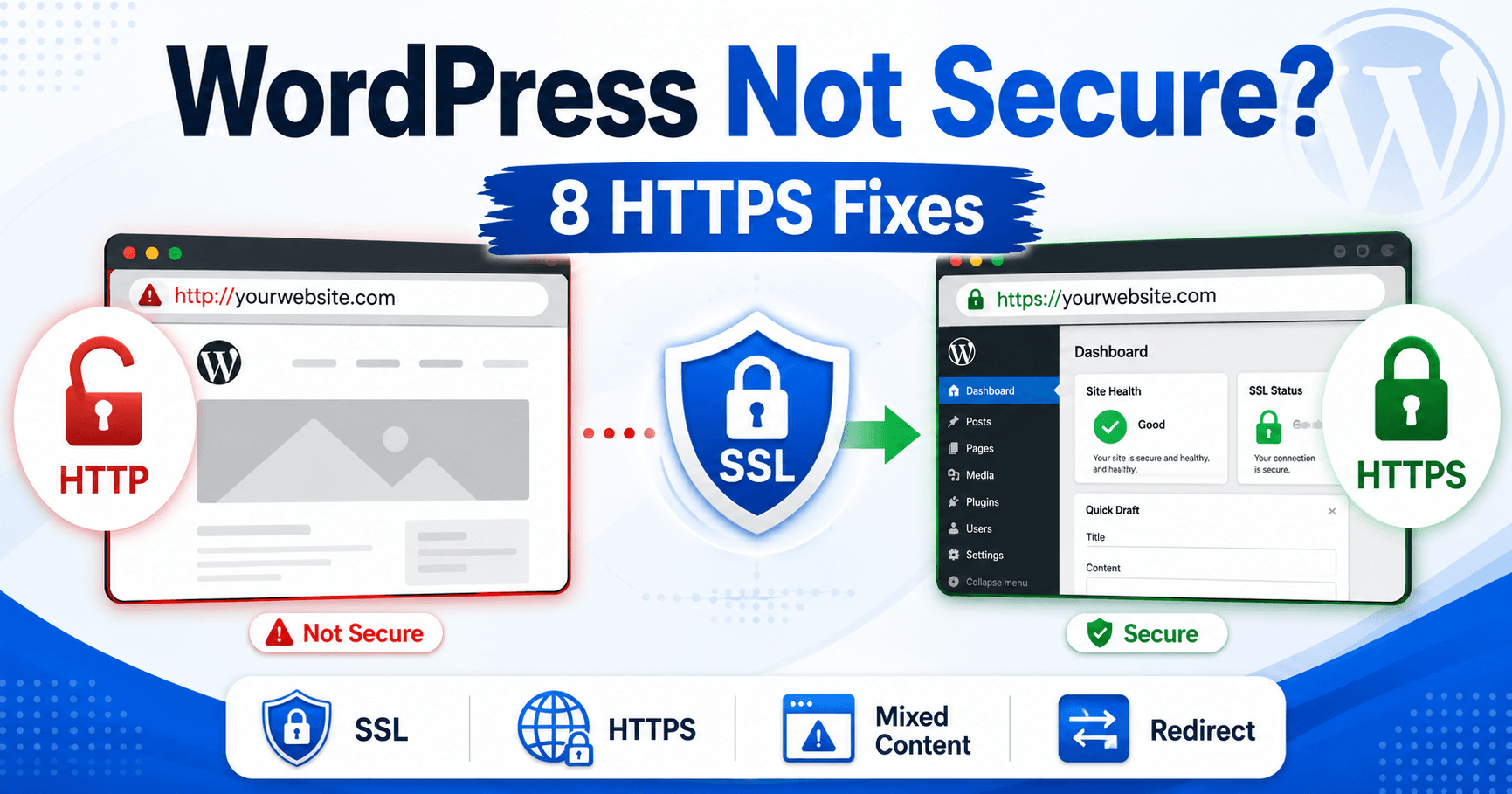
WordPress Not Secure Warning: Distinguish HTTP, Certificate and Unsafe Site Alerts

WordPress mixed content error HTTPS troubleshooting guide

Read the exact browser warning before changing WordPress settings. An HTTP connection notice, a full-page certificate error and an unsafe-site alert point to different problems. Check the affected hostname and secure connection first, then correct site addresses or old resource links where the evidence calls for it. Guide reviewed: October 8, 2026. Interface labels may … Read more

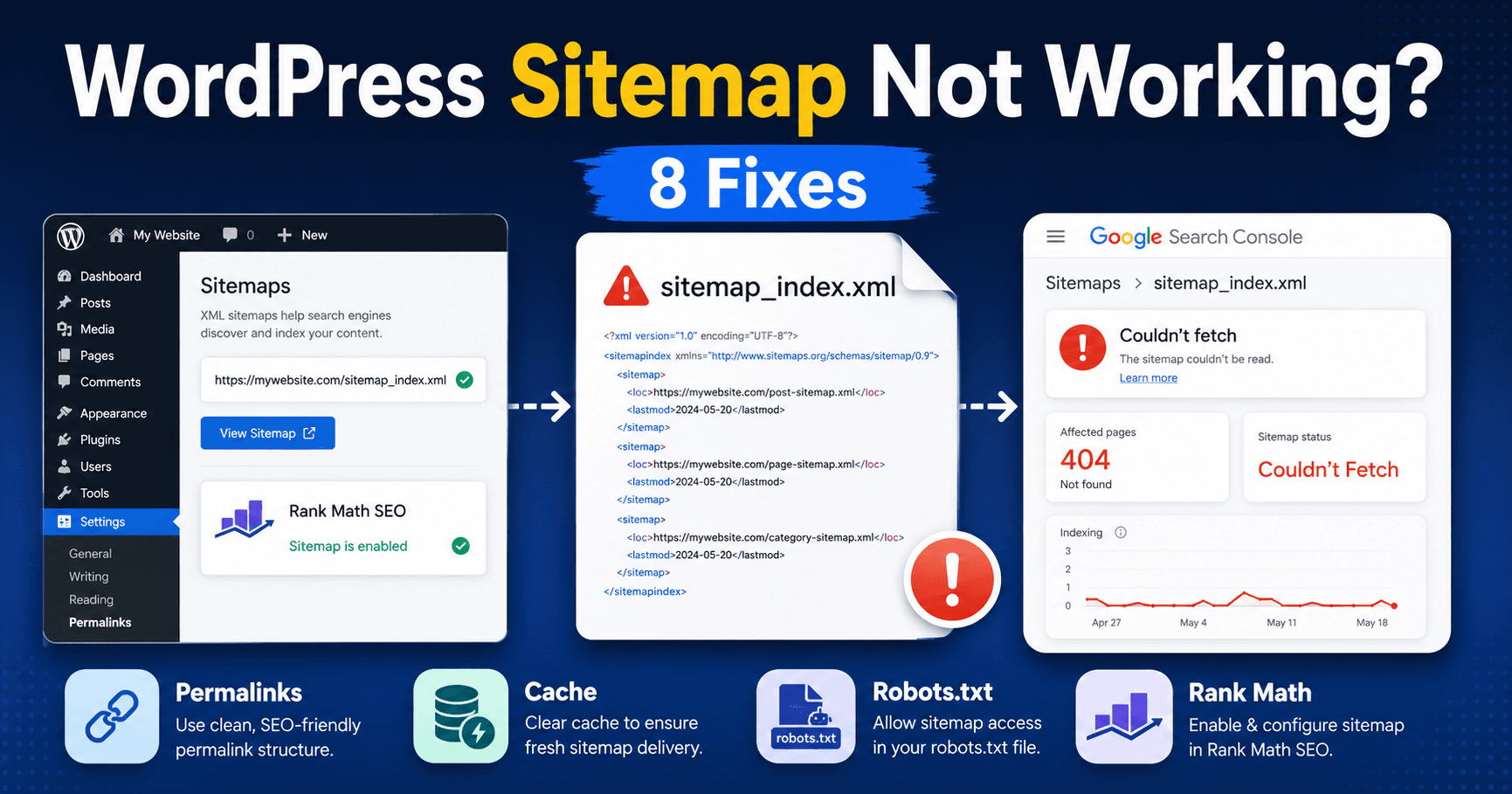
WordPress Sitemap Problems: Separate XML Generation, Access and Indexing

WordPress sitemap not working troubleshooting guide

A sitemap returning 404, an apparently blank XML view and a Search Console fetch failure are different problems. Use the sitemap address supplied by your active generator, then check its index and a child file. This guide separates generation and retrieval from the indexing decision for each page. Guide reviewed: October 8, 2026. Interface labels … Read more

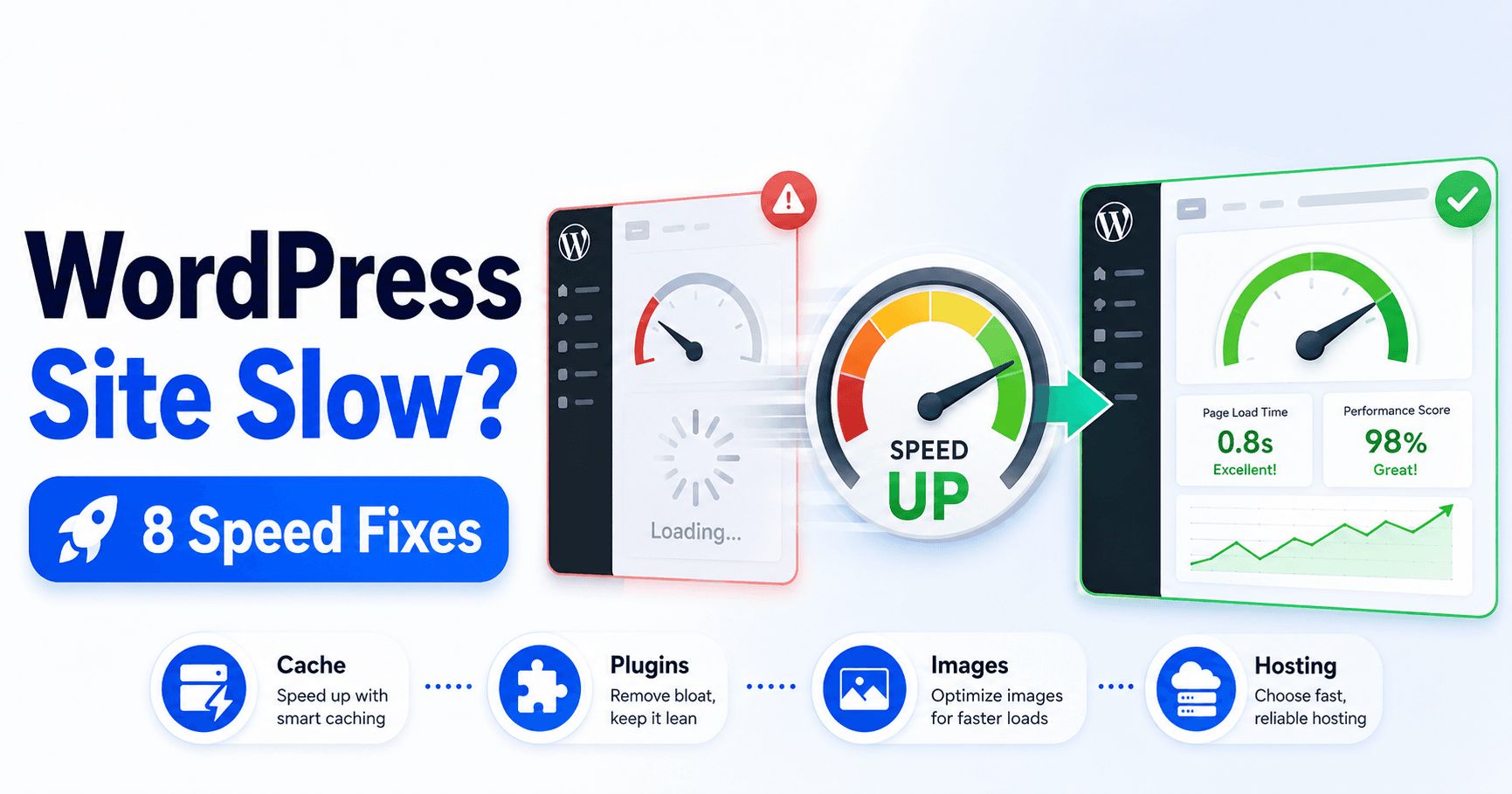
Why WordPress Is Slow: Measure Server Delay, Content Loading and Interaction

WordPress site slow speed troubleshooting guide

A page can be slow before the HTML arrives, while its main image appears or after a visitor taps a button. Measure the specific delay on representative pages before adding optimization settings. Compare the same page and visitor conditions so each change addresses the problem actually observed. Guide reviewed: October 8, 2026. Interface labels may … Read more

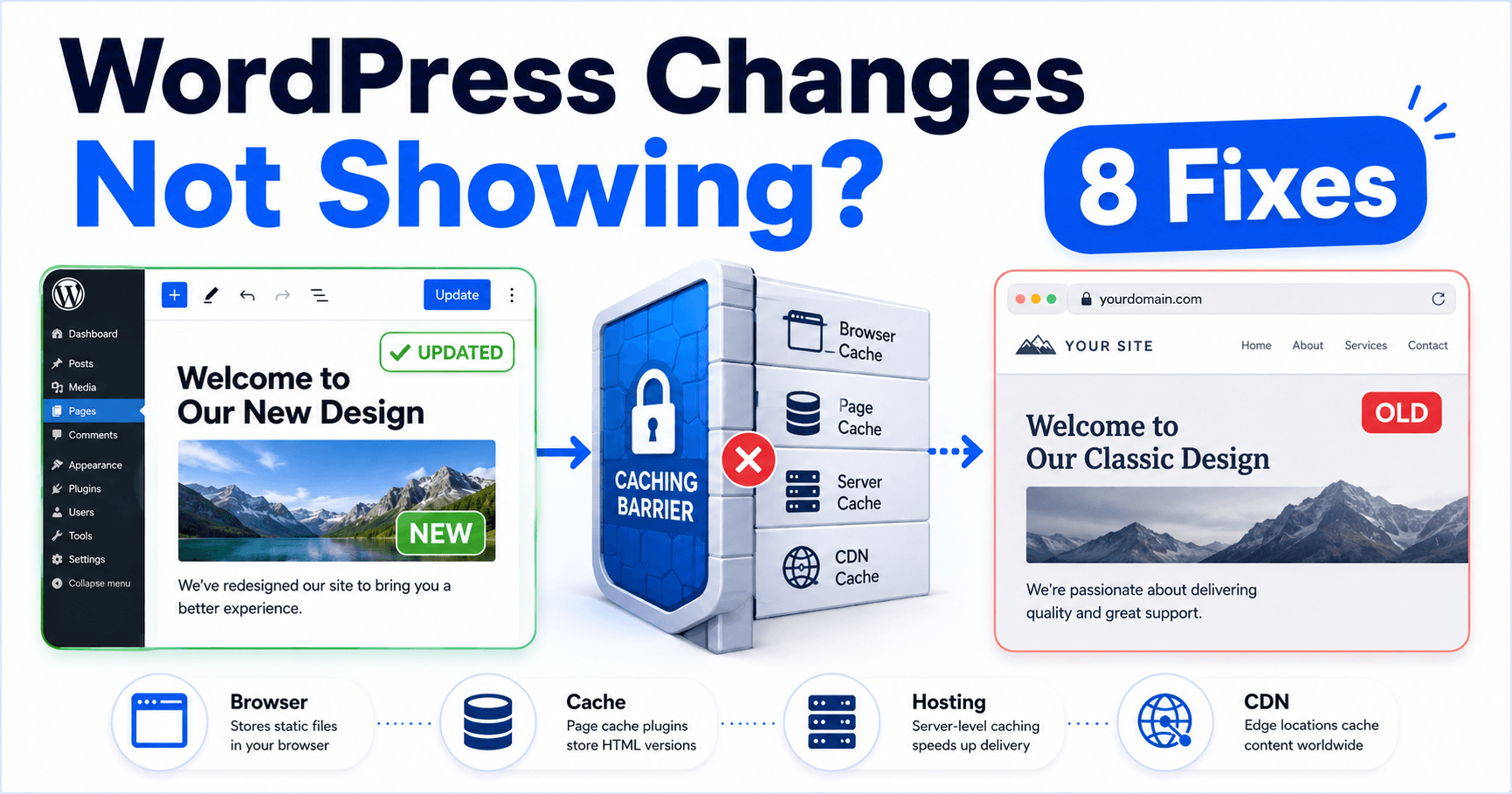
WordPress Changes Not Showing: Verify the Saved Source and Stale Delivery Layer

WordPress changes not showing troubleshooting guide

After saving an edit, first reopen the editor and confirm the new content persisted at the exact public URL you are checking. A different homepage assignment or template source can look like a cache problem. Once the source is correct, compare visitor sessions and the page, image or stylesheet that still shows the earlier version. … Read more

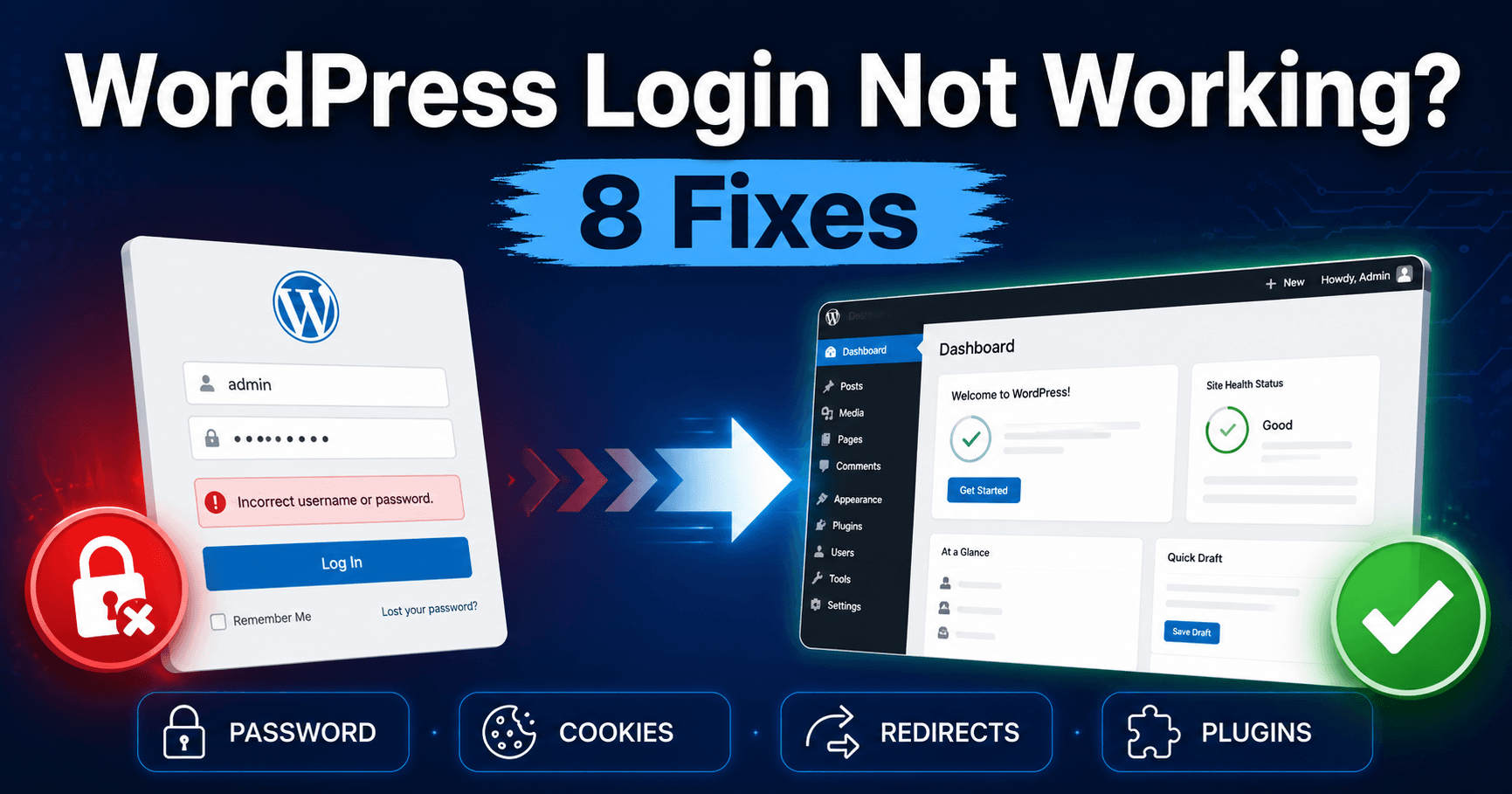
Cannot Log In to WordPress? Check Passwords, Cookies and Redirects

WordPress login not working troubleshooting guide

Does WordPress reject your password, return you to the same login form, or block the page before you can type? Those symptoms need different checks. Start with the exact behavior instead of repeatedly resetting your password. Confirm the domain and account first. The host login, WordPress.com login and this self-hosted site’s administrator account can be … Read more

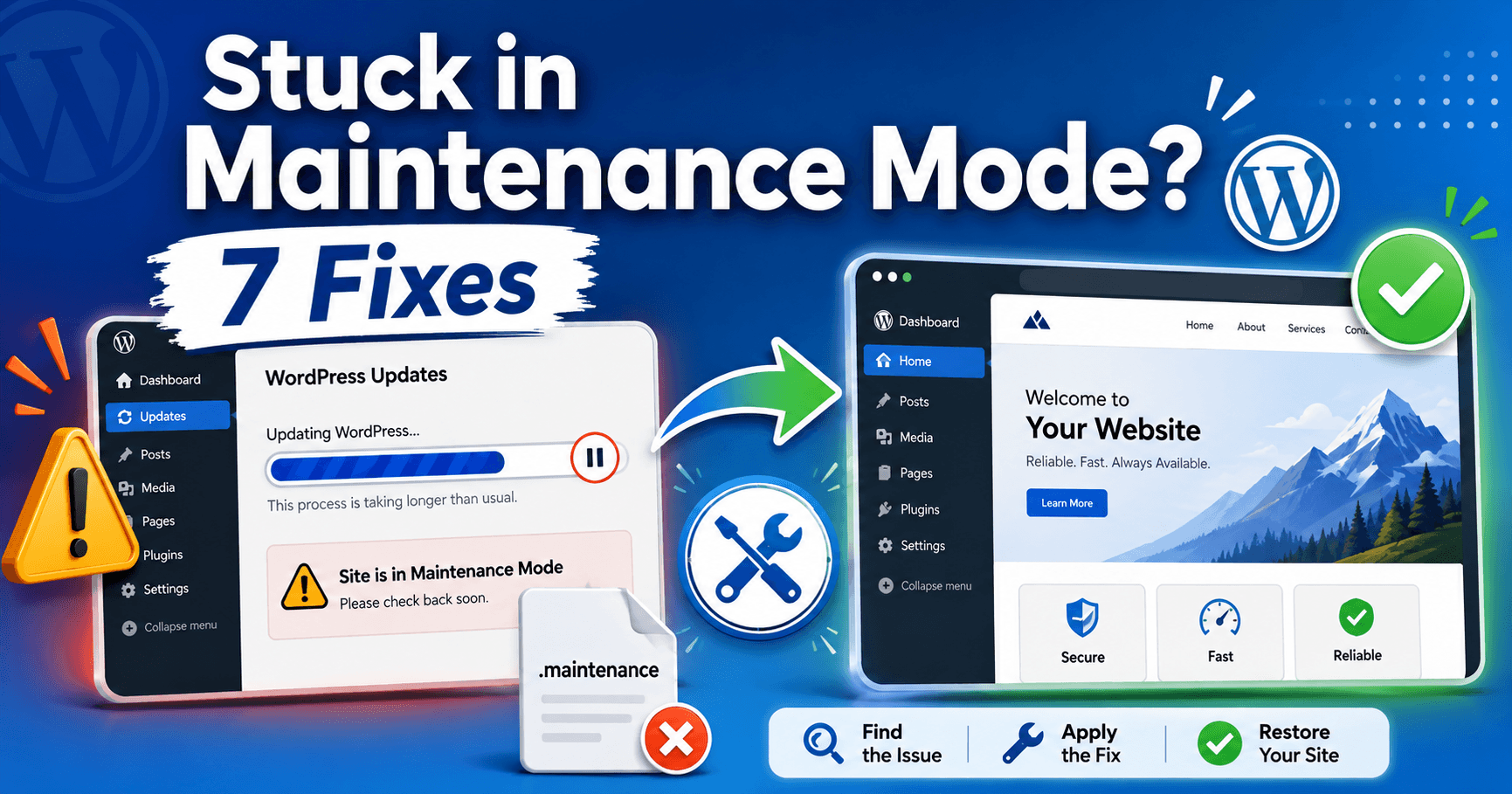
WordPress Maintenance After an Interrupted Update: Restore Access and Verify Files

WordPress stuck in maintenance mode alternate guide

If an update stops but the maintenance notice remains, first confirm that no update is still replacing files. Clearing a stale notice can restore access while leaving an incomplete installation behind. Identify the correct installation and maintenance layer, recover the affected component and verify its version and function. Guide reviewed: October 8, 2026. Interface labels … Read more

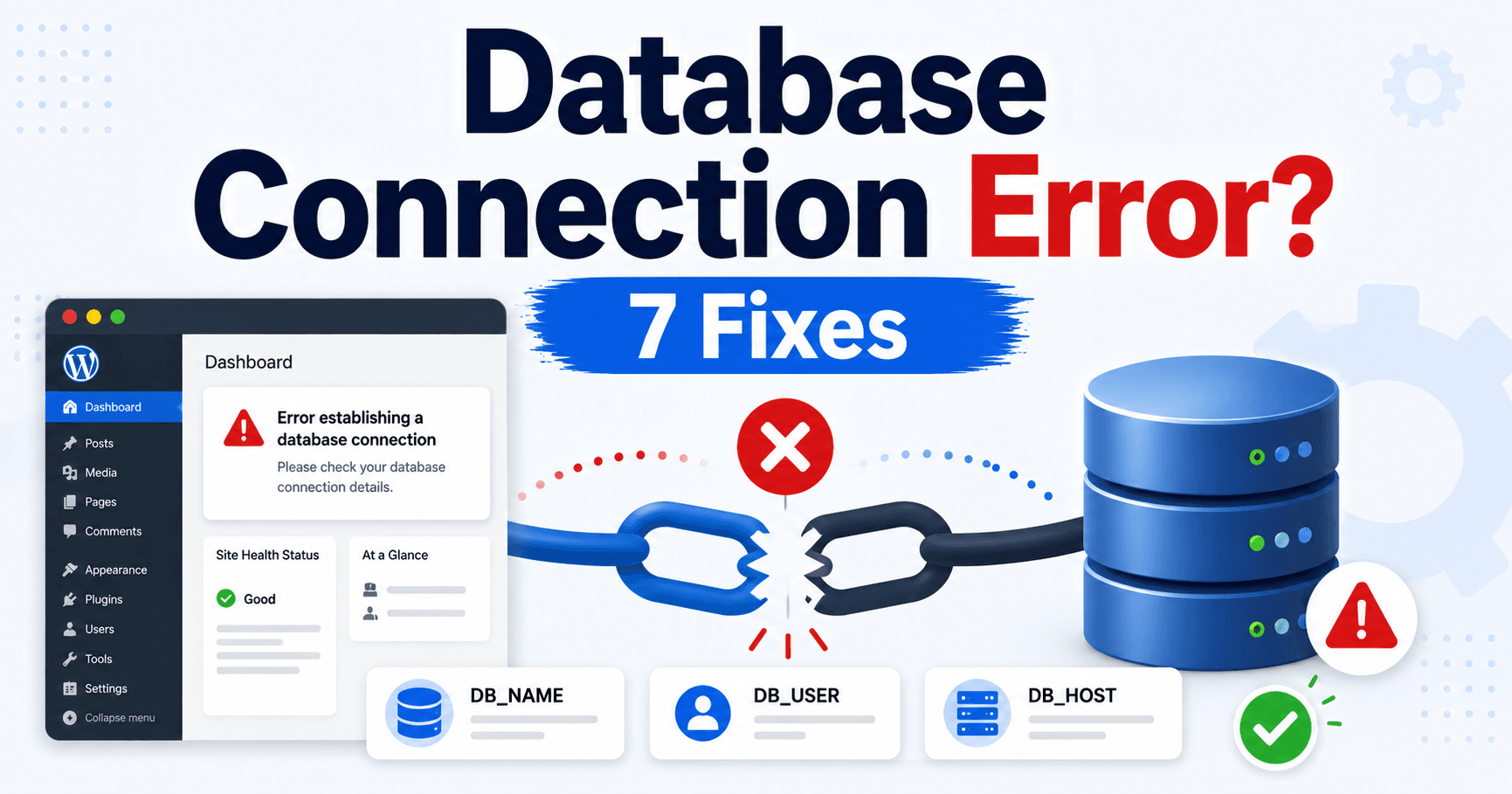
Error Establishing a Database Connection in WordPress: What to Check

WordPress database connection error troubleshooting guide

Your site says “Error establishing a database connection.” WordPress cannot reach the database it needs, but this message does not mean your posts have been deleted. Start with the timing: did it begin after moving the site, changing a database password, or without any change? Check the host’s database service before replacing data. Keep a … Read more